



DD&SS for Minecraft 1.16
 It’s not uncommon for users to use a variety of textures from other universes. Admittedly, these don’t always fit in with the overall setting, but there are nevertheless certain options that can work well in this respect.
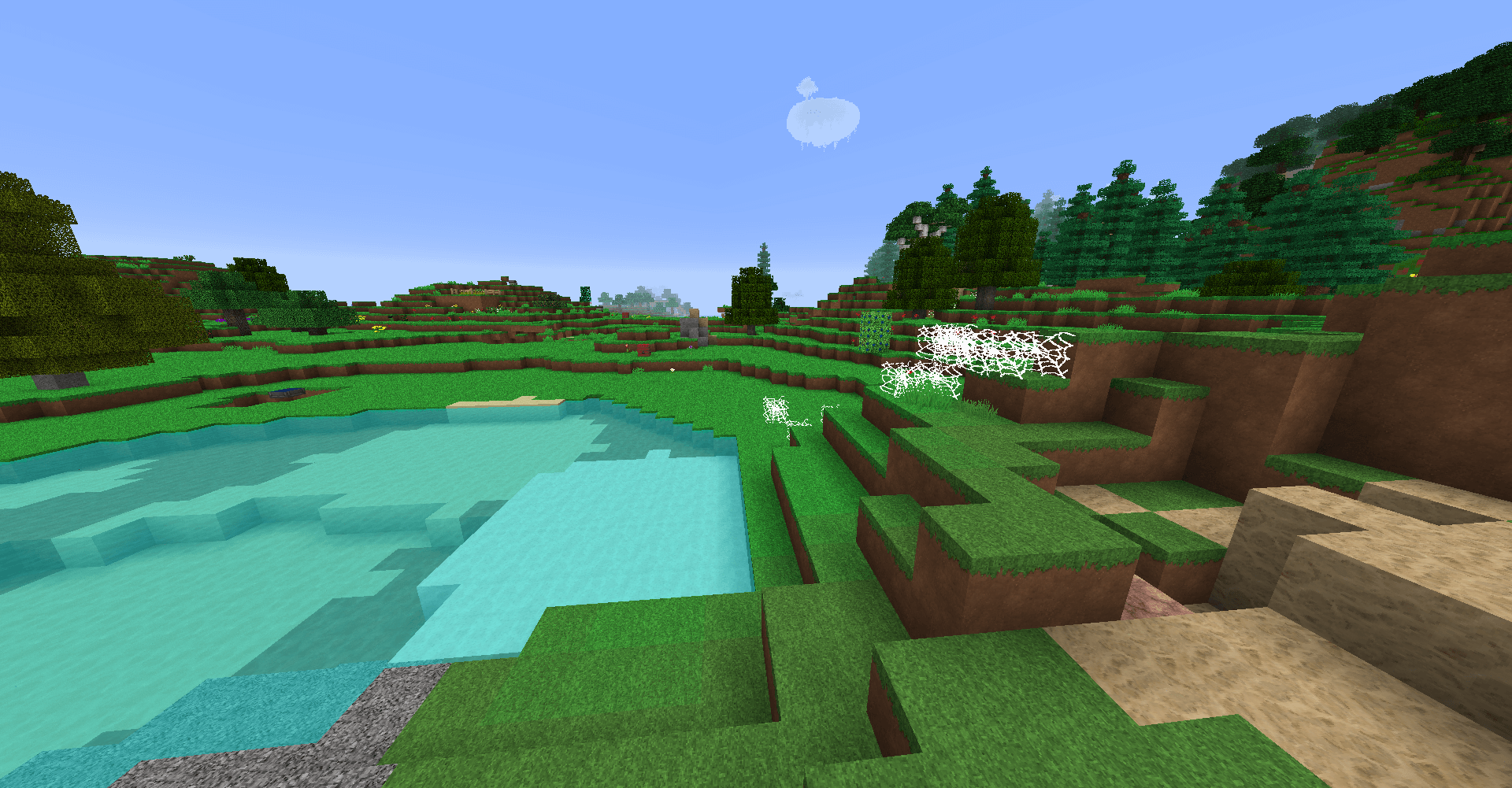
For example, today we’re suggesting you try the DD&SS texture pack for Minecraft, which will let you update the game’s environment with ease. Thanks to the updated textures and fine details, you’ll now be able to enjoy a fantasy setting and a pleasant gaming experience. Notice how painstakingly the creator has captured all the emotions and impressions of a journey through the world of Dungeon & Dragons. Enjoy the game!
How to install the texture pack:
Step one: Download the texture pack using the link below.
Step two: Unzip the downloaded archive and copy the folder DD&SS to the path c:\Users\Пользователь\AppData\Roaming\.minecraft\resourcepacks\ (if this folder does not exist, create it yourself)(For Windows)
Step three: In the game, go to Settings, then Resource Packs. There, click on the icon for the newly added texture pack in the left-hand list.
Comments (6)