



Dramatic Skys for Minecraft 1.16
 It’s time to relax a little and experience a fresh wave of emotions. Thanks to all the changes listed, you’ll be able to enjoy the atmosphere. The creator has worked on the sky rendering, making it as realistic and detailed as possible.
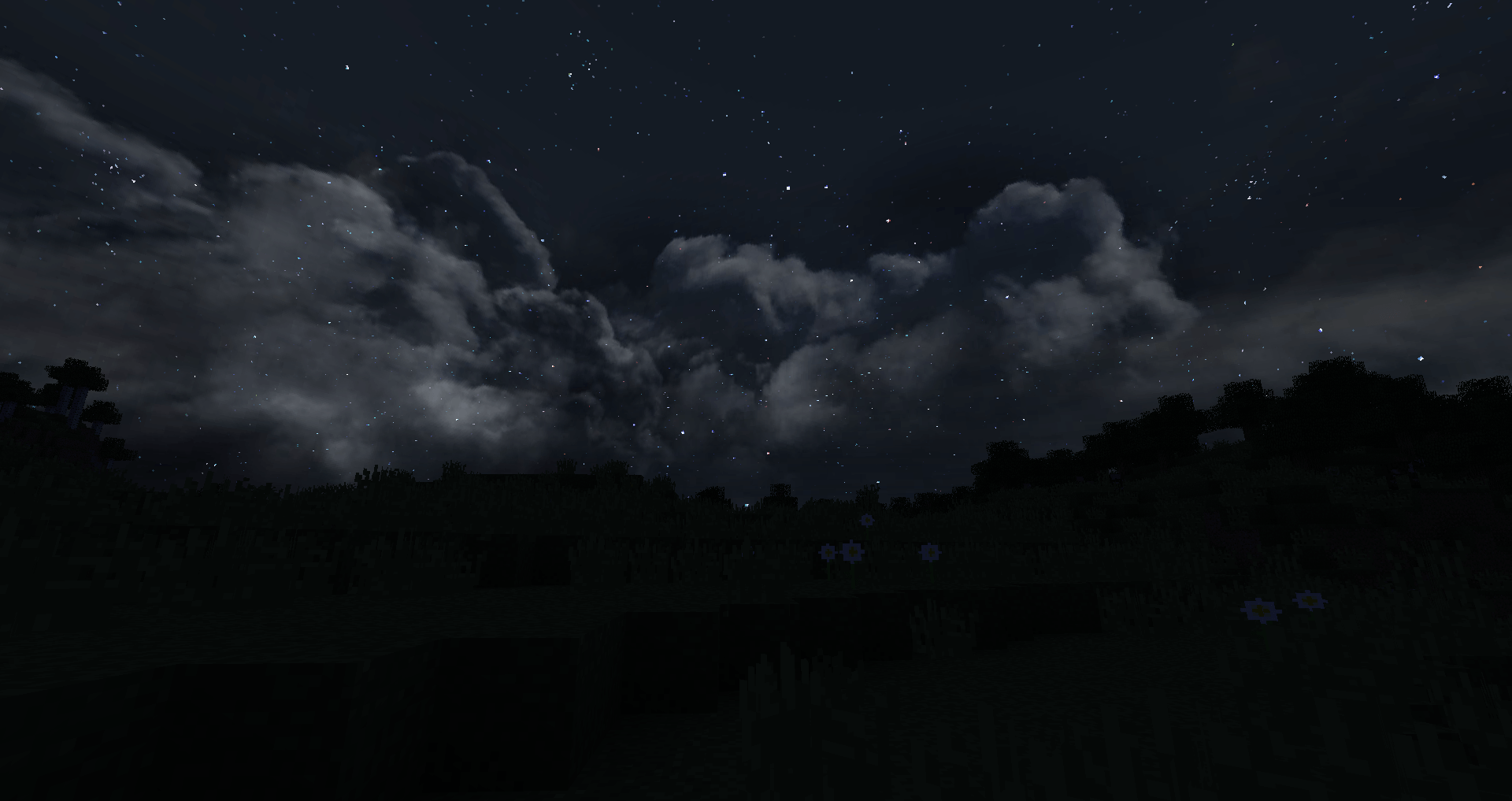
Now, the three-dimensional clouds and various animations certainly won’t disappoint you and will let you experience a whole host of new emotions. To get started, you’ll need to use the Dramatic Skys texture pack for Minecraft, which offers plenty of opportunities to enjoy beautiful surroundings and fully appreciate the creator’s work. Take a look, discover new horizons and enjoy the journey.

How to install the texture pack:
Step 1: Download the texture pack using the link below.
Step 2: Extract the downloaded archive and copy the Dramatic Skys folder to c:\Users\Пользователь\AppData\Roaming\.minecraft\resourcepacks\ (if this folder does not exist, create it yourself)(For Windows)
Step 3: In the game, go to Settings, then to Resource Packs. There, click on the icon for the newly added texture pack in the list on the left.
Comments (1)