



Faithful x32 for Minecraft 1.16
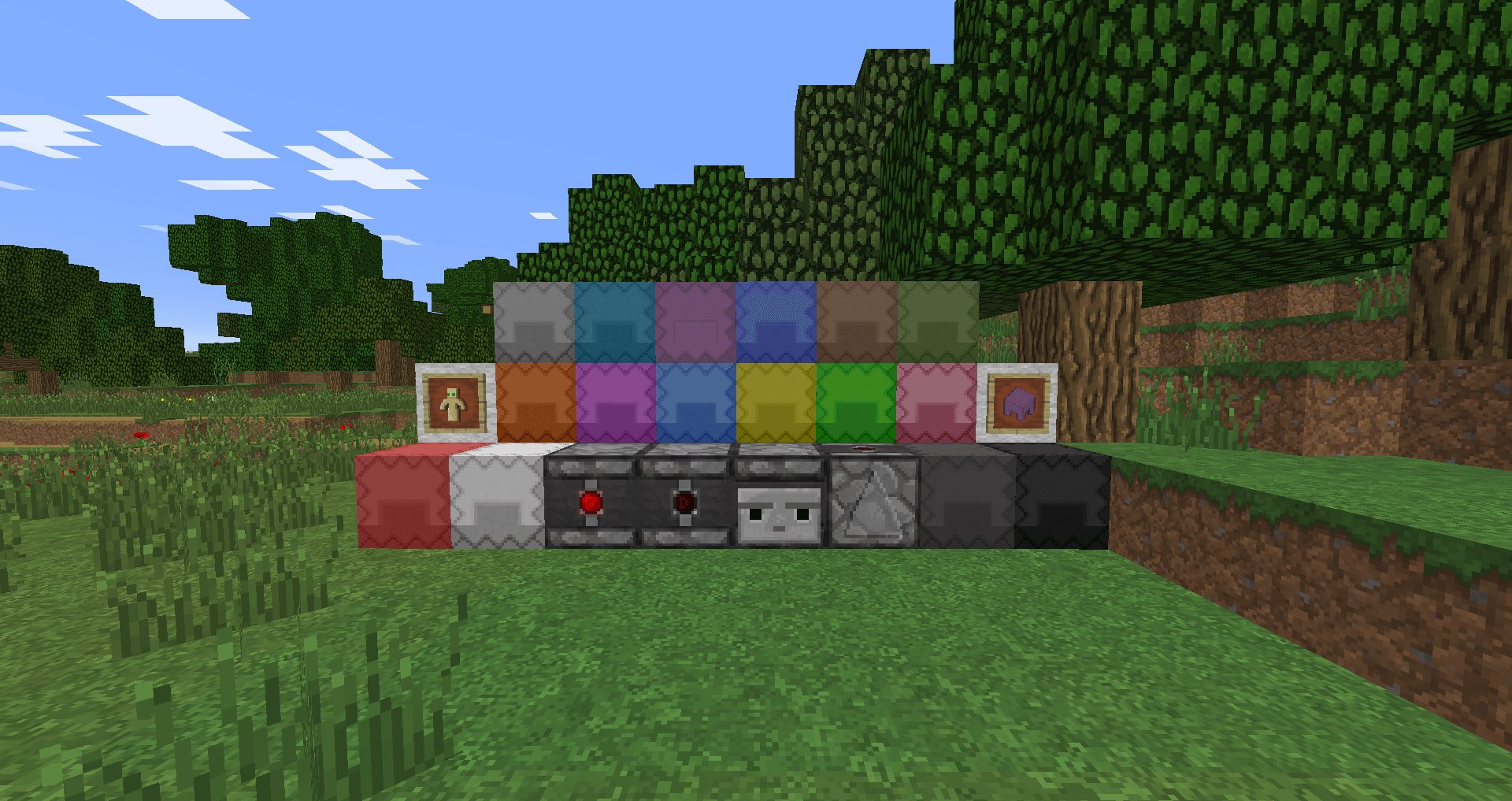
 To ensure you get the most out of your gaming adventure, it’s important to make sure the in-game environment looks as good as possible. That’s why we recommend using the Faithful x32 texture pack for Minecraft, which will be a pleasant surprise for many players.
Thanks to this upgrade, you’ll be able to enjoy an enhanced world and fresh textures without any issues. In fact, their resolution will be almost doubled. So don’t waste any time – set off on an adventure that’s sure to delight you. Now you can embark on an adventure and try to get as much excitement out of it as possible. Enjoy the game!
How to install the texture pack:
Step one: Download the texture pack using the link below.
Step two: Unzip the downloaded archive and copy the folder Faithful x32 to c:\Users\Пользователь\AppData\Roaming\.minecraft\resourcepacks\ (if this folder does not exist, create it yourself)(For Windows)
Step three: In the game, go to Settings, then to Resource Packs. There, click on the icon for the new texture pack in the left-hand list.
Comments (45)