



Firewolf HD for Minecraft 1.16
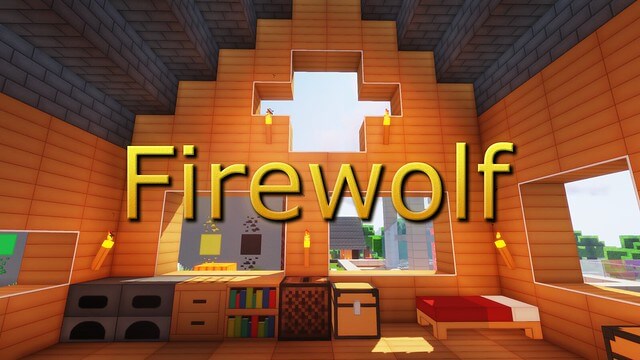 If you’ve long wanted to significantly enhance your Minecraft gaming experience, we suggest you don’t waste any time and just get started. This time, you’ll be using the Firewolf HD texture pack for Minecraft, which promises to be not only interesting but also engaging.
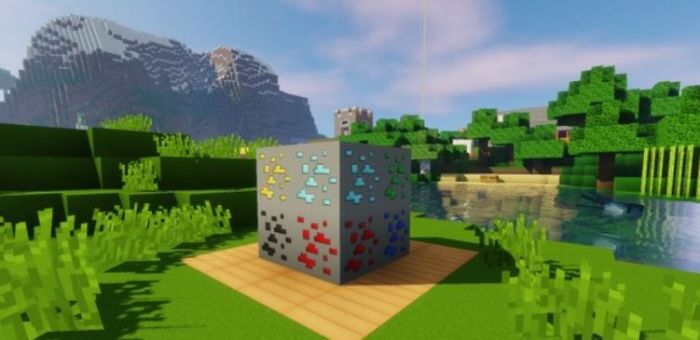
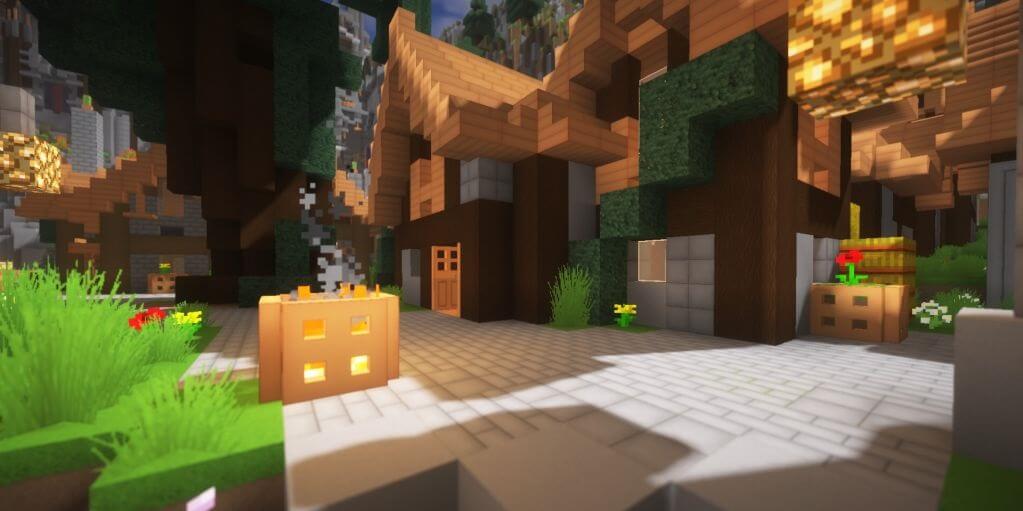
After all, you’ll now be able to use textures with a resolution of 128×128, which is quite high. The game world will be transformed and will delight you with a wide variety of interesting details. All it takes is a little effort to achieve a result that will be evident from the very first minutes of your adventure.
How to install the texture pack:
Step one: Download the texture pack using the link below.
Step two: Extract the downloaded archive and copy the folder Firewolf HD to c:\Users\Пользователь\AppData\Roaming\.minecraft\resourcepacks\ (if this folder does not exist, create it yourself)(For Windows)
Step three: In the game, go to Settings, then to Resource Packs. There, click on the icon for the new texture pack in the left-hand list.
Comments (4)