



Invictus – Vanilla for Minecraft 1.16
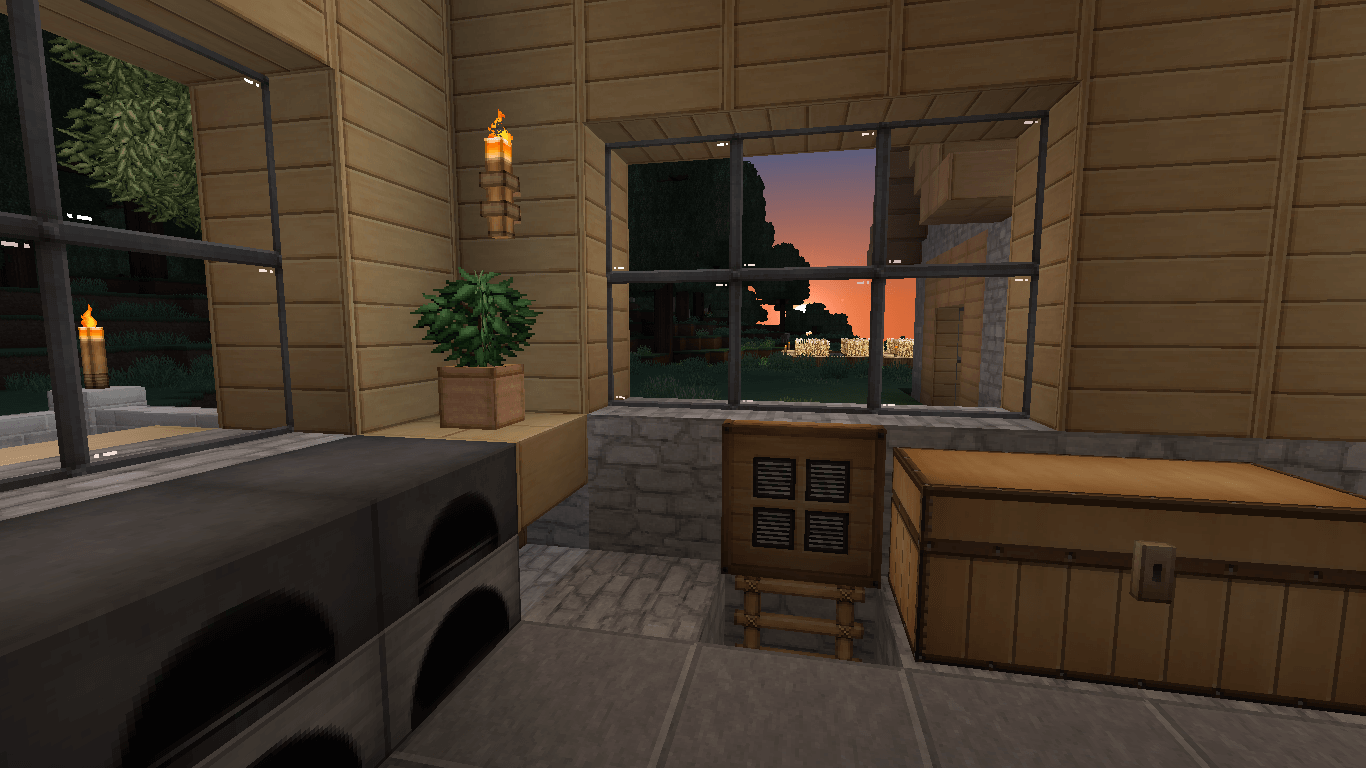
 The Invictus – Vanilla texture pack for Minecraft is a great way to give the game a fresh look. This time, you’ll be able to enjoy updated textures that affect not only the in-game flora but also certain interior elements.
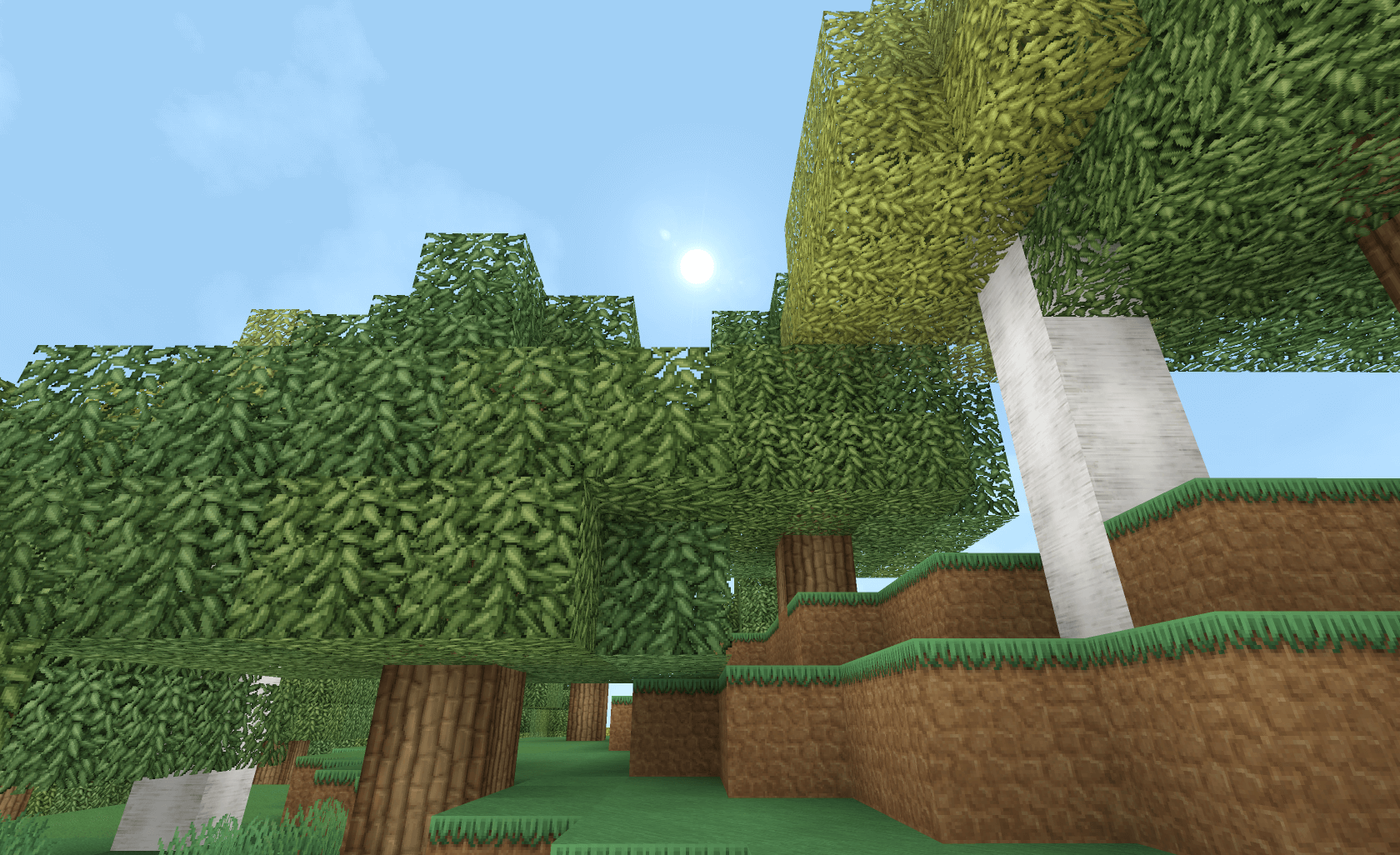
As a nice bonus, the author has worked on the dungeons and made them darker. So we suggest you get ready for an adventure right away and try to achieve a successful outcome. The author has put in a great deal of effort to create a truly unique environment that will appeal to anyone who enjoys staying active in the virtual world. Good luck!
How to install the texture pack:
Step one: Download the texture pack using the link below.
Step two: Unzip the downloaded archive and copy the folder Invictus - Vanilla to c:\Users\Пользователь\AppData\Roaming\.minecraft\resourcepacks\ (if this folder does not exist, create it yourself)(For Windows)
Step three: In the game, go to Settings, then to Resource Packs. In the list on the left, click the icon for the new texture pack that has appeared.
Comments (0)