



MYTHIC for Minecraft 1.16
 You’ve probably been wanting to experience a whole host of thrills from your usual game of Minecraft for quite some time, so today something unusual and interesting awaits you. First, you’ll need to download MYTHIC for Minecraft, and then you can set off on a long journey to enjoy the welcoming atmosphere of your new surroundings.

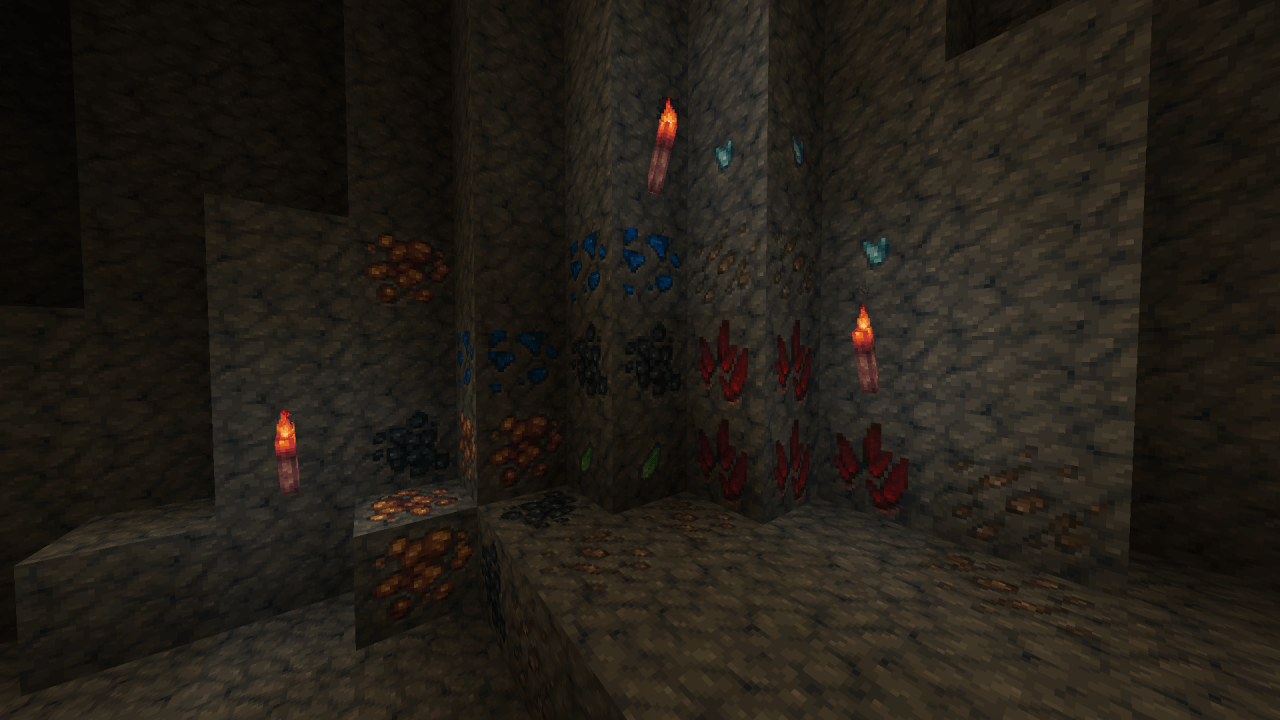
The creator has designed unique textures and added some effects to familiar objects and items. All you need to do is examine each item for yourself and observe its effects closely, whether it’s at rest or in active use. We hope you enjoy the game and have a great time!
How to install the texture pack:
Step one: Download the texture pack using the link below.
Step two: Extract the downloaded archive and copy the folder MYTHIC to c:\Users\Пользователь\AppData\Roaming\.minecraft\resourcepacks\ (if this folder does not exist, create it yourself)(For Windows)
Step three: In the game, go to Settings, then to Resource Packs. There, click the icon for the new texture pack in the left-hand list.
Comments (0)