



Adem's Blue for Minecraft 1.17
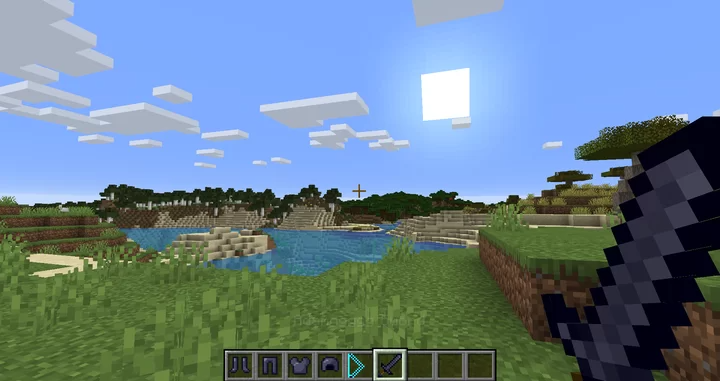
 Adem's Blue for Minecraft – a special add-on that allows you to use new and interesting character skins with ease. Although add-ons of this kind always provide only a single skin, this time the author has decided to break with tradition slightly and offers a wide range of different options and improvements to the standard skin.
Don’t rush your choice; it’s better to make the most of all the options available to ensure you get the best out of it in the long run. We hope you enjoy the game and have a great time!
How to install the texture pack:
Step 1: Download the texture pack using the link below.
Step 2: Extract the downloaded archive and copy the folder Adem's Blue to the following path: c:\Users\Пользователь\AppData\Roaming\.minecraft\resourcepacks\ (if this folder does not exist, create it yourself) (For Windows)
Step 3: In the game, go to Settings, then Resource Packs. There, click on the icon for the new texture pack in the left-hand list.
Comments (0)