



Aluzion for Minecraft 1.17
 Adventures in the vast world of Minecraft can broadly be divided into PvP and PvE. If you enjoy battling other players, we recommend trying the Aluzion add-on for Minecraft.
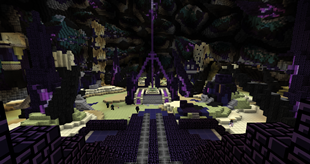
The creator of this enhancement has worked to remove graininess and optimise textures so that players can enjoy high performance and dynamic gameplay. All you need to do is set off on your journey, and you’ll immediately realise what makes this graphical enhancement special. We wish you an enjoyable game and all the very best!
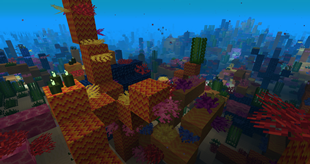
How to install the texture pack:
Step 1: Download the texture pack using the link below.
Step 2: Extract the downloaded archive and copy the Aluzion folder to c:\Users\Пользователь\AppData\Roaming\.minecraft\resourcepacks\ (if this folder does not exist, create it yourself) (For Windows)
Step 3: In the game, go to Settings, then Resource Packs. In the left-hand list, click on the icon for the newly added texture pack.
Comments (0)