



Better Hearts for Minecraft 1.17
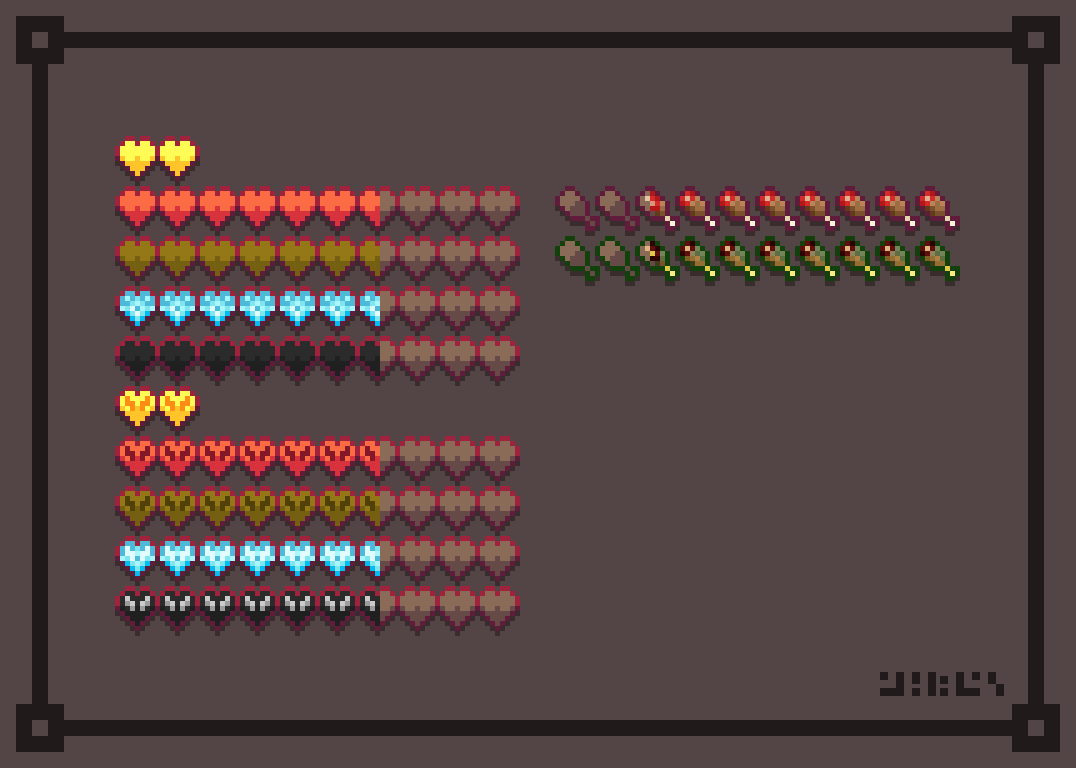
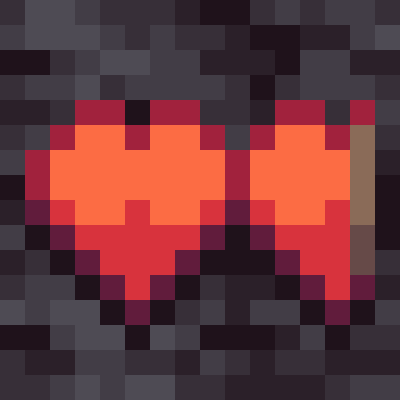 Better Hearts for Minecraft is the perfect way to tweak the visual design of the health heart interface a little. This time, you simply need to choose exactly how the health hearts should look.
Don’t rush your decisions, and try to achieve a favourable outcome in your new adventures. You’ll need to make the most of all your new options and try to make the game just a little bit better and fresher. Don’t rush your decisions; even such a minor improvement will help you achieve a favourable outcome. We wish you the best of luck!
How to install the texture pack:
Step 1: Download the texture pack using the link below.
Step 2: Extract the downloaded archive and copy the Better Hearts folder to c:\Users\Пользователь\AppData\Roaming\.minecraft\resourcepacks\ (if this folder does not exist, create it yourself) (For Windows)
Step 3: In the game, go to Settings, then Resource Packs. There, click on the icon for the new texture pack in the left-hand list.
Comments (0)