



Bloom for Minecraft 1.17
 Bloom for Minecraft is an excellent option for enhancing the visuals, developed by a professional artist. This time, you’ll be able to install textures for virtually the entire environment.
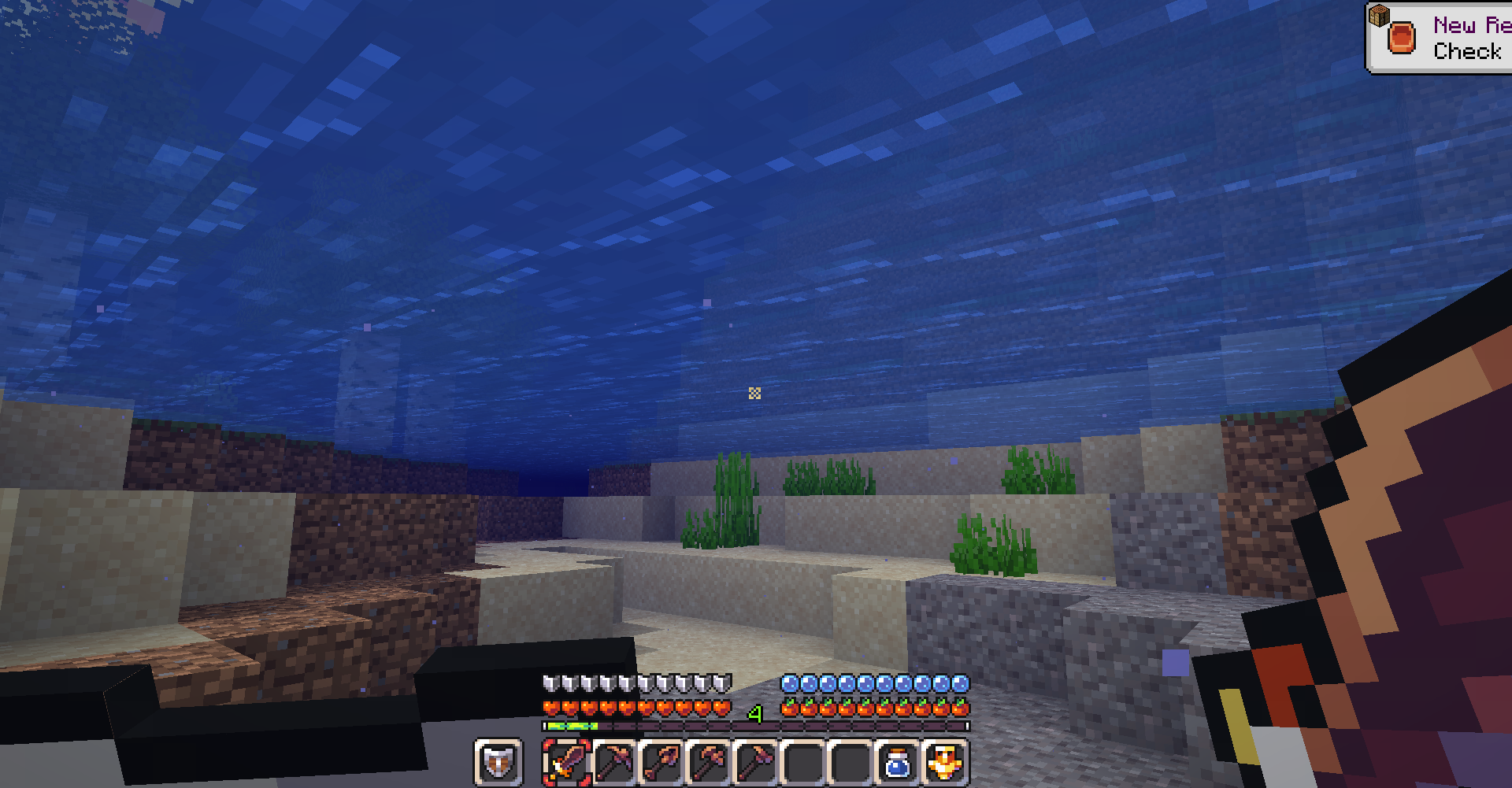
The author has worked on each texture individually and is now ready to share the results of his work. You’ll be amazed at just how carefully and meticulously the author has worked on every visual detail. You’ll enjoy exploring the entire environment in detail, and you’re sure to spot plenty of new and interesting improvements. All in all, an exciting adventure awaits you, one that will heighten your enthusiasm for exploration.
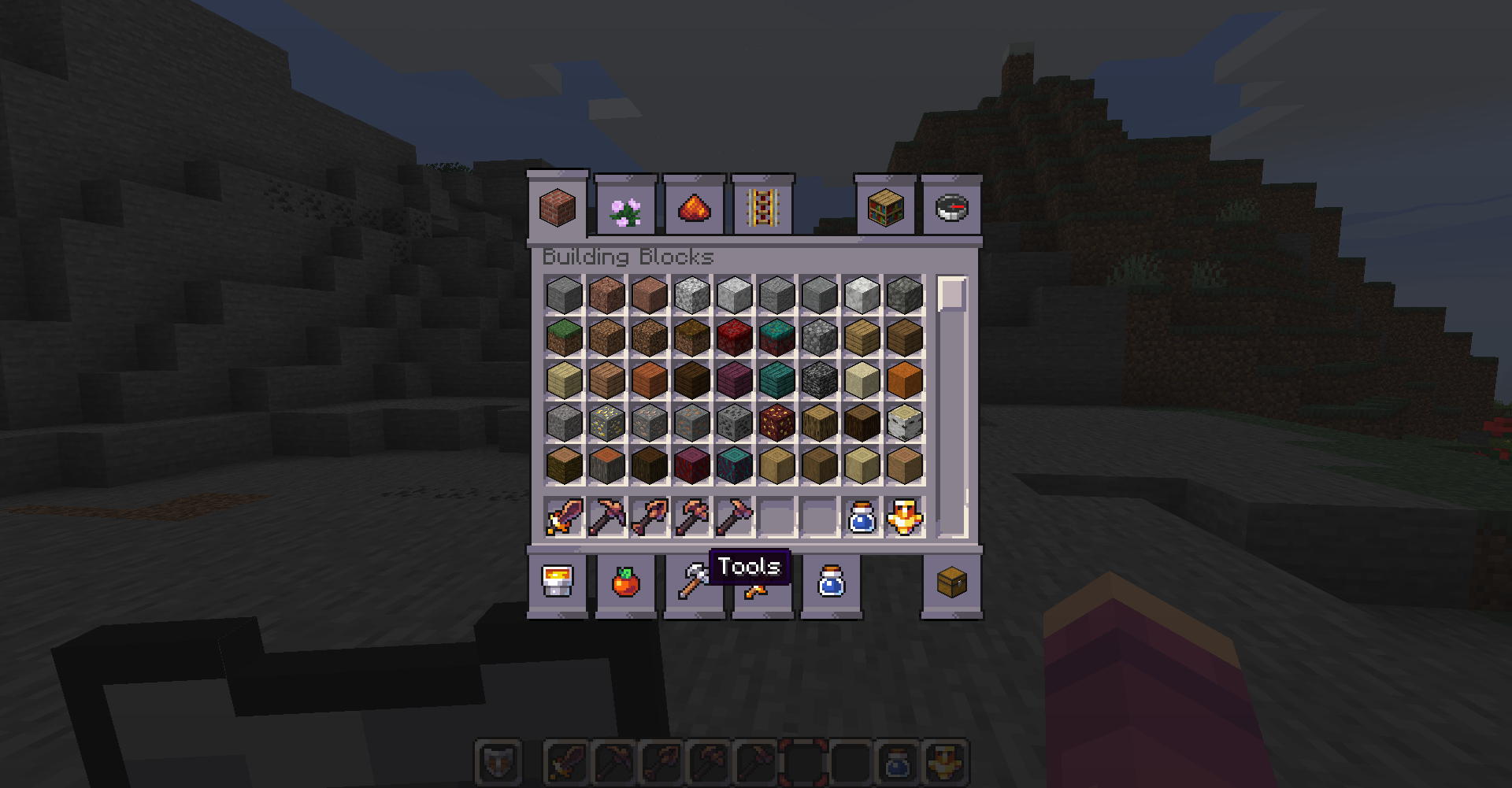
How to install the texture pack:
Step 1: Download the texture pack using the link below.
Step 2: Extract the downloaded archive and copy the Bloom folder to c:\Users\Пользователь\AppData\Roaming\.minecraft\resourcepacks\ (if this folder does not exist, create it yourself) (For Windows)
Step 3: In the game, go to Settings, then Resource Packs. There, click the icon for the newly added texture pack in the left-hand list.
Comments (1)