



BlueBerry for Minecraft 1.17
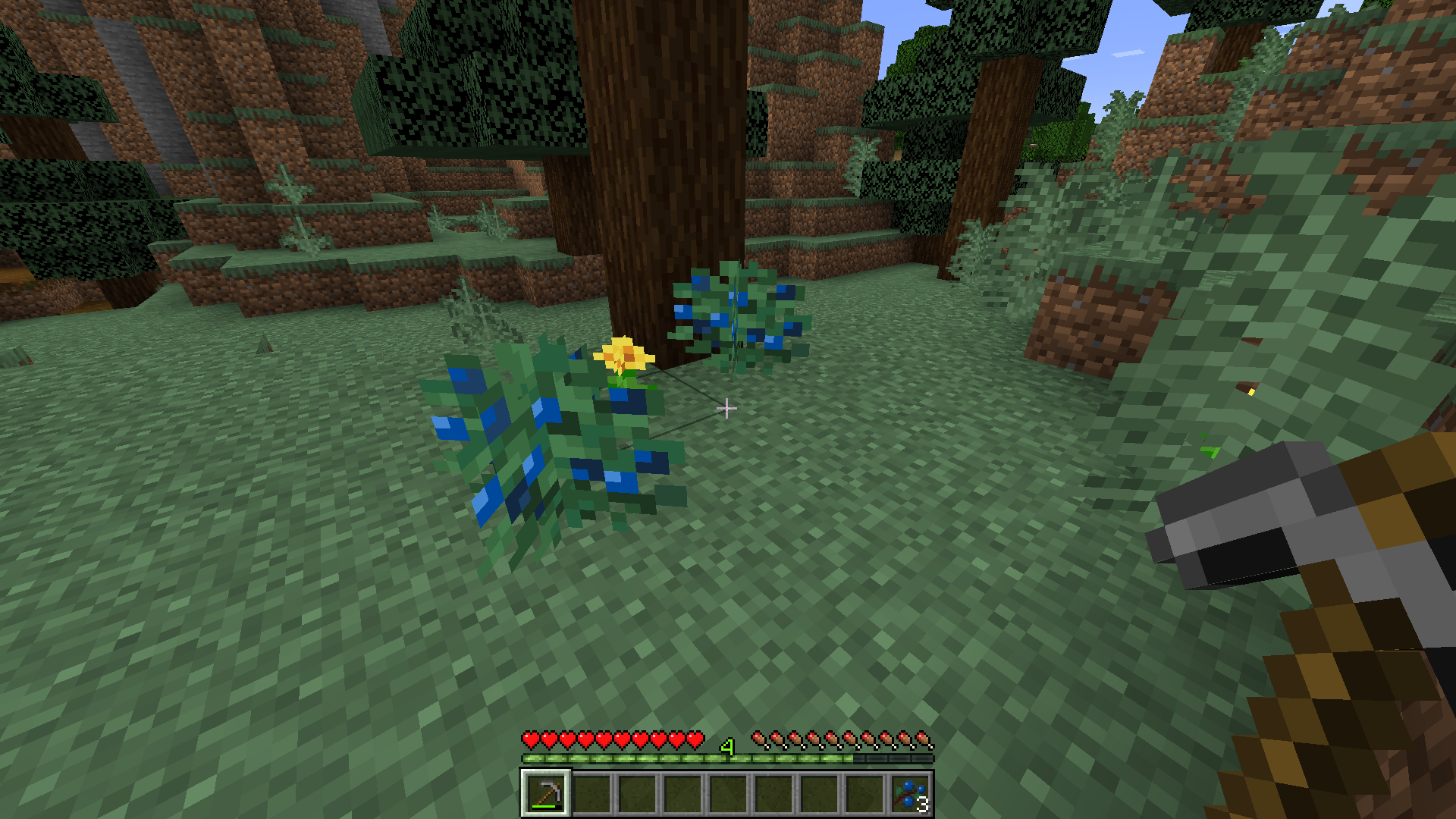
 BlueBerry for Minecraft is a small but visually appealing option for customizing the game's appearance. This add-on invites you to explore a world where all the berries are now replaced with blue ones. Previously, these berries were only red, so this add-on offers something completely different and more pleasing.
Don’t be too quick to jump to conclusions, as even an add-on like this can give you a little taste of something new. We’d like to encourage you not to waste any time and simply enjoy every moment of the game. After all, even if only slightly, it will be different.
How to install the texture pack:
Step one: Download the texture pack using the link below.
Step two: Extract the downloaded archive and copy the BlueBerry folder to c:\Users\Пользователь\AppData\Roaming\.minecraft\resourcepacks\ (if this folder does not exist, create it yourself) (For Windows)
Step three: In the game, go to Settings, then Resource Packs. There, click on the icon for the new texture pack in the left-hand list.
Comments (0)