



Bytecraft for Minecraft 1.17
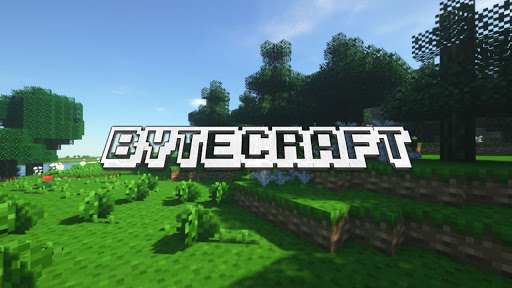 If performance is important to you, be sure to check out the Bytecraft add-on for Minecraft. The creator of this add-on has tried to improve performance without changing the visual style too much.
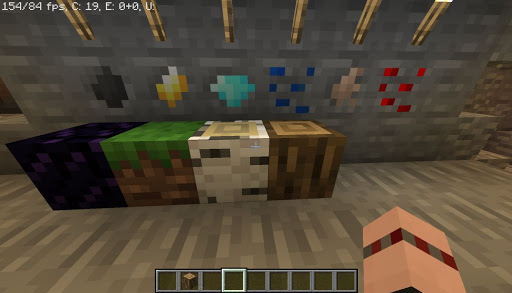
Be prepared for a possible frame rate increase of 30 frames per second, which will make the game look smoother and much more pleasant. In any case, the visual update will have a positive impact on the overall adventure experience and offer new impressions. Either way, the game will be much better, which will delight all fans.

How to install a texture pack:
Step 1: Download the texture pack using the link below.
Step 2: Extract the downloaded archive and copy the Bytecraft folder to c:\Users\Пользователь\AppData\Roaming\.minecraft\resourcepacks\ (if this folder does not exist, create it yourself) (For Windows)
Step 3: In the game, go to Settings, then Resource Packs. There, click on the icon for the new texture pack in the left-hand list.
Comments (0)