



Cave Mushrooms - Glow Lichen Replacement for Minecraft 1.17
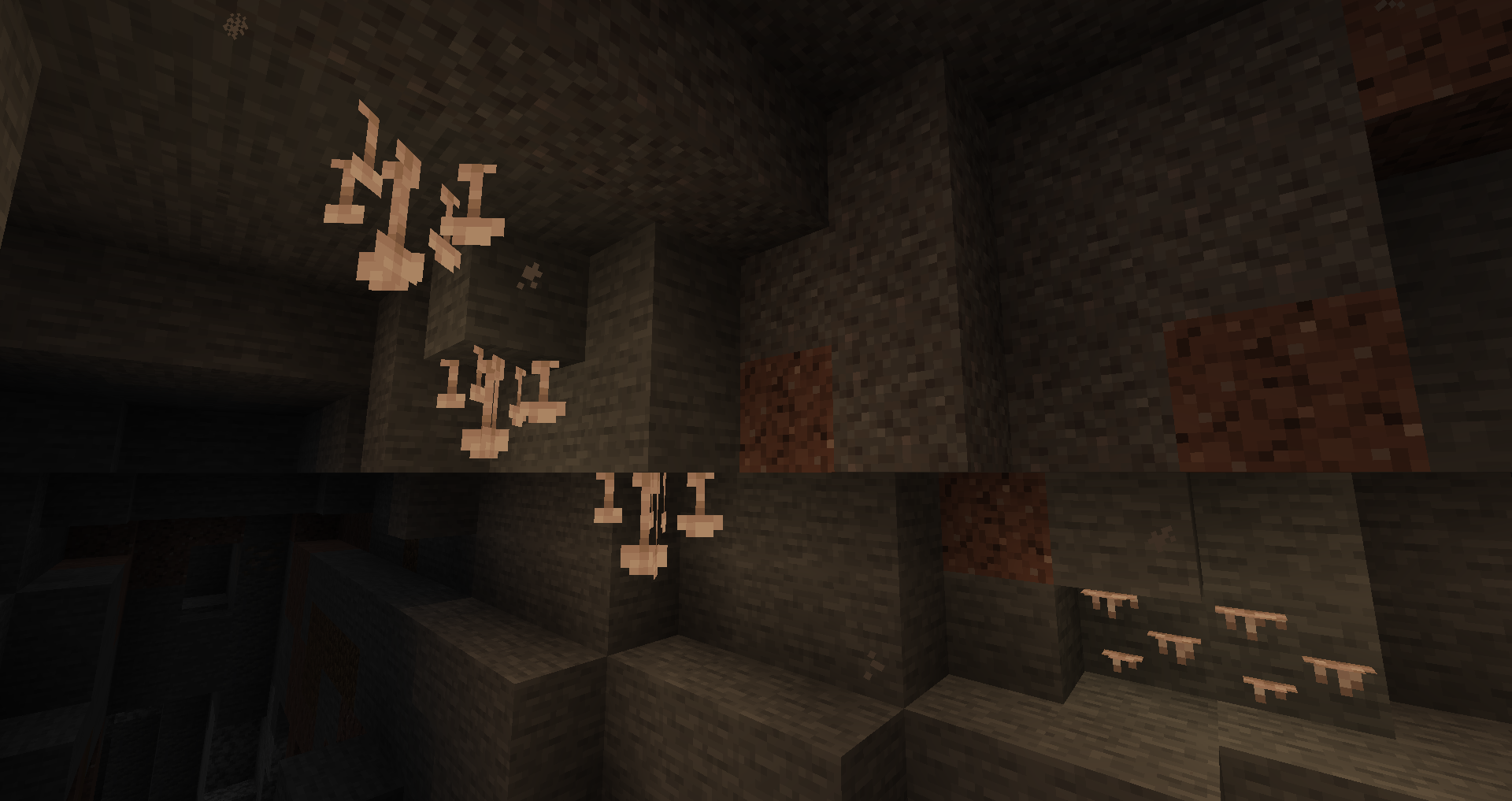
 Many creators work diligently on a wide variety of details to give players the chance to achieve incredible results. For example, the Cave Mushrooms - Glow Lichen Replacement add-on for Minecraft lets you use special glowing lichens that significantly enhance the environment and add a touch of intrigue to caves.
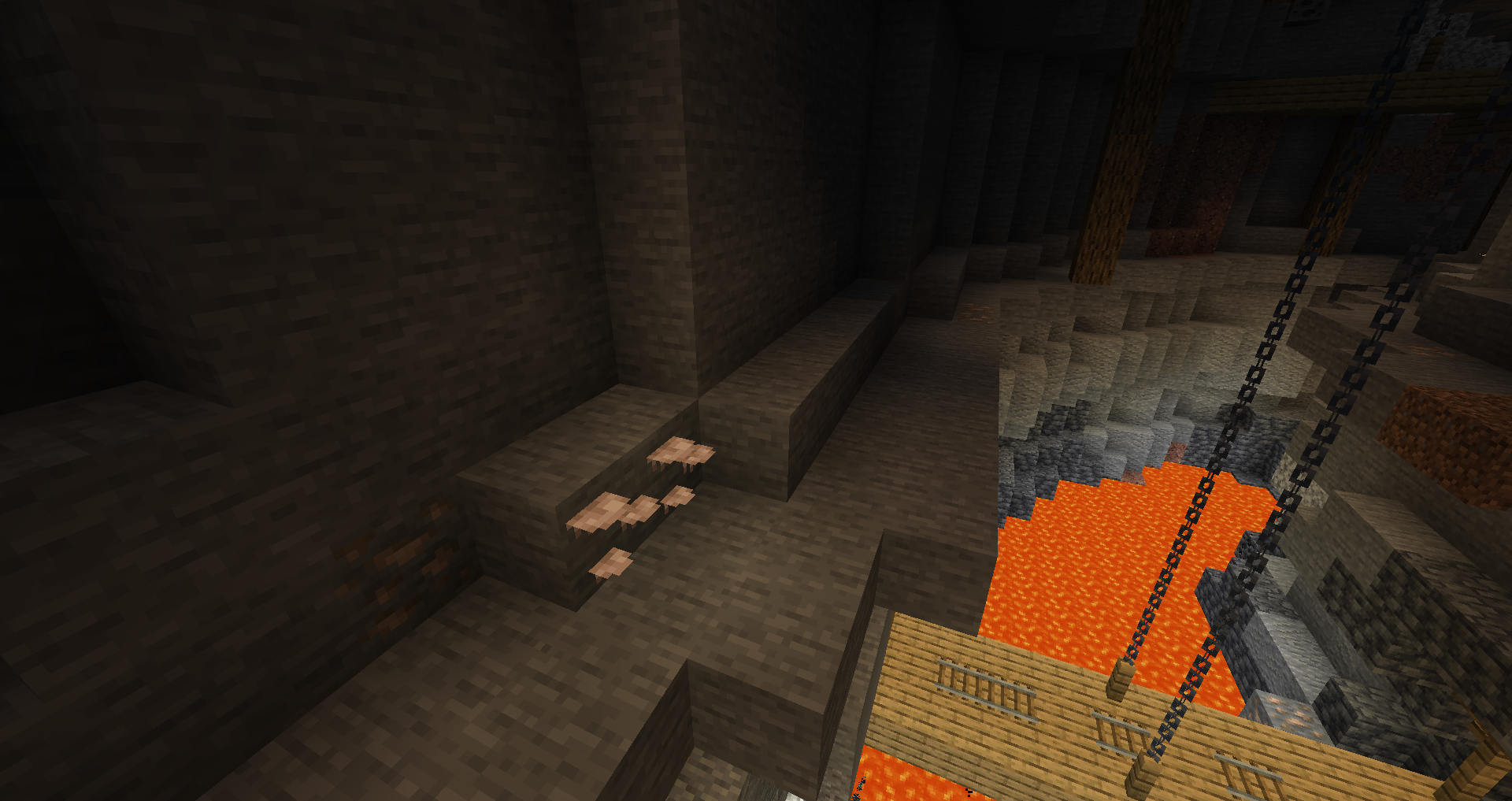
Don’t rush your decisions and choices, as such a small detail is unlikely to catch your eye during a quick playthrough. However, if you explore the caves thoroughly, you’re bound to notice these design touches. All in all, enjoy the game and have a good time.
How to install the texture pack:
Step 1: Download the texture pack using the link below.
Step 2: Extract the downloaded archive and copy the folder Cave Mushrooms - Glow Lichen Replacement to the following path: c:\Users\Пользователь\AppData\Roaming\.minecraft\resourcepacks\ (if this folder does not exist, create it yourself) (For Windows)
Step 3: In the game, go to Settings, then Resource Packs. Click the icon for the new texture pack in the list on the left.
Comments (0)