



Classic 3D for Minecraft 1.17
 To enhance your gaming experience, simply use a variety of interesting mods. For example, how about making the game more enjoyable through its finer details? To do this, all you need is the Classic 3D add-on for Minecraft.
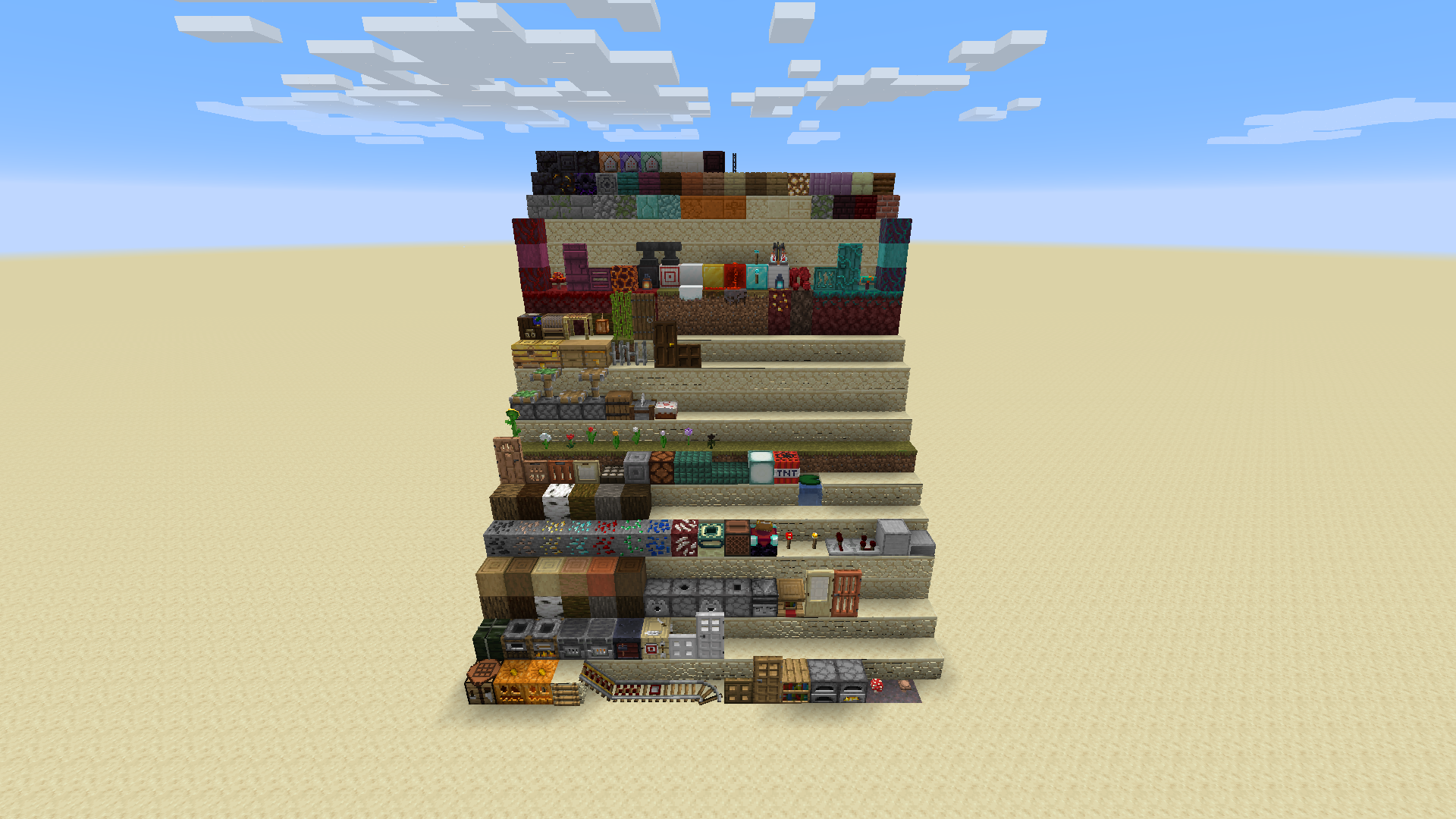
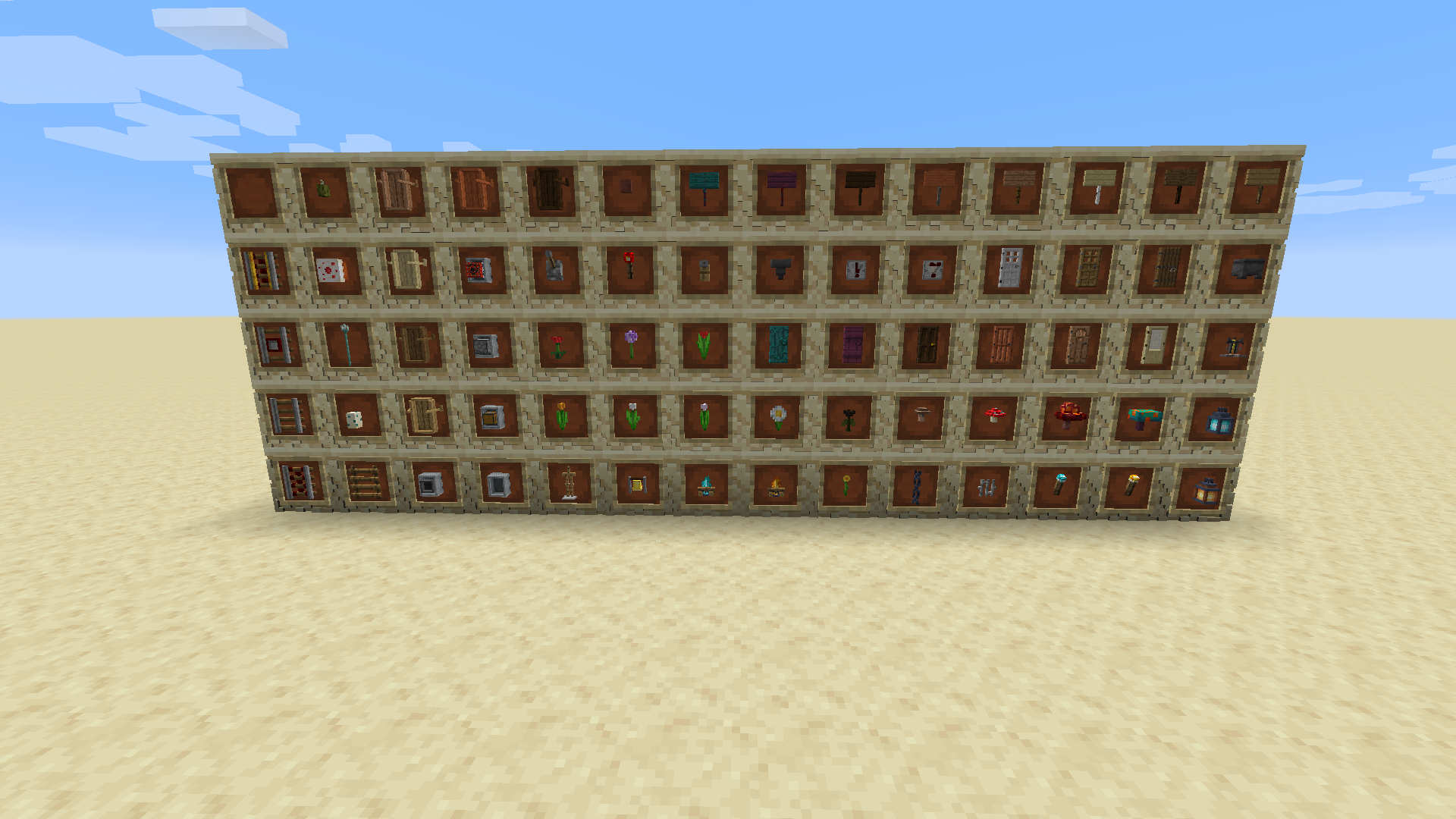
This enhancement will let you appreciate the wealth of detail in every block. Don’t waste any time—start exploring the world to get the most enjoyment out of the game. Take your time—the creator has carefully crafted every element of the block textures so you can enjoy the adventure to the fullest.
How to install the texture pack:
Step 1: Download the texture pack using the link below.
Step 2: Extract the downloaded archive and copy the Classic 3D folder to c:\Users\Пользователь\AppData\Roaming\.minecraft\resourcepacks\ (if this folder does not exist, create it yourself) (for Windows)
Step 3: In the game, go to Settings, then Resource Packs. In the list on the left, click the icon for the newly added texture pack.
Comments (0)