



Classic Vanilla for Minecraft 1.17
 Classic Vanilla for Minecraft – another interesting set of enhancements to the classic game that will let you get the most enjoyment out of the game with minimal hassle while bringing you closer to the modern version of the adventure.
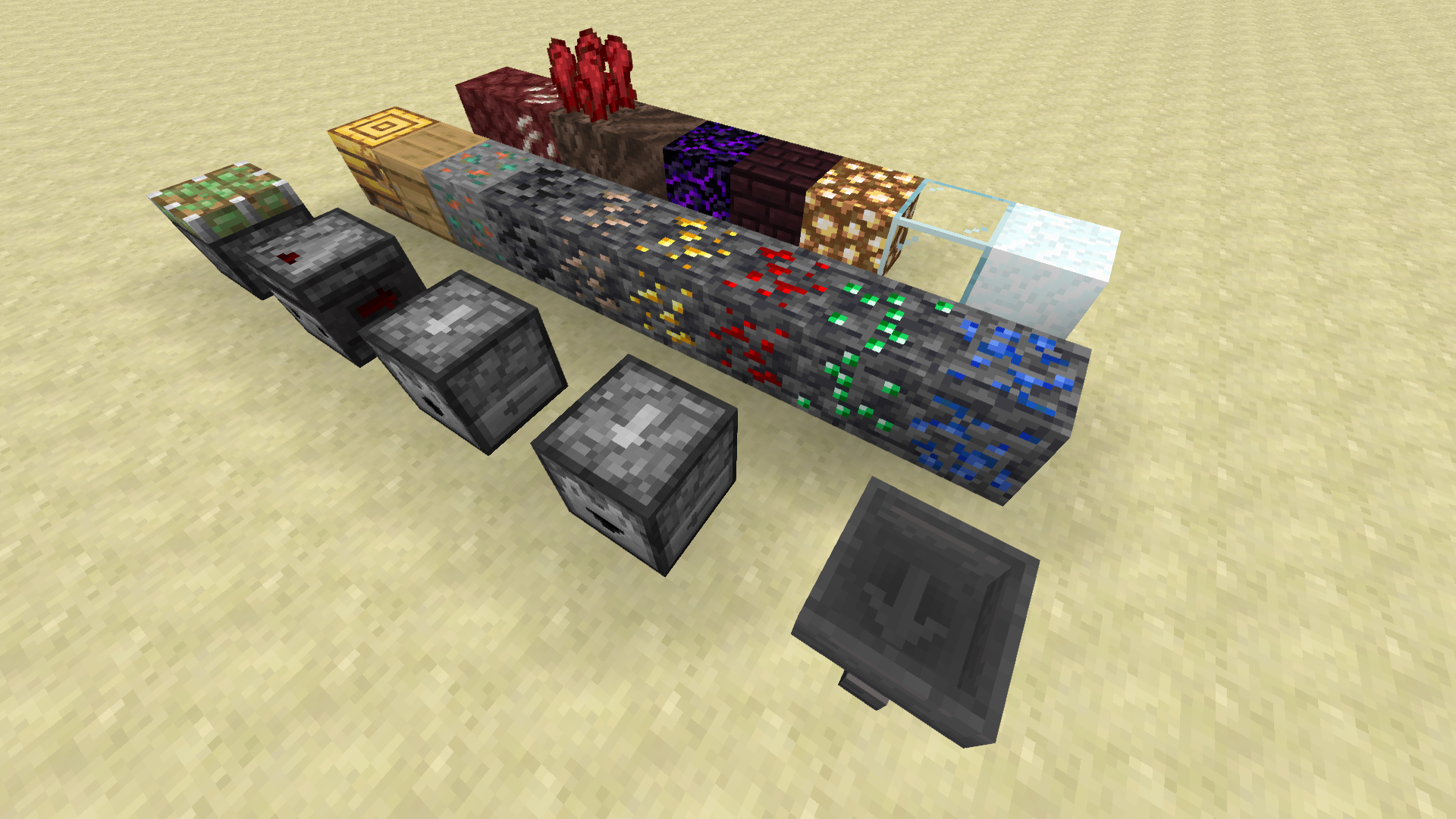
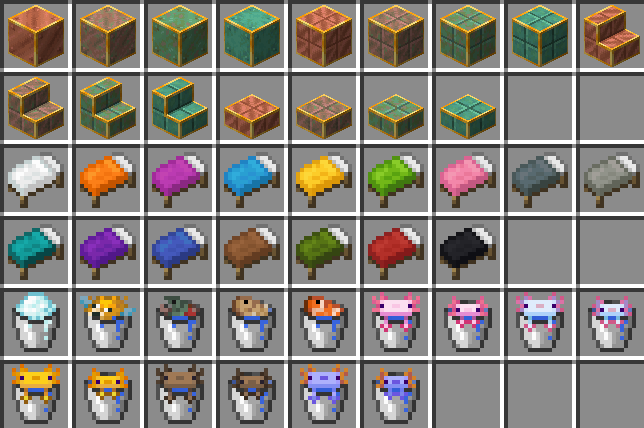
The creator of this enhancement lets you modify the classic elements of the game with ease, without affecting the atmosphere or other similar aspects. We’re confident that you’ll enjoy this version of the adventure and that it will serve as a foundation for new discoveries. Enjoy the surroundings and the new experiences your journey has to offer. All of this will allow you to get the most out of the game.
How to install the texture pack:
Step 1: Download the texture pack using the link below.
Step 2: Extract the downloaded archive and copy the Classic Vanilla folder to c:\Users\Пользователь\AppData\Roaming\.minecraft\resourcepacks\ (if this folder does not exist, create it yourself) (For Windows)
Step 3: In the game, go to Settings, then Resource Packs. In the list on the left, click the icon for the new texture pack that has appeared.
Comments (0)