



Dark Renaissance for Minecraft 1.17
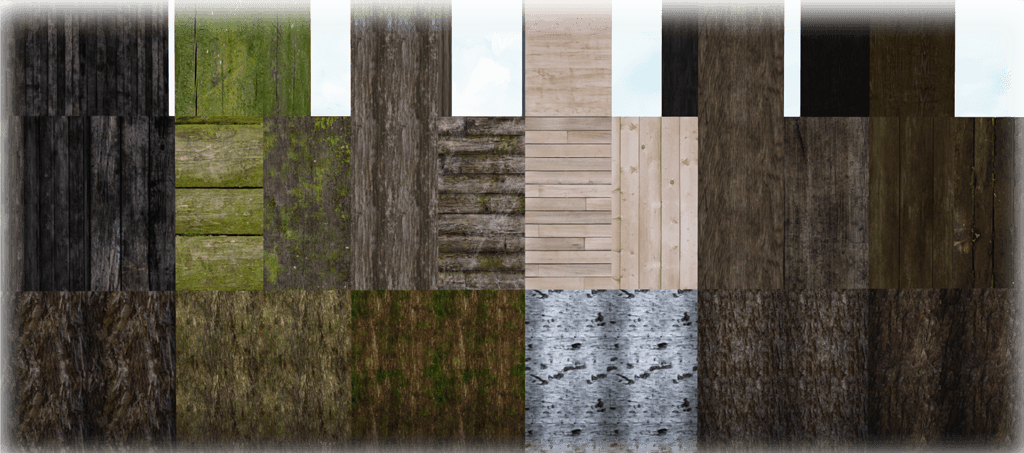
 Dark Renaissance for Minecraft is a versatile collection of textures with a medieval theme. This time, however, the author has focused specifically on architectural textures.
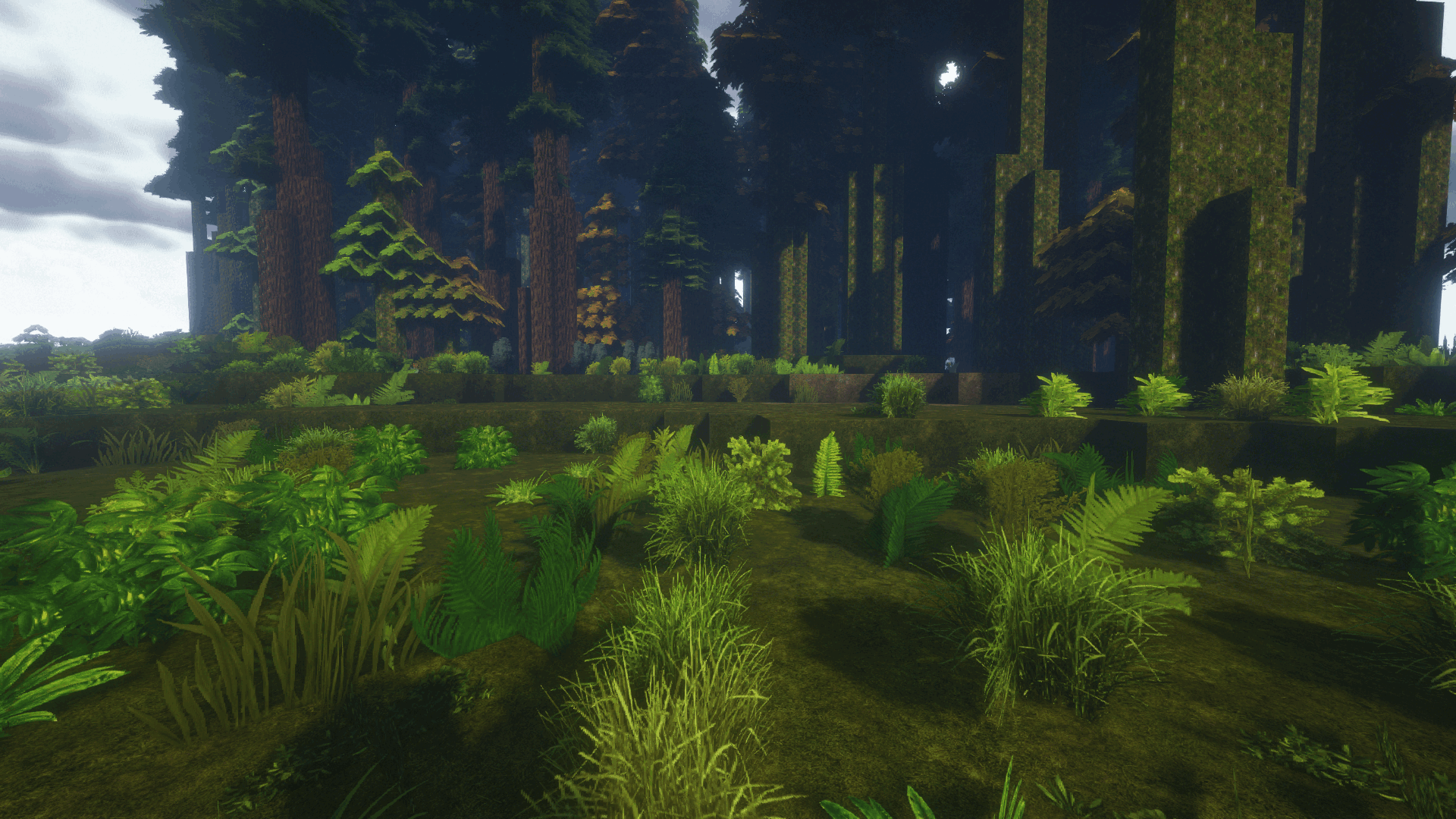
This will allow you to get the most out of your gaming adventure and simply savour every moment. The author has worked on every building texture, enabling you to create a wide variety of unique structures. All in all, this add-on will let you enjoy unique architecture that will be a real treat for architecture enthusiasts. We wish you a pleasant adventure and many new positive experiences.
How to install the texture pack:
Step 1: Download the texture pack using the link below.
Step 2: Extract the downloaded archive and copy the Dark Renaissance folder to c:\Users\Пользователь\AppData\Roaming\.minecraft\resourcepacks\ (if this folder does not exist, create it yourself) (For Windows)
Step 3: In the game, go to Settings, then Resource Packs. There, click on the icon for the newly added texture pack in the left-hand list.
Comments (0)