



Deep Blue for Minecraft 1.17
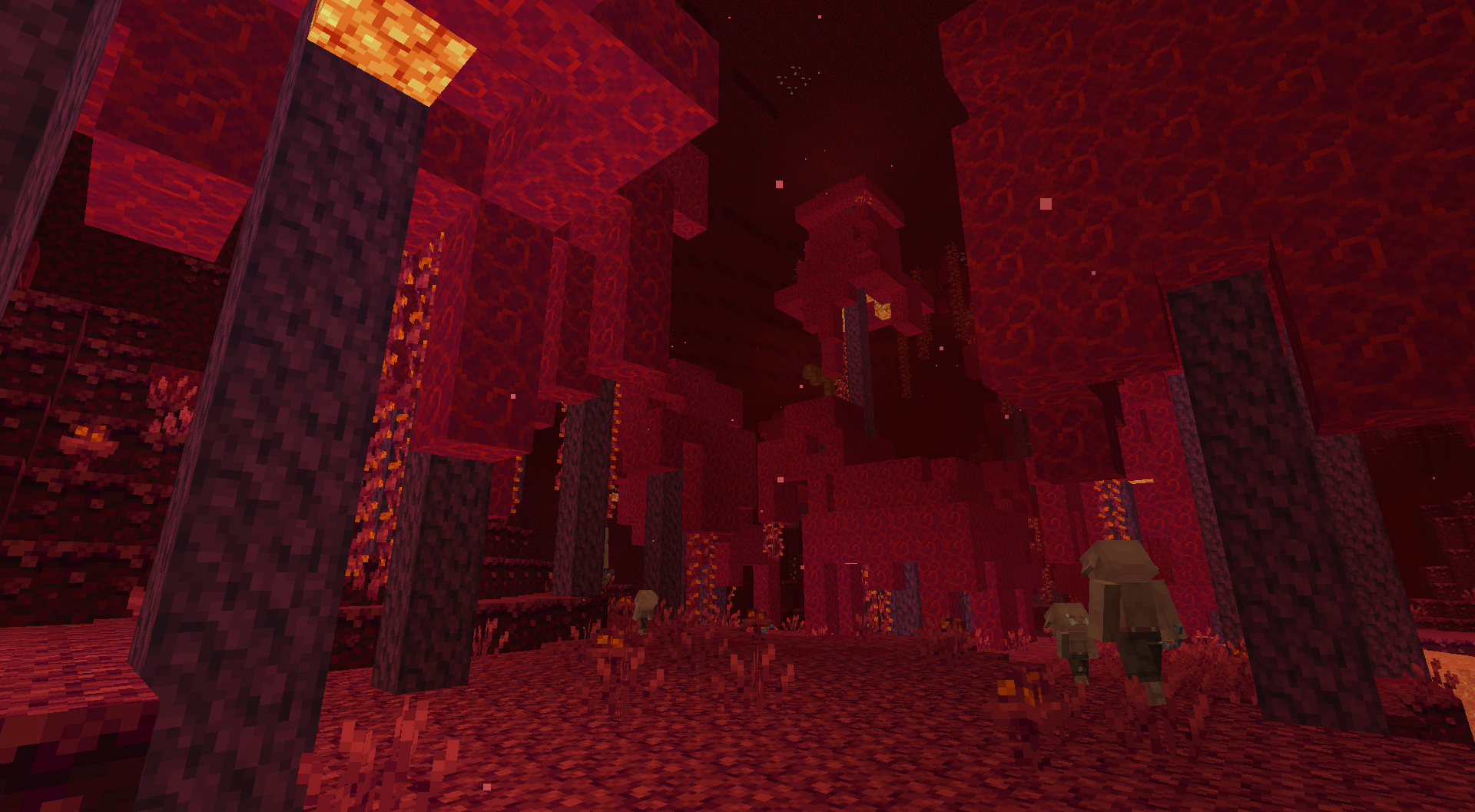
 To significantly improve all available textures, we recommend taking a look at the Deep Blue add-on for Minecraft. It’s a large texture pack that offers plenty of ways to enjoy the gameplay.
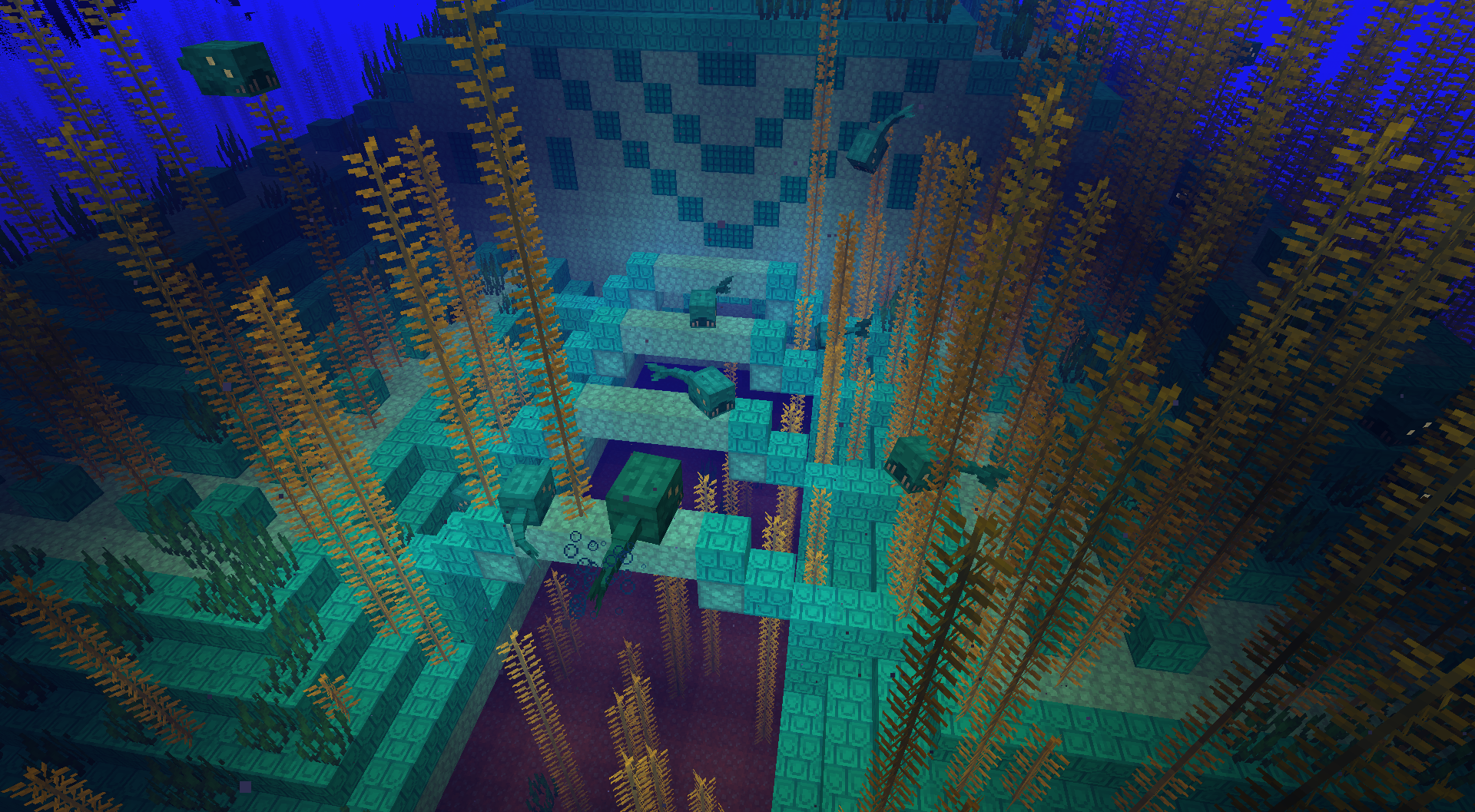
This time, all you need to do is use the enhanced textures, which significantly transform the game environment. Don’t waste any time—simply set off on a journey and fulfil your potential as a traveller. All in all, play, have fun and enjoy every minute of it. We wish you good luck!
How to install the texture pack:
Step one: Download the texture pack using the link below.
Step two: Extract the downloaded archive and copy the folder Deep Blue to c:\Users\Пользователь\AppData\Roaming\.minecraft\resourcepacks\ (if this folder does not exist, create it yourself) (For Windows)
Step three: In the game, go to Settings, then Resource Packs. Click the icon for the newly added texture pack in the list on the left.
Comments (0)