



Enchanted Swords for Minecraft 1.17
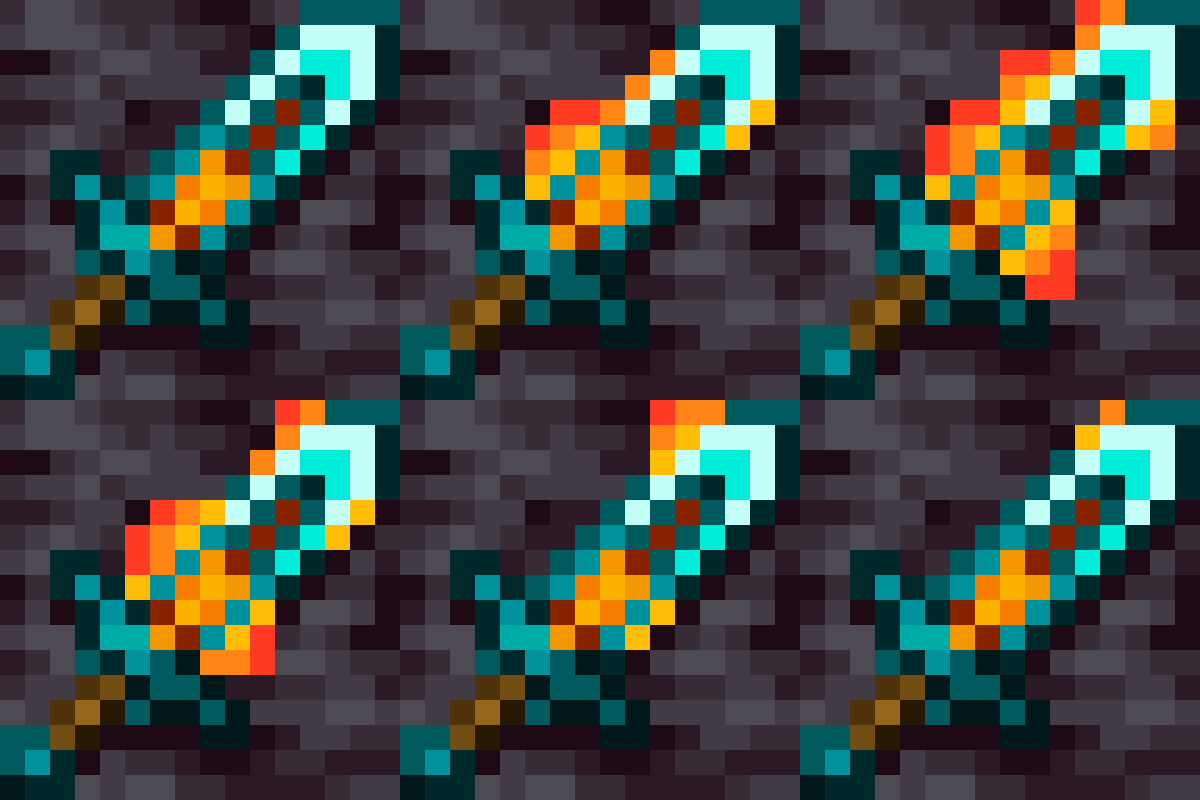 Enchanted Swords for Minecraft offers a great way to customise the appearance of your weapons and make the enchantment effects far better than they were before. Now you’ll be able to use your new weapons and enjoy your gaming adventure to the full.
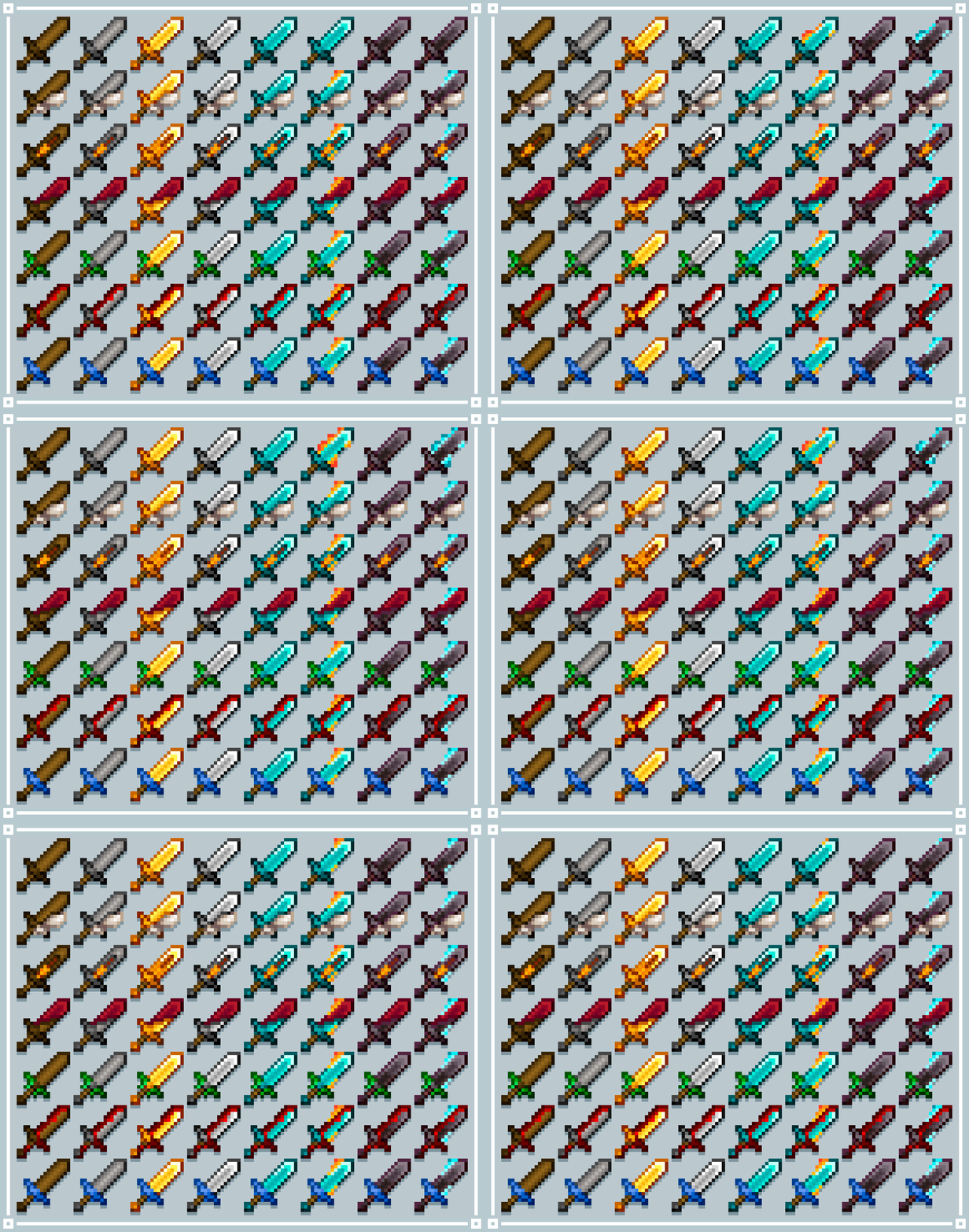
 Your weapons will now look several times better and impress you with their level of detail. After all, once you’ve applied an enchantment, you’ll see a new effect that lets you immediately tell what kind of magic has been applied to the weapon. In any case, you should test out your new abilities and simply enjoy the adventure to the full.
How to install the texture pack:
Step 1: Download the texture pack using the link below.
Step 2: Extract the downloaded archive and copy the folder Enchanted Swords to c:\Users\Пользователь\AppData\Roaming\.minecraft\resourcepacks\ (if this folder does not exist, create it yourself) (For Windows)
Step 3: In the game, go to Settings, then Resource Packs. There, click on the icon for the new texture pack in the left-hand list.
Comments (0)