



Enchanted Tools for Minecraft 1.17
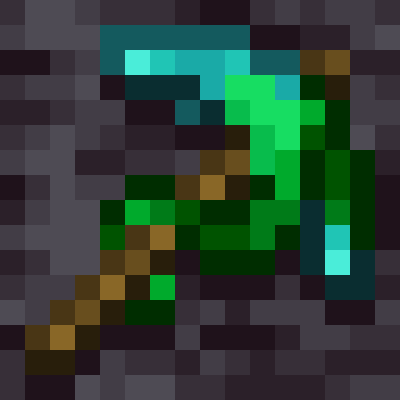 Enchanted Tools for Minecraft is a special texture pack that offers an updated look for many textures. You’ll find high-quality texture designs as you seek an enjoyable gameplay experience.
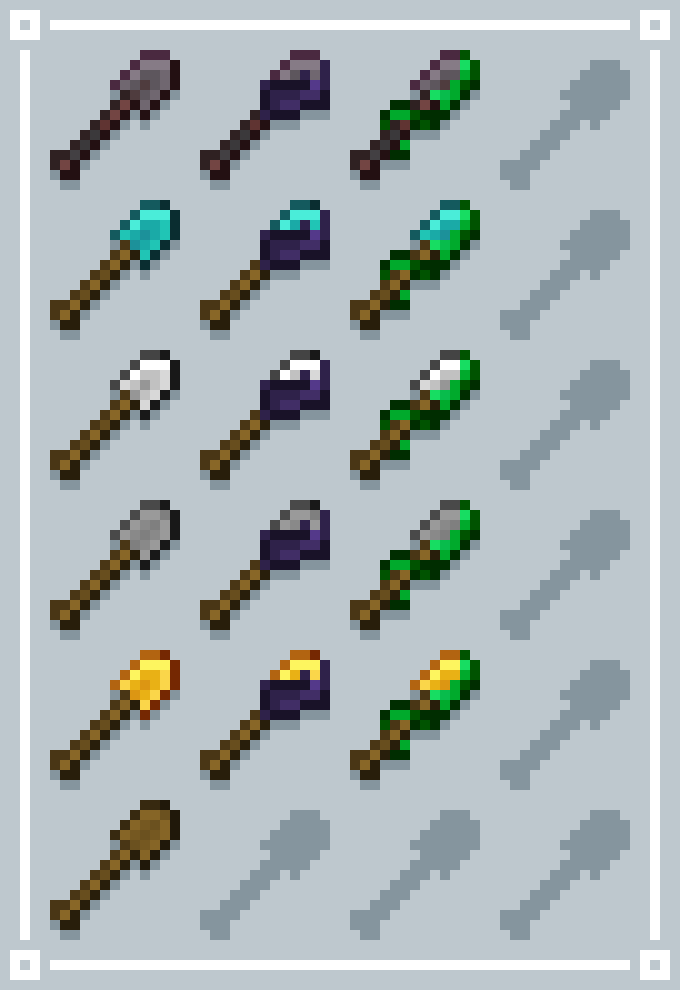
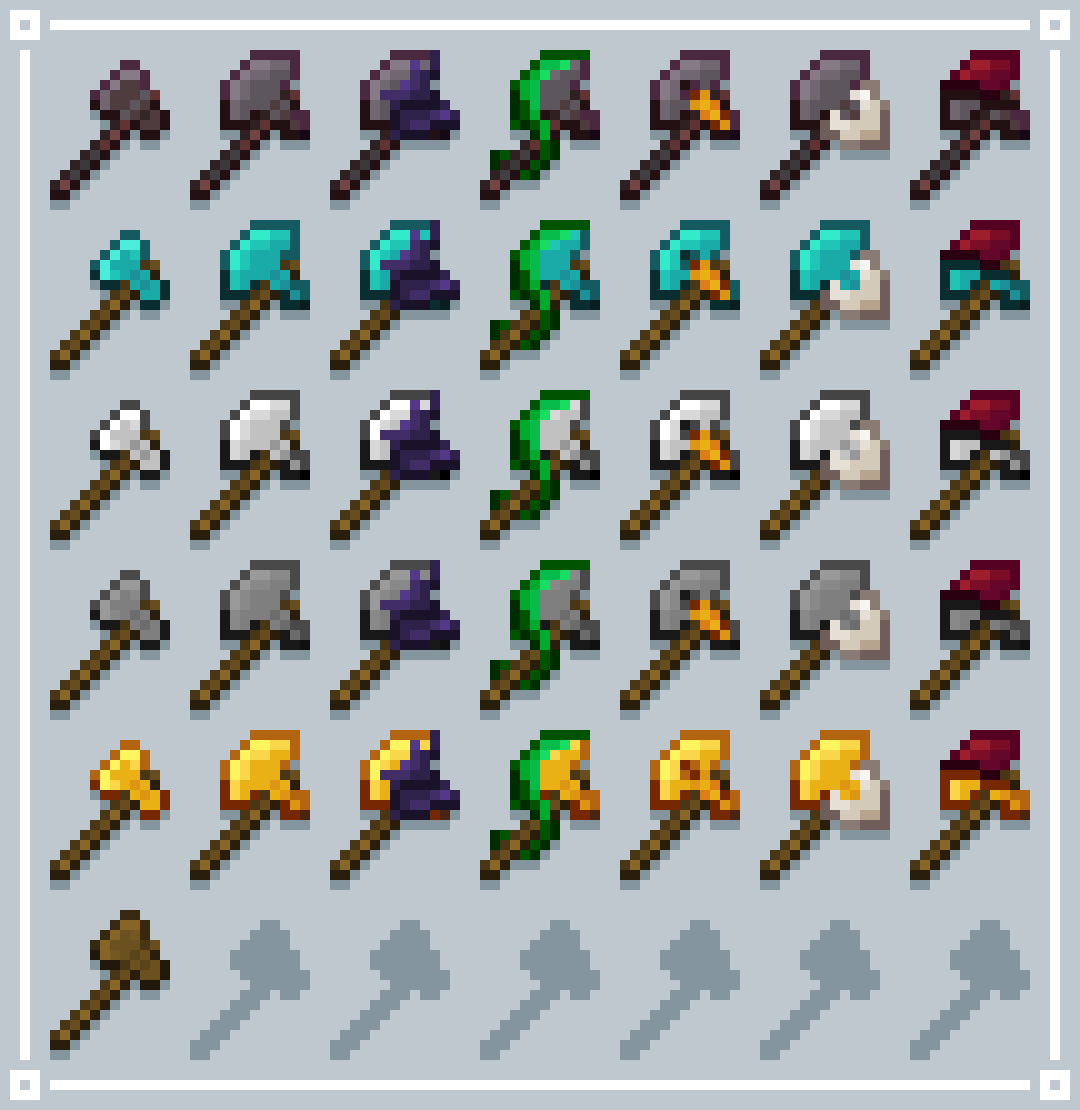 Many resources will now look much better, blending in perfectly with the surroundings and setting the stage for an enjoyable experience. You simply need to assess your capabilities realistically and try to make the most of all your options. All in all, explore all the improvements and enjoy yourself to the fullest.
How to install the texture pack:
Step 1: Download the texture pack using the link below.
Step 2: Extract the downloaded archive and copy the folder Enchanted Tools to c:\Users\Пользователь\AppData\Roaming\.minecraft\resourcepacks\ (if this folder does not exist, create it yourself) (For Windows)
Step 3: In the game, go to Settings, then Resource Packs. Click the icon for the new texture pack in the list on the left.
Comments (0)