



Enhanced Arsenal for Minecraft 1.17
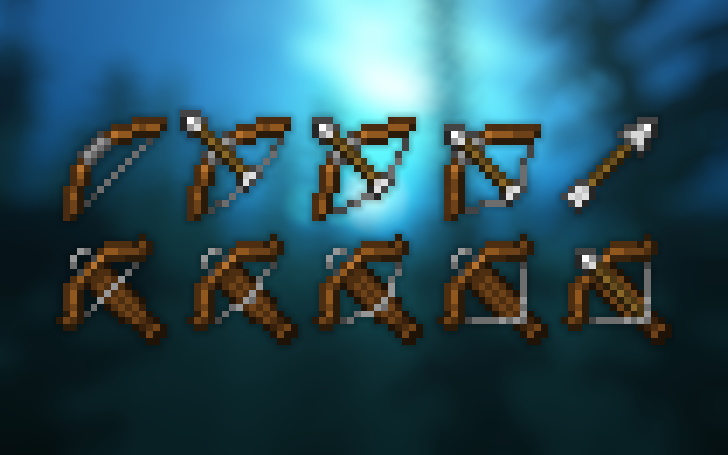
 It’s time to focus on the appearance of your weapons and try out the Enhanced Arsenal add-on for Minecraft. What makes this add-on unique is that the creator has changed the appearance of all weapon types, giving you a completely new sense of your influence and impact on the world around you.
Players who love textures and aesthetics will be absolutely thrilled with the changes. Don’t waste any time—set off on an exciting adventure that will be just a little more enjoyable. All that remains is to wish you good luck and all the very best on your wonderful and unique adventure.
How to install the texture pack:
Step one: Download the texture pack using the link below.
Step two: Extract the downloaded archive and copy the Enhanced Arsenal folder to the following path: c:\Users\Пользователь\AppData\Roaming\.minecraft\resourcepacks\ (if this folder does not exist, create it yourself) (For Windows)
Step three: In the game, go to Settings, then Resource Packs. Click the icon for the newly added texture pack in the list on the left.
Comments (0)