



Enhanced Nature for Minecraft 1.17
 Enhanced Nature for Minecraft is an add-on that adds a wealth of new content. Thanks to all these features, you’ll now have access to new content, including new animal varieties, challenges and much more.
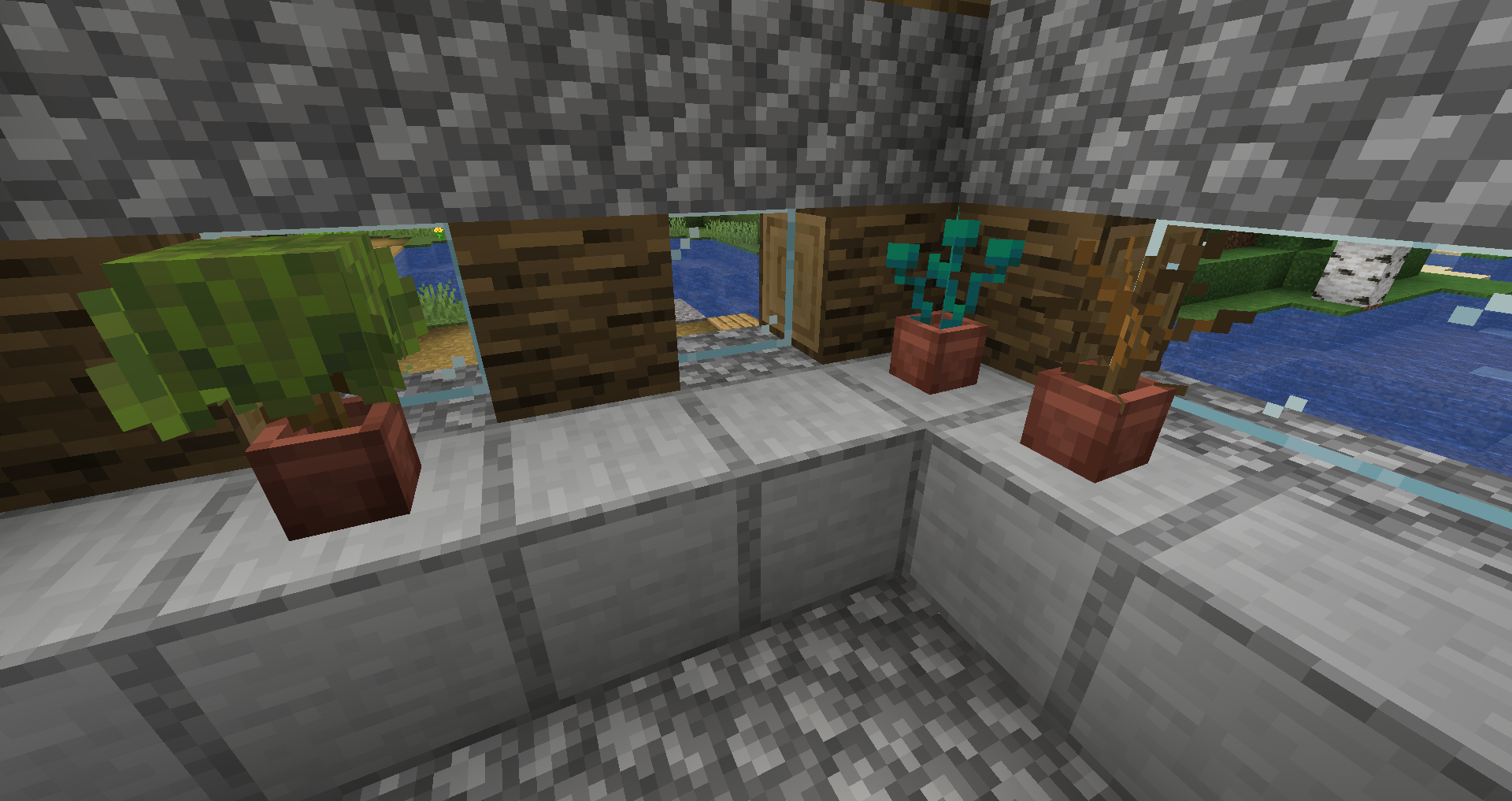
The author, together with other fans of the game, has put in a great deal of effort to ensure that each of you can gain new experiences from the game and enjoy every moment. In any case, the add-on continues to grow and offer new avenues for exploration. We hope you enjoy the game and have a great time on this updated adventure!
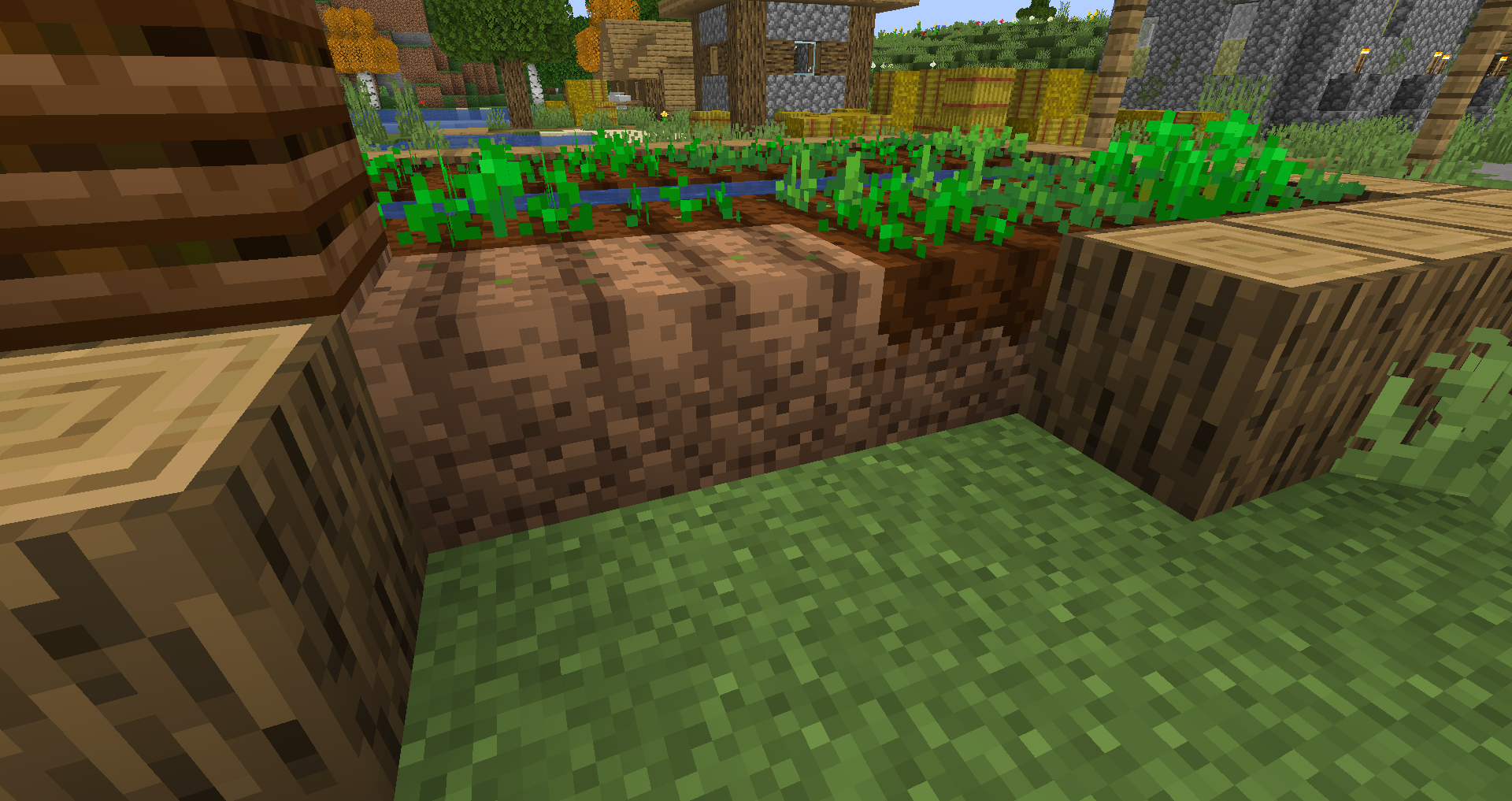
How to install the texture pack:
Step 1: Download the texture pack using the link below.
Step 2: Extract the downloaded archive and copy the Enhanced Nature folder to c:\Users\Пользователь\AppData\Roaming\.minecraft\resourcepacks\ (if this folder does not exist, create it yourself) (For Windows)
Step 3: In the game, go to Settings, then Resource Packs. There, click the icon for the new texture pack in the list on the left.
Comments (0)