



Enhanced Ores for Minecraft 1.17
 Enhanced Ores for Minecraft – to make the game more enjoyable and interesting, all you need to do is pay attention to various details. For example, you can now use this add-on to change the appearance of ore.
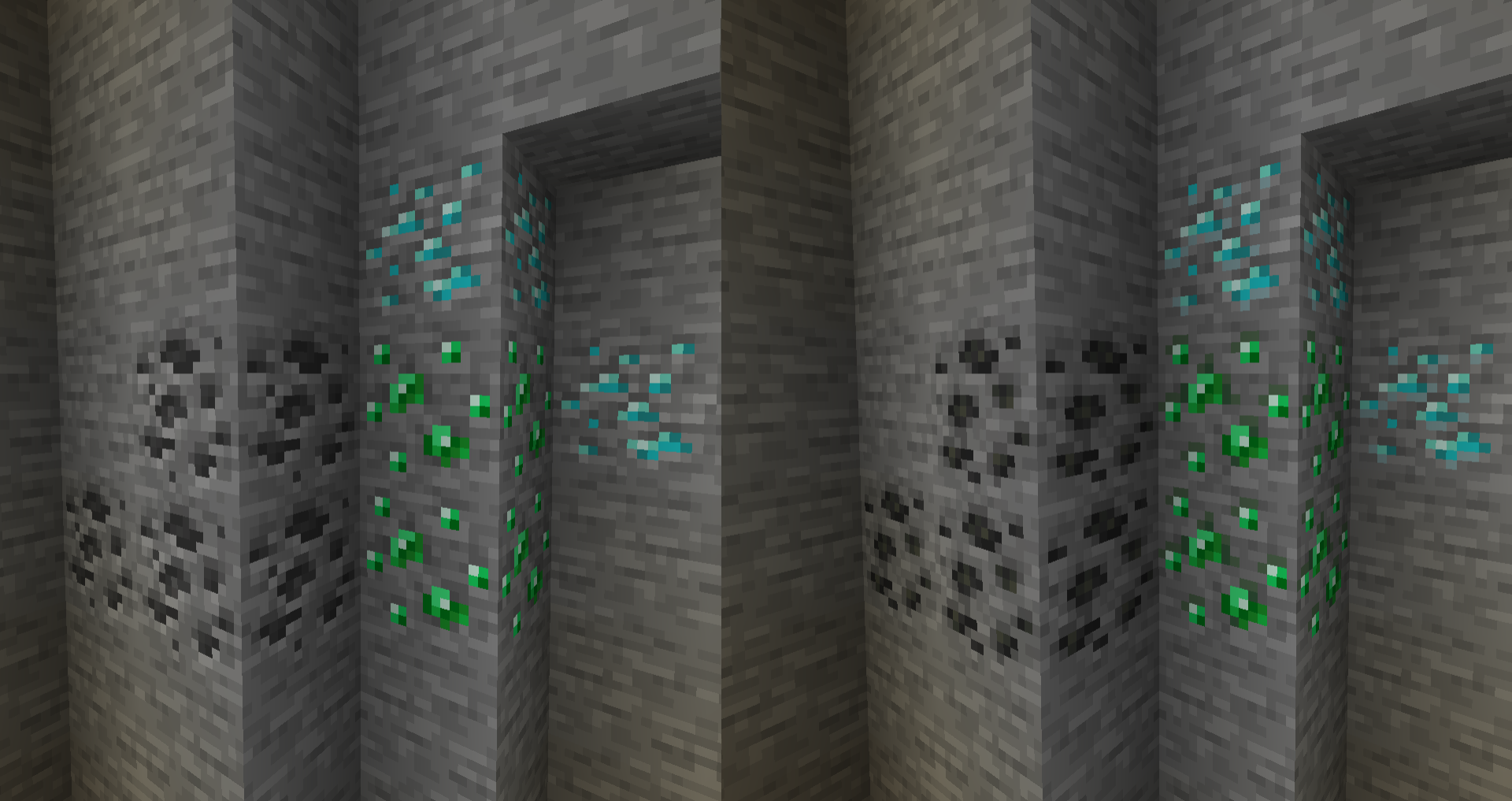
For example, how about not only changing the visuals but also adding effects? Thanks to the author’s meticulous work, you can expect a good result. The main thing is not to be lazy and to start putting the author’s ideas into practice. All you need to do is pay attention to the various details and enjoy every moment of your adventure.
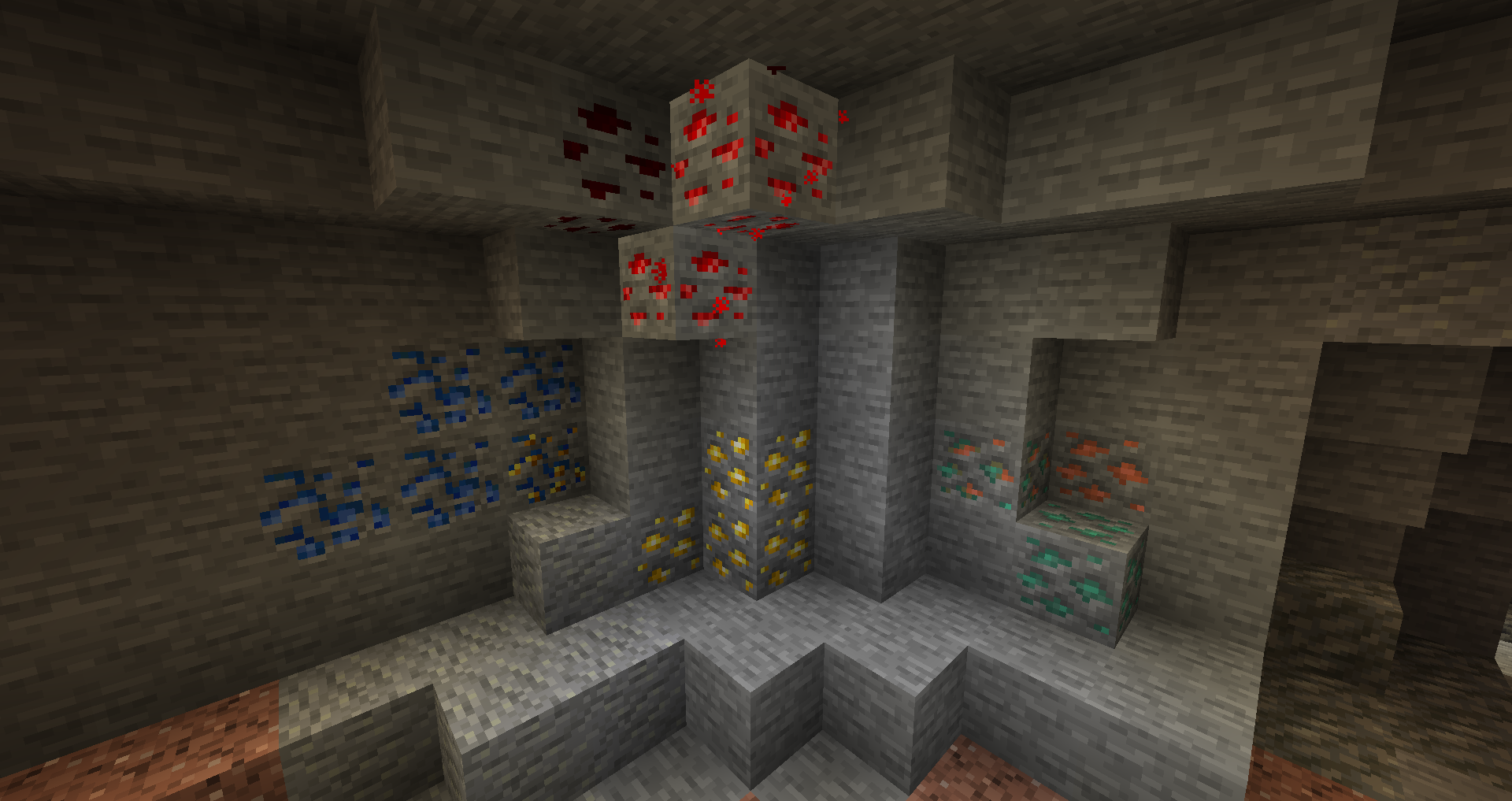
How to install the texture pack:
Step 1: Download the texture pack using the link below.
Step 2: Extract the downloaded archive and copy the folder Enhanced Ores to the following path: c:\Users\Пользователь\AppData\Roaming\.minecraft\resourcepacks\ (if this folder does not exist, create it yourself) (For Windows)
Step 3: In the game, go to Settings, then Resource Packs. In the list on the left, click the icon for the newly added texture pack.
Comments (0)