



FullBright for Minecraft 1.17
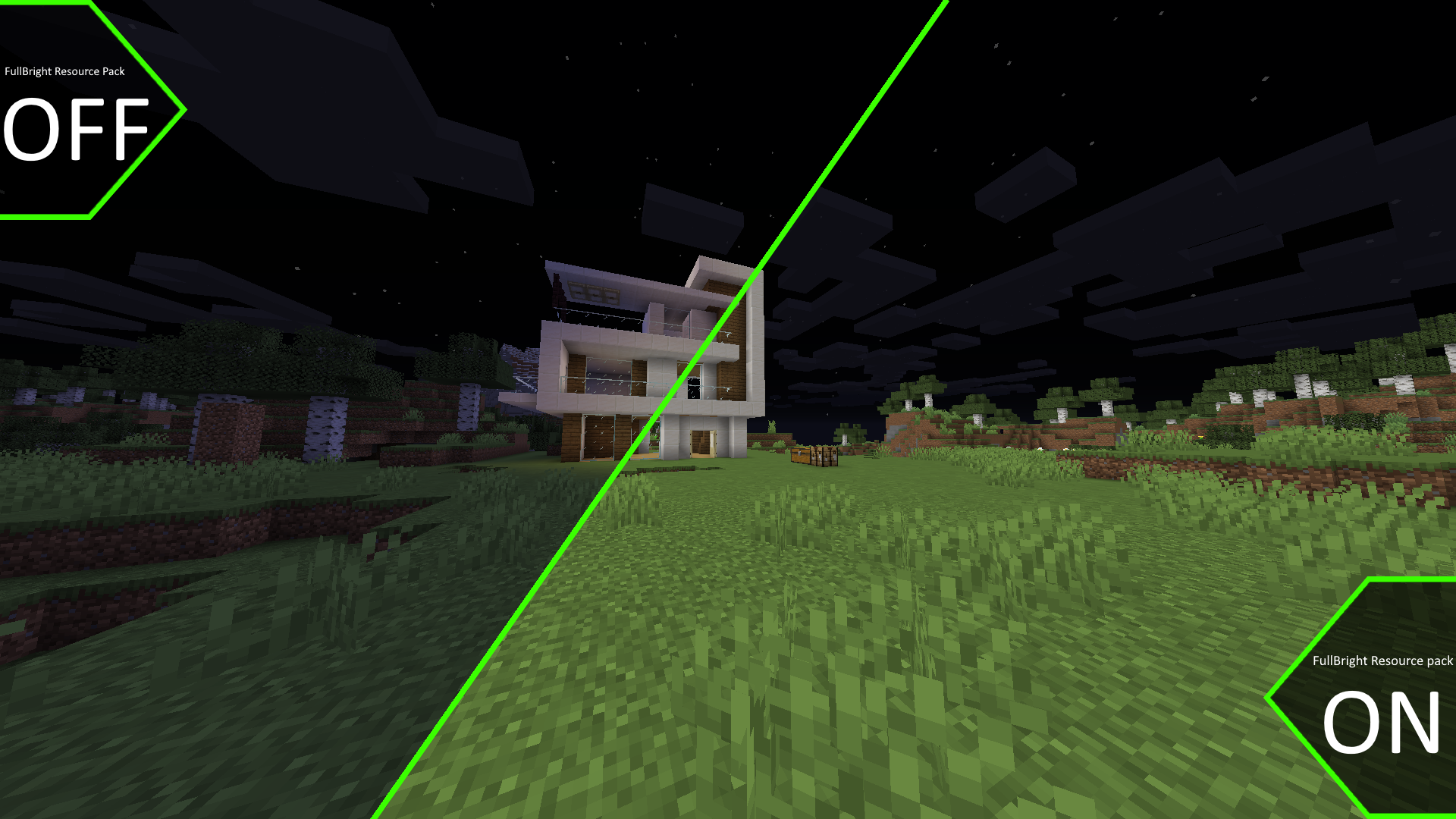
 Lighting plays a significant role in your adventures, so be sure to take advantage of your new options for improving it.
All you need to do is use the FullBright texture pack for Minecraft, which has a positive effect on the lighting and makes it significantly better. Now, the lighting will play a major role in the game’s atmosphere, allowing you to get the most enjoyment out of your adventure and simply enjoy every moment of it. The lighting will be significantly better, allowing you to have a pleasant time. We wish you unforgettable adventures.
How to install the texture pack:
Step 1: Download the texture pack using the link below.
Step 2: Extract the downloaded archive and copy the FullBright folder to c:\Users\Пользователь\AppData\Roaming\.minecraft\resourcepacks\ (if this folder does not exist, create it yourself) (For Windows)
Step 3: In the game, go to Settings, then Resource Packs. There, click the icon for the newly added texture pack in the list on the left.
Comments (0)