



Glowing Ores for Minecraft 1.17
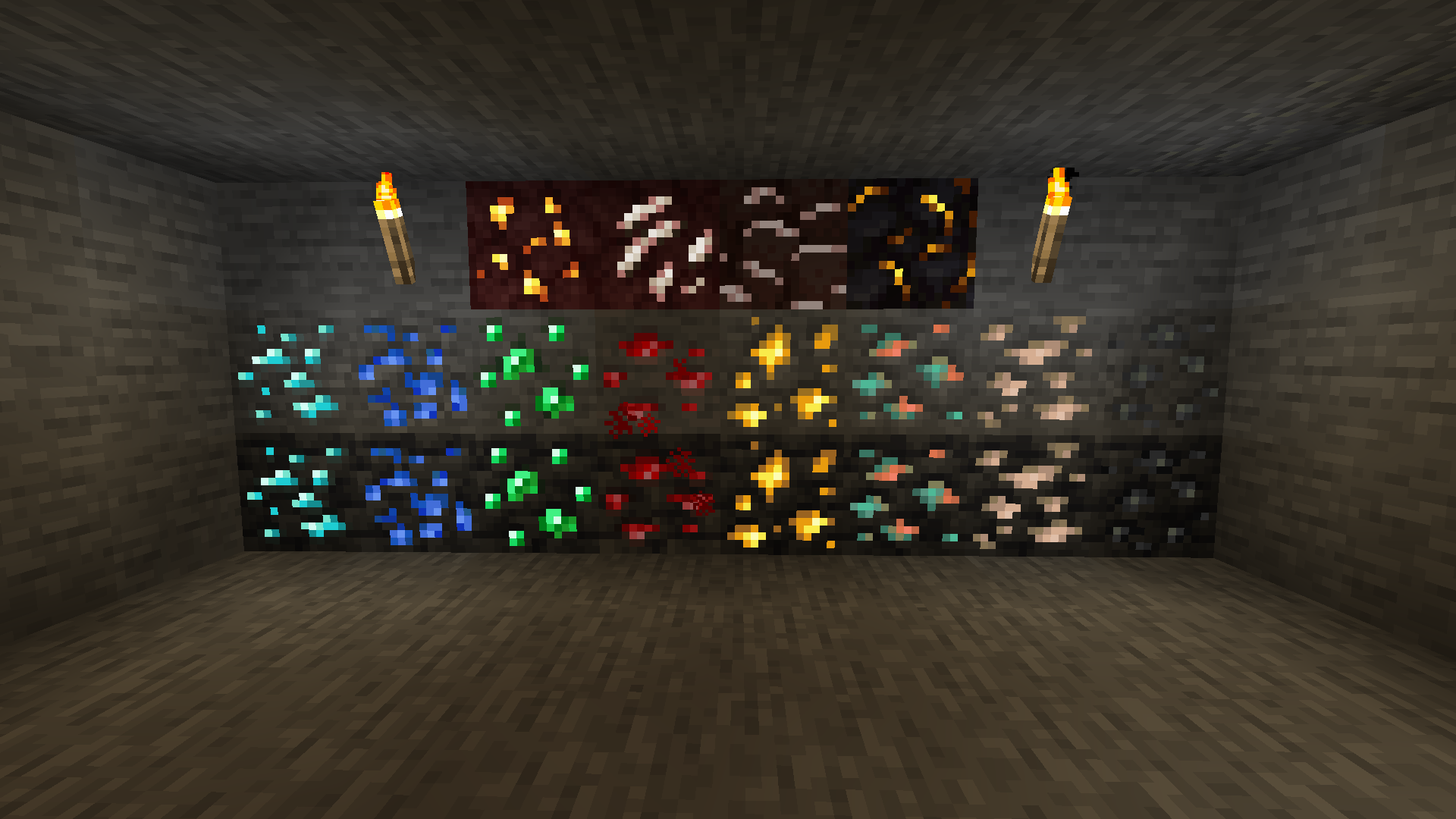
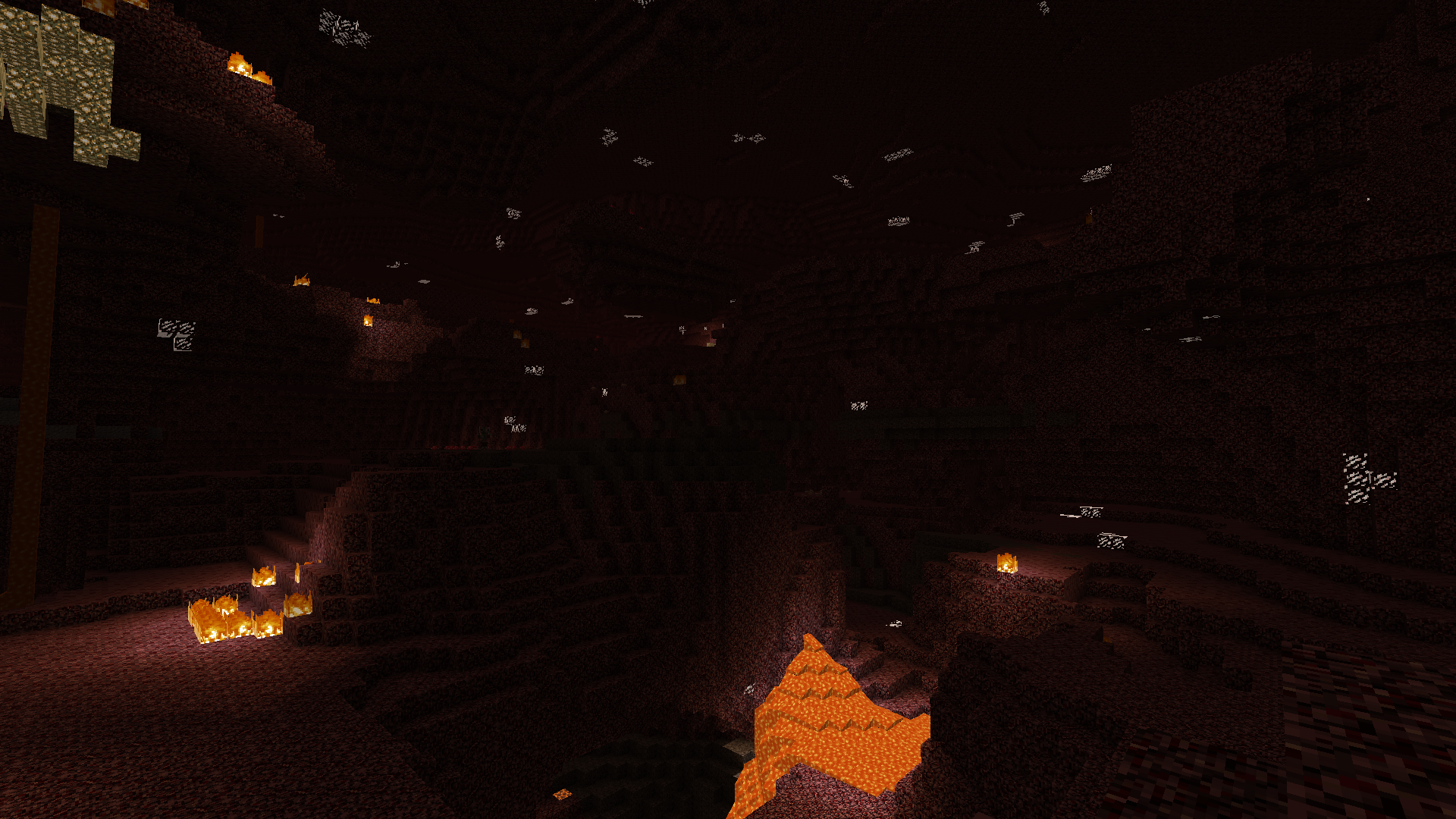 To help you enjoy your time in the vast world of your favourite adventure, we suggest you try out a variety of texture packs. For example, the most intriguing new release is the Glowing Ores texture pack for Minecraft. Thanks to this enhancement, you can expect changes to the textures of certain particularly valuable resources.
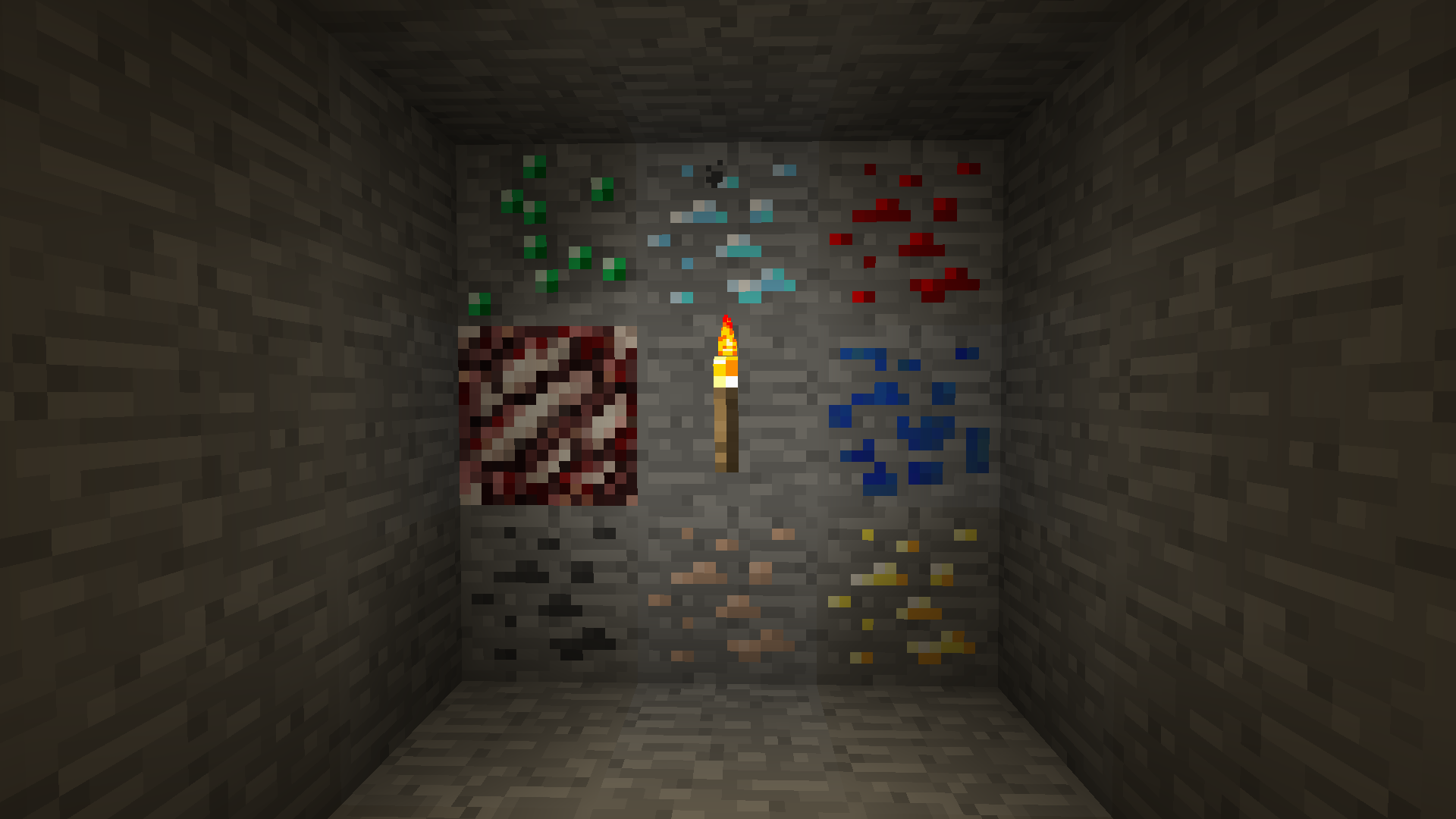
To appreciate all the available features right away, we suggest you try out all the improvements to decide whether it’s worth installing this enhancement or whether it’s better to wait for another version. But given that there aren’t many alternatives, you’re sure to enjoy spending time in the game with these new textures.
How to install the texture pack:
Step 1: Download the texture pack using the link below.
Step 2: Extract the downloaded archive and copy the Glowing Ores folder to c:\Users\Пользователь\AppData\Roaming\.minecraft\resourcepacks\ (if this folder does not exist, create it yourself) (For Windows)
Step 3: In the game, go to Settings, then Resource Packs. There, click on the new texture pack’s icon in the left-hand list.
Comments (0)