



Karmorakcraft for Minecraft 1.17
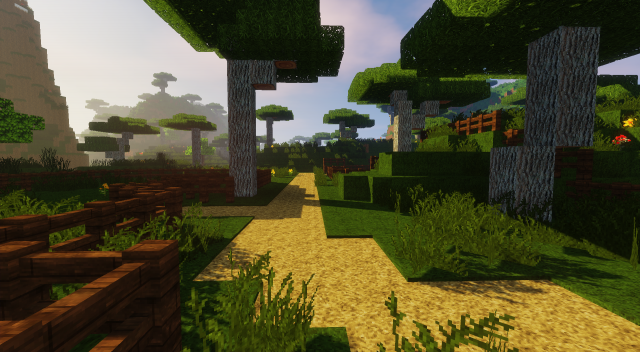
 Karmorakcraft for Minecraft – a chance to use a variety of updated textures, allowing you to easily refresh the available texture options and get the most enjoyment out of the gameplay.
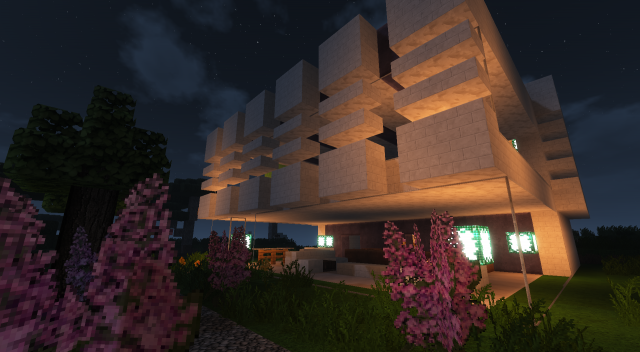
This time, the author has tried to update a large number of textures in no particular logical order. This haphazard update will not only provide a wealth of new experiences but also allow you to simply enjoy every minute spent playing. The updated textures look superb and are sure to delight you with their new details. Enjoy!
How to install the texture pack:
Step 1: Download the texture pack using the link below.
Step 2: Extract the downloaded archive and copy the folder Karmorakcraft to c:\Users\Пользователь\AppData\Roaming\.minecraft\resourcepacks\ (if this folder does not exist, create it yourself) (For Windows)
Step 3: In the game, go to Settings, then Resource Packs. In the list on the left, click the icon for the newly added texture pack.
Comments (0)