



Kawaii World for Minecraft 1.17
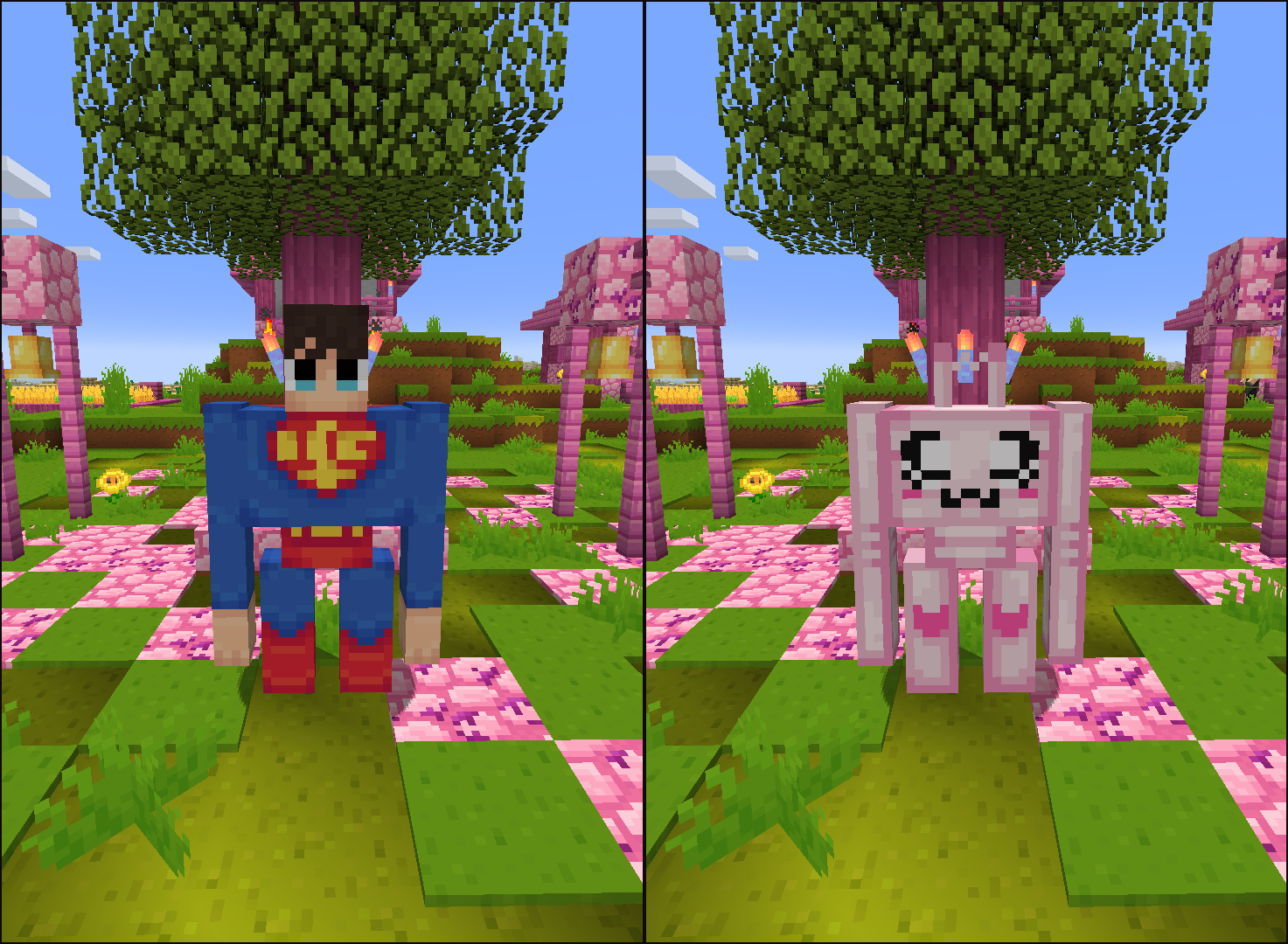
 If you’re looking to have a good time and get plenty of new enjoyment from your adventures, you’ll want to check out the Kawaii World add-on for Minecraft. The name speaks for itself, and the add-on offers a much wider variety of enhancements that change the game’s appearance.
 This time, you’ll be pleasantly surprised to find that all the enhancements are not only enjoyable but also a little kawaii. They’ll change the game’s appearance, feature less familiar colour schemes, and delight you with their unusual style. It’s worth understanding the distinctive nature of this enhancement and considering whether you want to make such a change to your surroundings. We hope you enjoy the game!
How to install a texture pack:
Step 1: Download the texture pack using the link below.
Step 2: Extract the downloaded archive and copy the Kawaii World folder to c:\Users\Пользователь\AppData\Roaming\.minecraft\resourcepacks\ (if this folder does not exist, create it yourself) (For Windows)
Step 3: In the game, go to Settings, then Resource Packs. There, click on the icon for the new texture pack in the left-hand list.
Comments (0)