



LB Photo Realism Reload for Minecraft 1.17
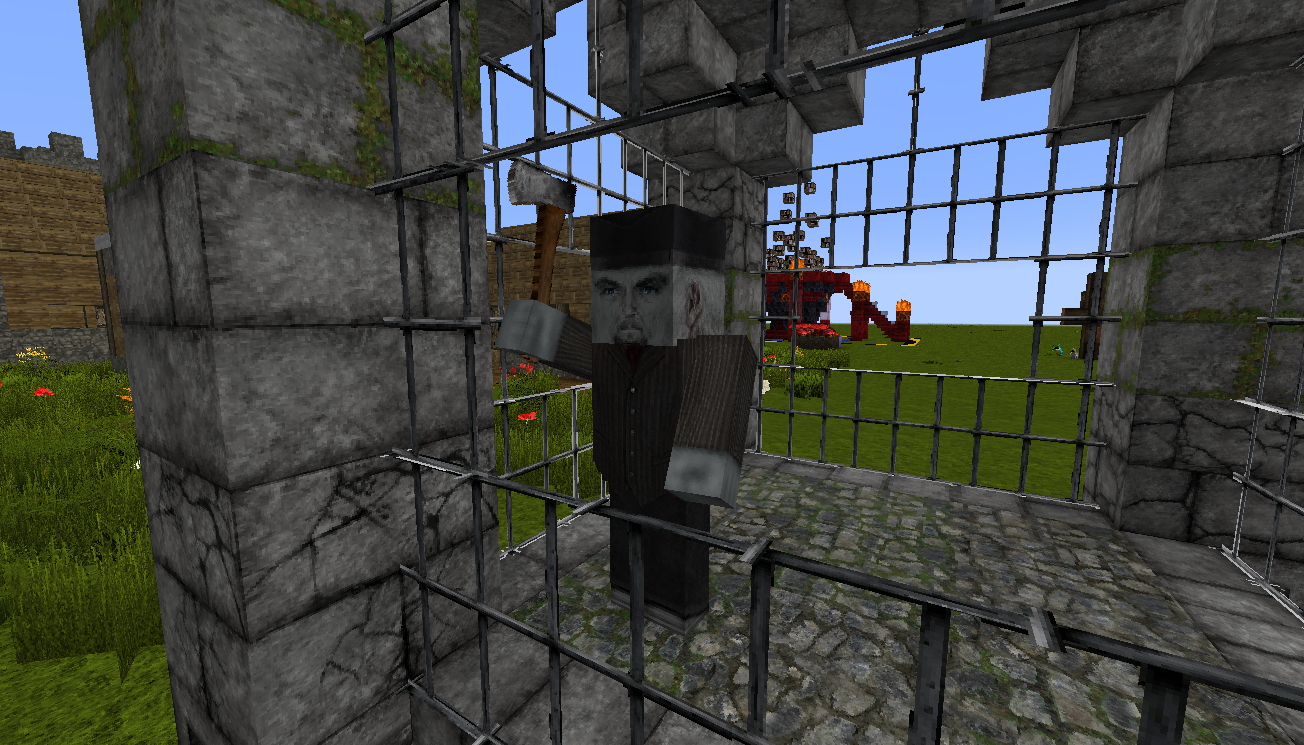
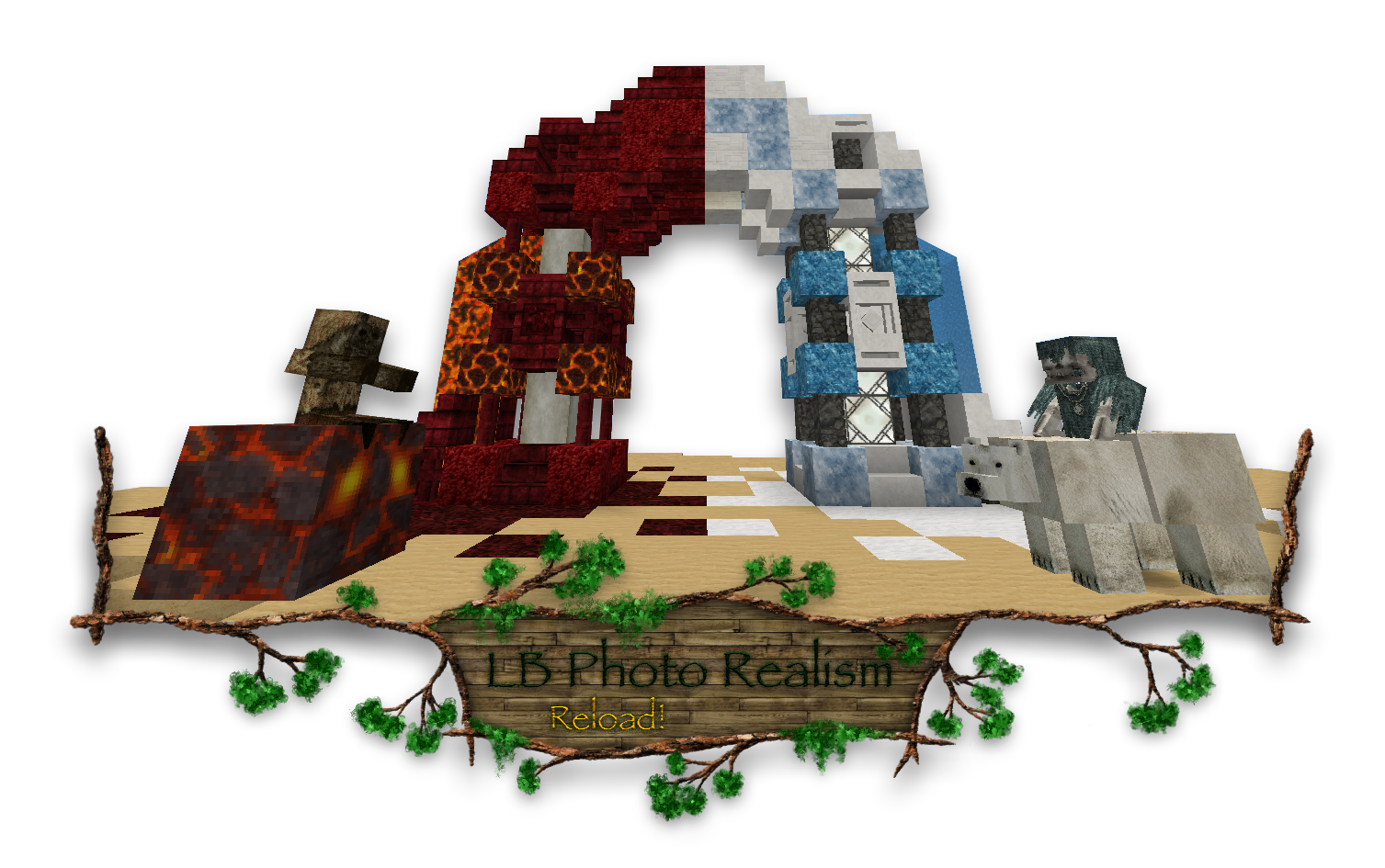 LB Photo Realism Reload for Minecraft is a reimagining of the popular mod that radically changes the appearance of the environment. This time, players have the chance to experience a new generation of realistic, detailed textures that have been redrawn based on various photographs.
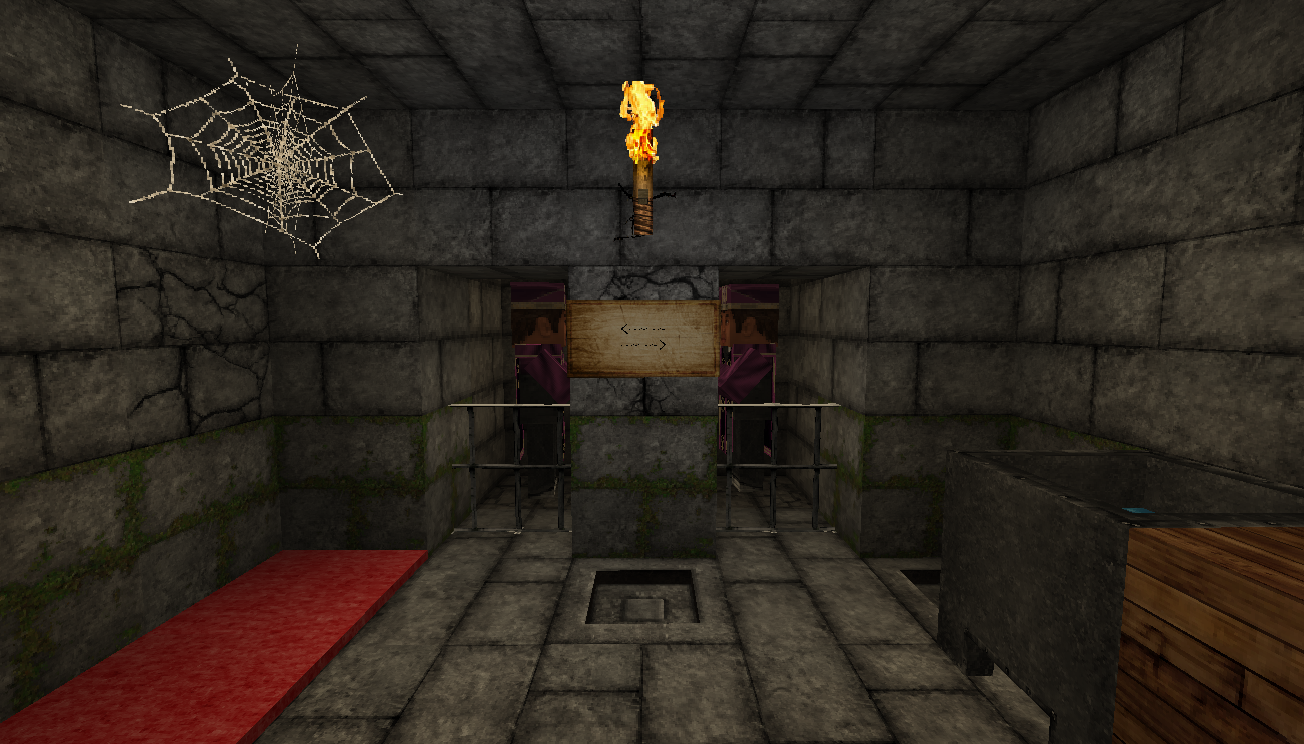
Yes, such a change will require far more processing power, but the result is worth it. The world changes dramatically, allowing you to enjoy pleasant surroundings and setting you off on a long journey through the boundless expanses of your favourite game. Photorealism has always benefited fans of the game, so there’s no need to break with tradition.
How to install the texture pack:
Step one: Download the texture pack using the link below.
Step two: Extract the downloaded archive and copy the folder LB Photo Realism Reload to the following path: c:\Users\Пользователь\AppData\Roaming\.minecraft\resourcepacks\ (if this folder does not exist, create it yourself) (For Windows)
Step three: In the game, go to Settings, then Resource Packs. Click on the icon for the newly added texture pack in the list on the left.
Comments (0)