



MYTHIC for Minecraft 1.17
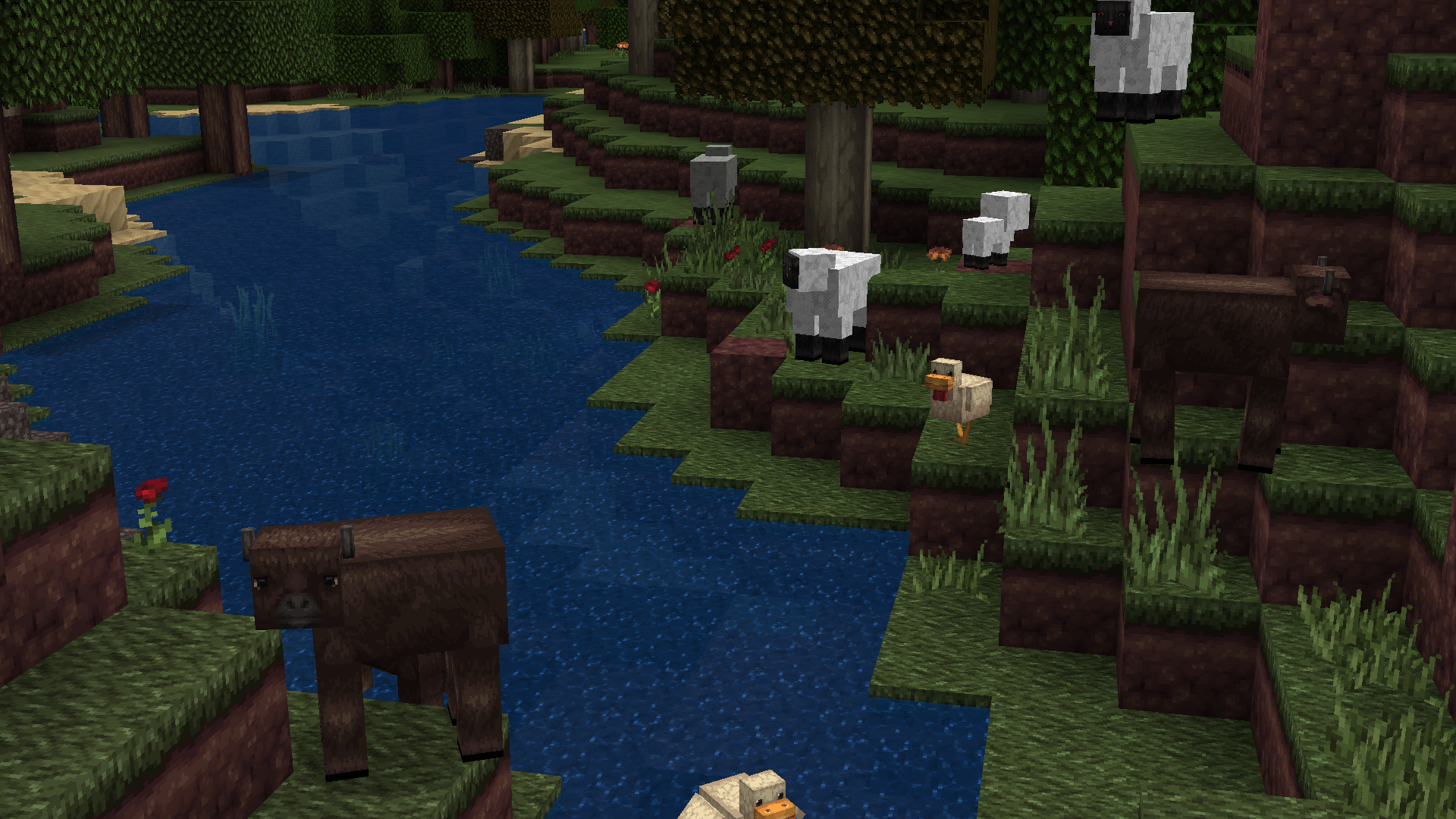
 Many fans try to make the most of any environmental enhancements. We suggest you take a look at the MYTHIC add-on for Minecraft, which will allow you to update the appearance of the foliage with ease.

The pixel art will now have sharper outlines, and the results are sure not to disappoint. The creator has put a lot of effort into making the foliage look realistic, so don’t waste any time—just set off to explore these new landscapes. All that remains is for us to wish you good luck and all the best in your new adventure. You’re bound to succeed!
How to install the texture pack:
Step 1: Download the texture pack using the link below.
Step 2: Extract the downloaded archive and copy the folder MYTHIC to c:\Users\Пользователь\AppData\Roaming\.minecraft\resourcepacks\ (if this folder does not exist, create it yourself) (For Windows)
Step 3: In the game, go to Settings, then Resource Packs. There, click the icon for the newly added texture pack in the list on the left.
Comments (0)