



New Default for Minecraft 1.17
 New Default for Minecraft offers a new way not only to have fun, but also to customise your character’s appearance using a hundred different items. You’ll be able to make use of a wide variety of exciting features to fully realise your potential.
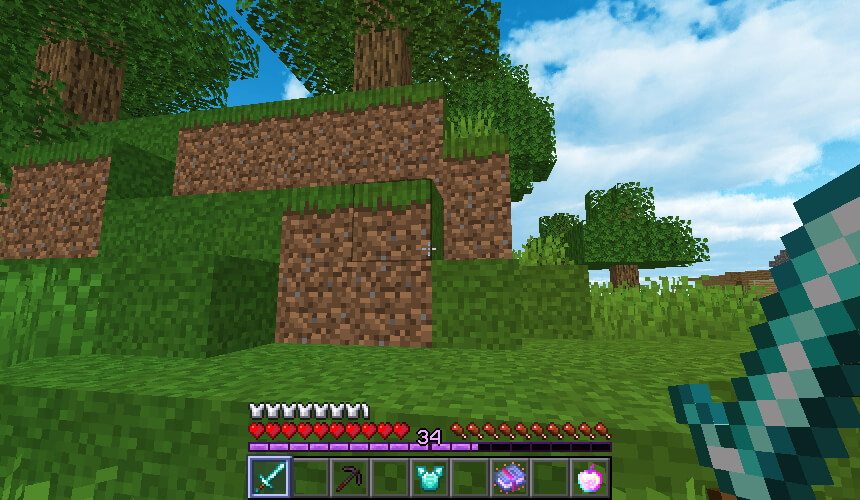
Don’t rush your decisions; simply try to achieve a favourable outcome on your journey. Incidentally, the author has also tried to change the existing environment and get as much enjoyment as possible out of the game. We suggest you waste no time and start actively working towards success.
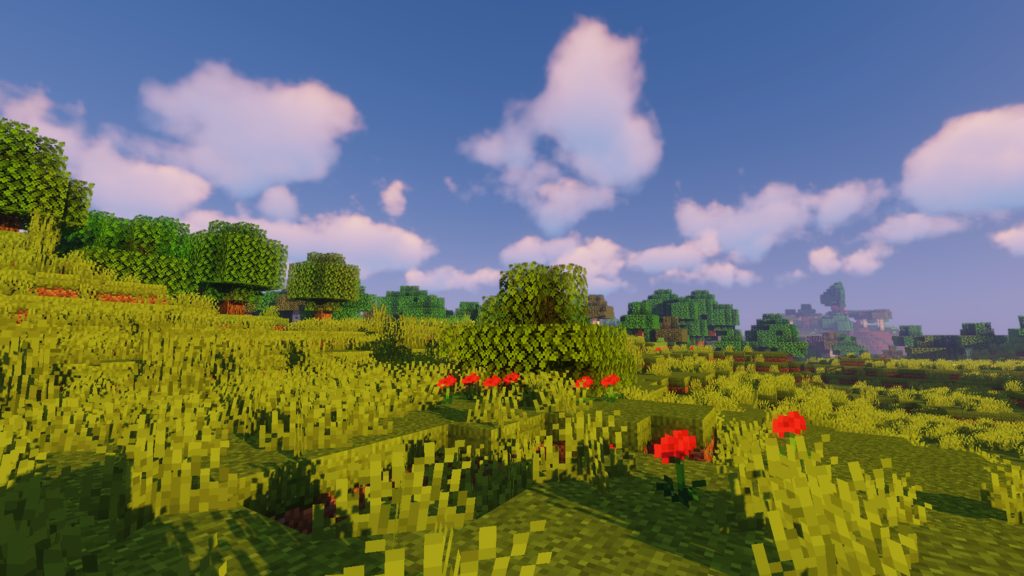
How to install the texture pack:
Step one: Download the texture pack using the link below.
Step two: Extract the downloaded archive and copy the folder New Default to the following path: c:\Users\Пользователь\AppData\Roaming\.minecraft\resourcepacks\ (if this folder does not exist, create it yourself) (For Windows)
Step three: In the game, go to Settings, then Resource Packs. Click on the icon for the new texture pack that appears in the left-hand list.
Comments (0)