



PixaGraph for Minecraft 1.17
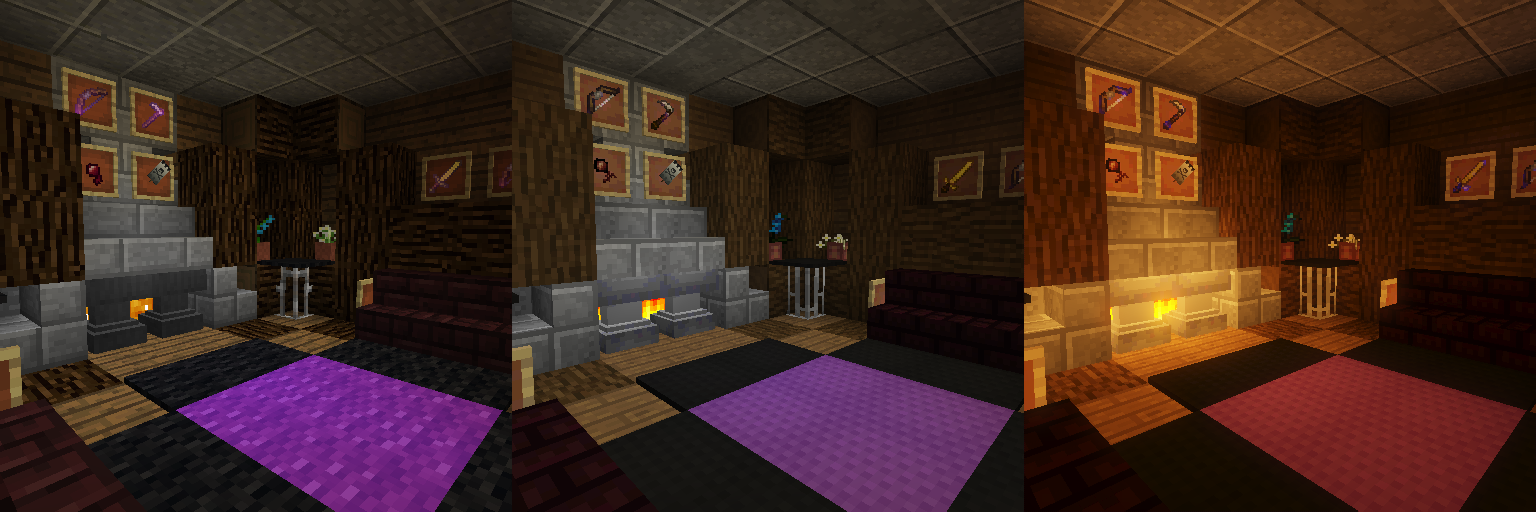 Vanilla Minecraft is hugely popular among players, and now you have the chance to improve it. A fan of the game has developed the PixaGraph add-on for Minecraft, which allows you to easily install 16×16 textures designed with the vanilla game in mind.
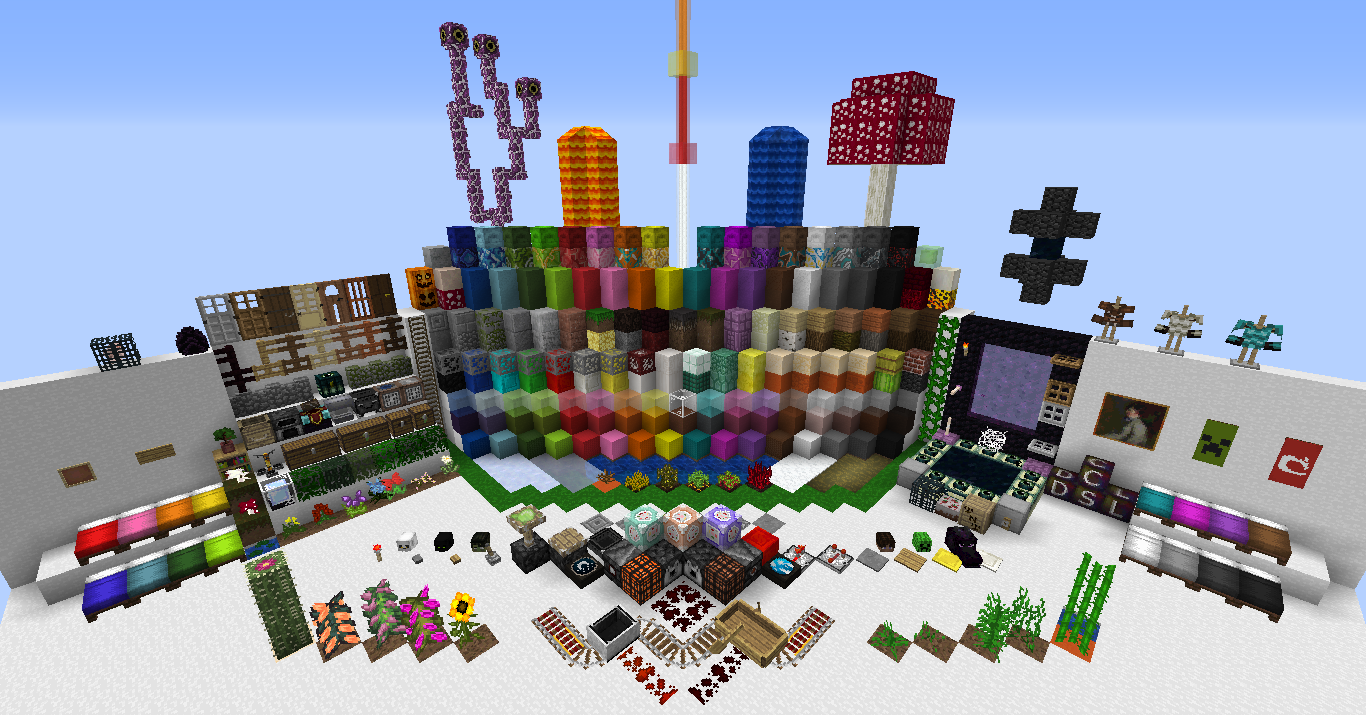
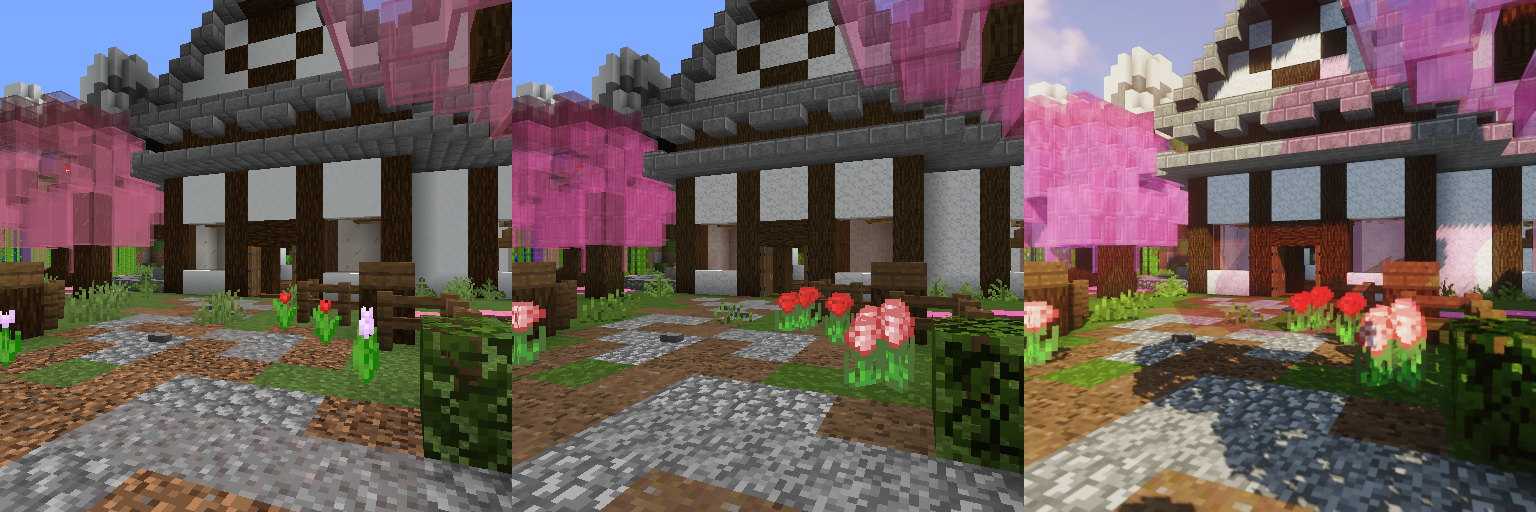
Overall, the author has managed to achieve the desired result and is now ready to delight you with their work. In any case, the game will be several times better, allowing you to enjoy every moment of the adventure. These textures preserve the atmosphere of the vanilla adventure while offering a completely new perspective on the game.
How to install the texture pack:
Step 1: Download the texture pack using the link below.
Step 2: Extract the downloaded archive and copy the PixaGraph folder to c:\Users\Пользователь\AppData\Roaming\.minecraft\resourcepacks\ (if this folder does not exist, create it yourself) (For Windows)
Step 3: In the game, go to Settings, then Resource Packs. Click the icon for the new texture pack in the left-hand list.
Comments (0)