



Pixel Reality for Minecraft 1.17
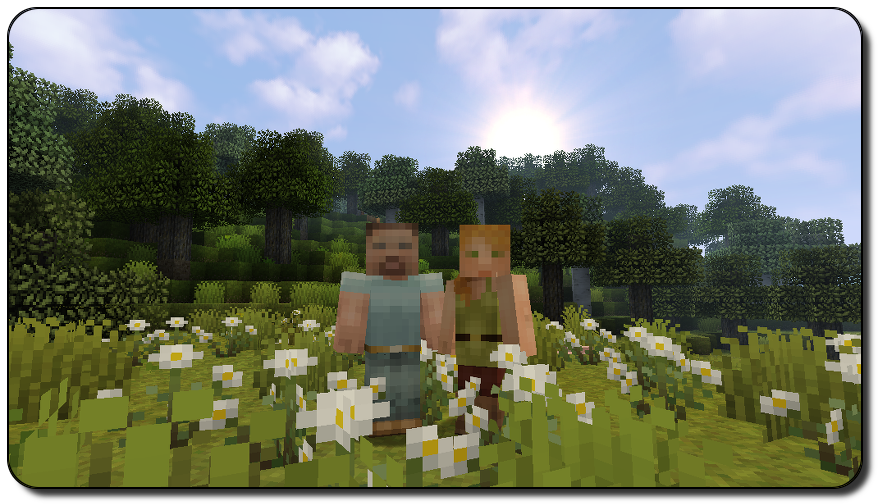
 Pixel Reality for Minecraft is a great way not only to have a good time but also to enjoy the gameplay to the fullest. This time, a completely new environment awaits you, allowing you to realise your potential with ease.
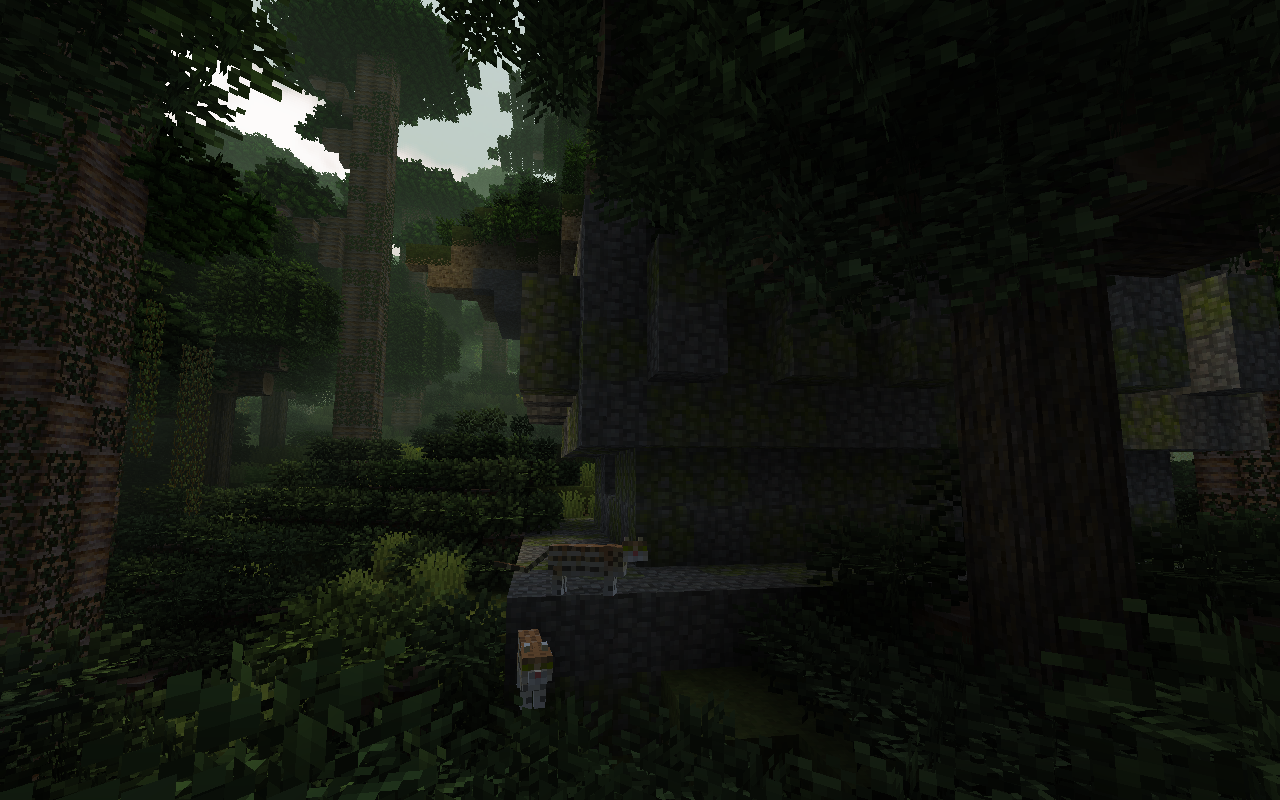
This time, a completely new expanse awaits you to explore, with every minute filled with new emotions, experiences and other fascinating activities. Don’t waste any time – explore the world and appreciate all the author’s work. All that remains is for us to wish you good luck and all the very best. You’re bound to succeed!
How to install the texture pack:
Step one: Download the texture pack using the link below.
Step two: Extract the downloaded archive and copy the Pixel Reality folder to c:\Users\Пользователь\AppData\Roaming\.minecraft\resourcepacks\ (if this folder does not exist, create it yourself) (For Windows)
Step three: In the game, go to Settings, then Resource Packs. There, click the icon for the newly added texture pack in the left-hand list.
Comments (0)