



Renewed Animal for Minecraft 1.17
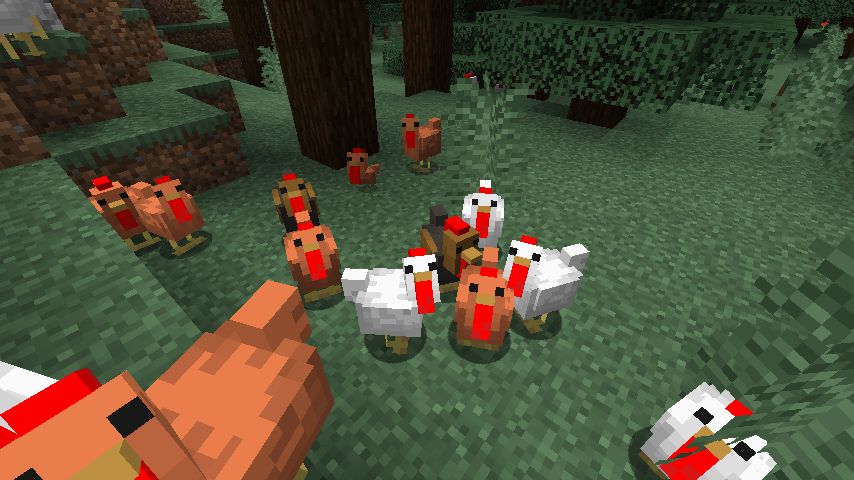
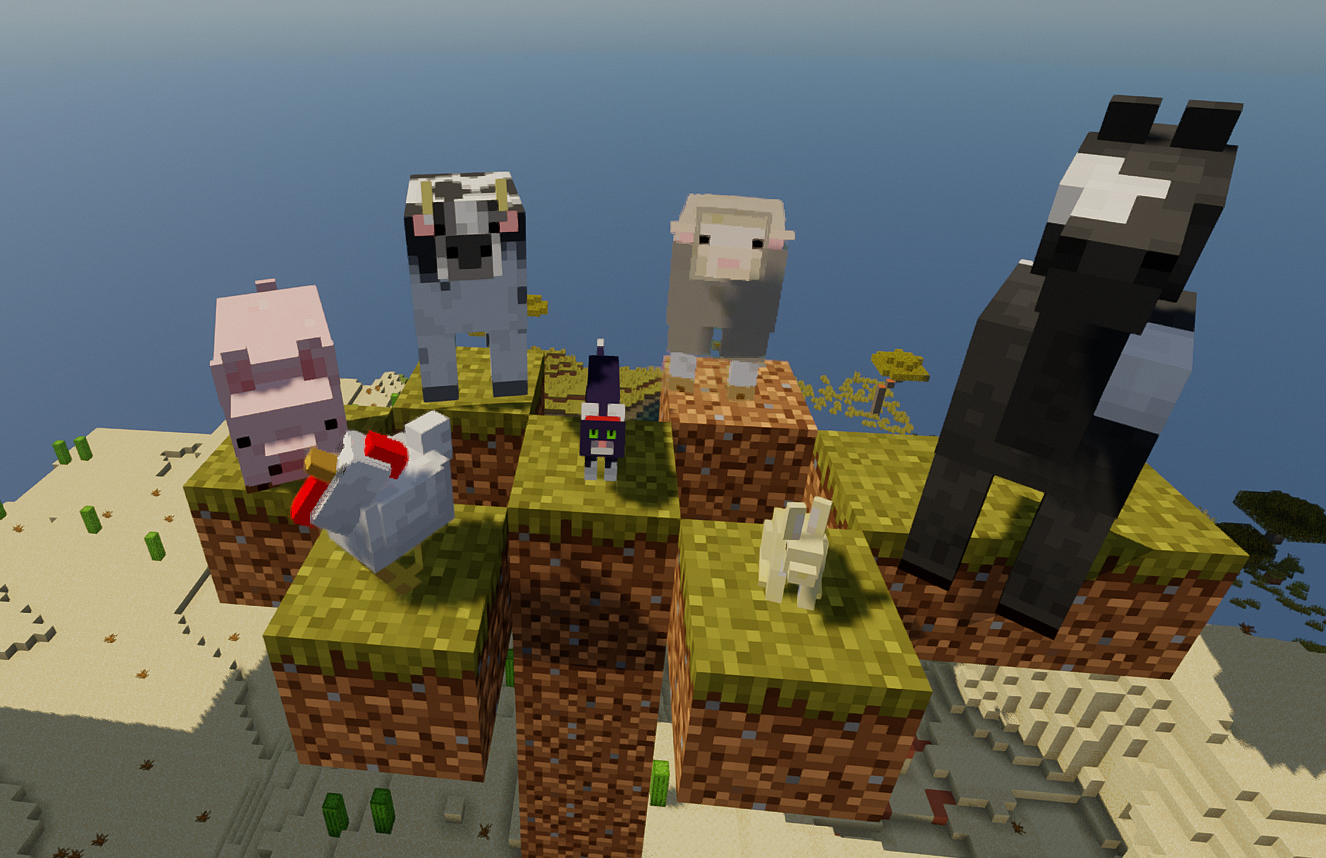 Renewed Animal for Minecraft is a great opportunity to embark on an amazing adventure and try to get the most enjoyment out of the game. This time, the creator has focused on revamping the animals’ appearance, so they now look realistic and feature new enhancements.
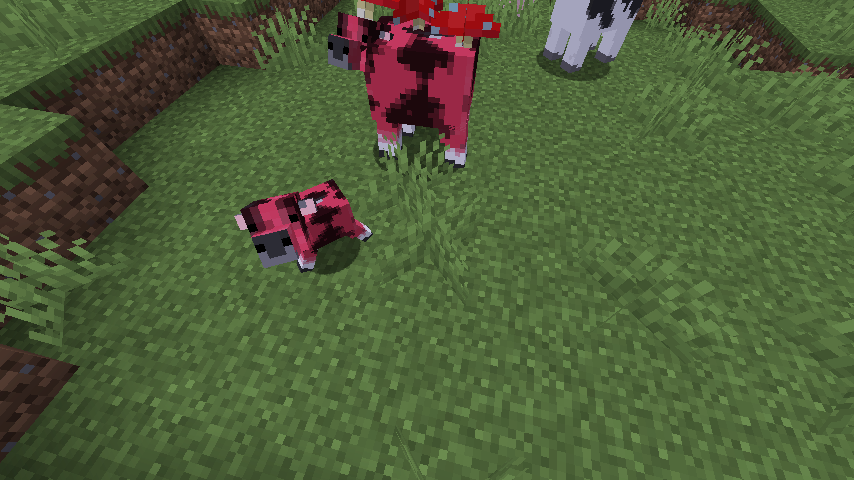
There’s no need to rush; simply take a leisurely stroll through your new world and enjoy your surroundings. We suggest you don’t waste any time and start making use of all your new enhancement options, which are sure to come in handy. At the very least, they’ll make the game several times better and give you unforgettable memories of your journey.
How to install the texture pack:
Step 1: Download the texture pack using the link below.
Step 2: Extract the downloaded archive and copy the Renewed Animal folder to c:\Users\Пользователь\AppData\Roaming\.minecraft\resourcepacks\ (if this folder does not exist, create it yourself) (For Windows)
Step 3: In the game, go to Settings, then Resource Packs. Find the new texture pack in the list on the left and click its icon.
Comments (0)