



Round Trees for Minecraft 1.17
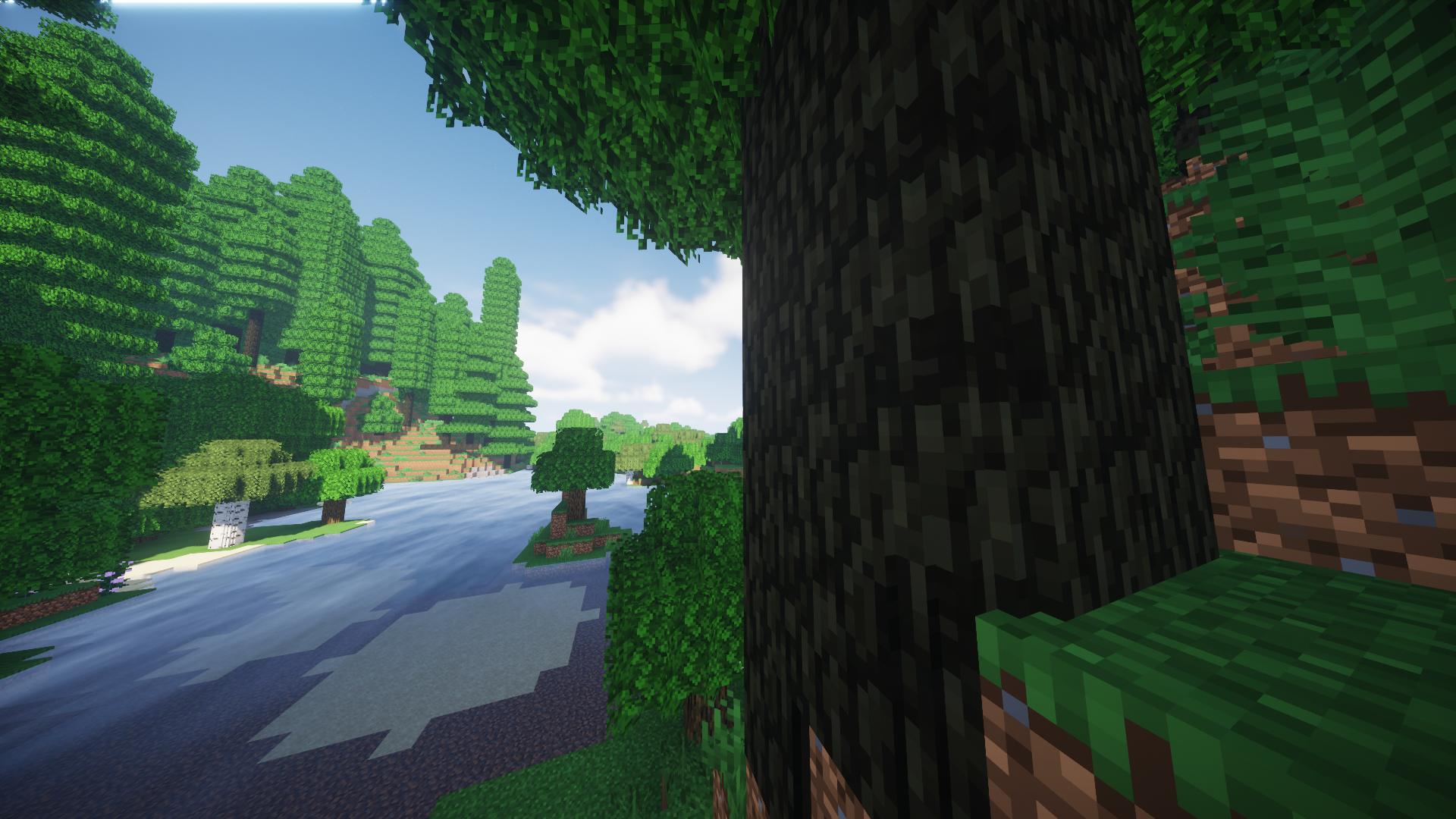
 How about a rather interesting and important improvement? For just such an occasion, we suggest you try the Round Trees add-on for Minecraft so you can enjoy not only an interesting environment but also realistic-looking trees.
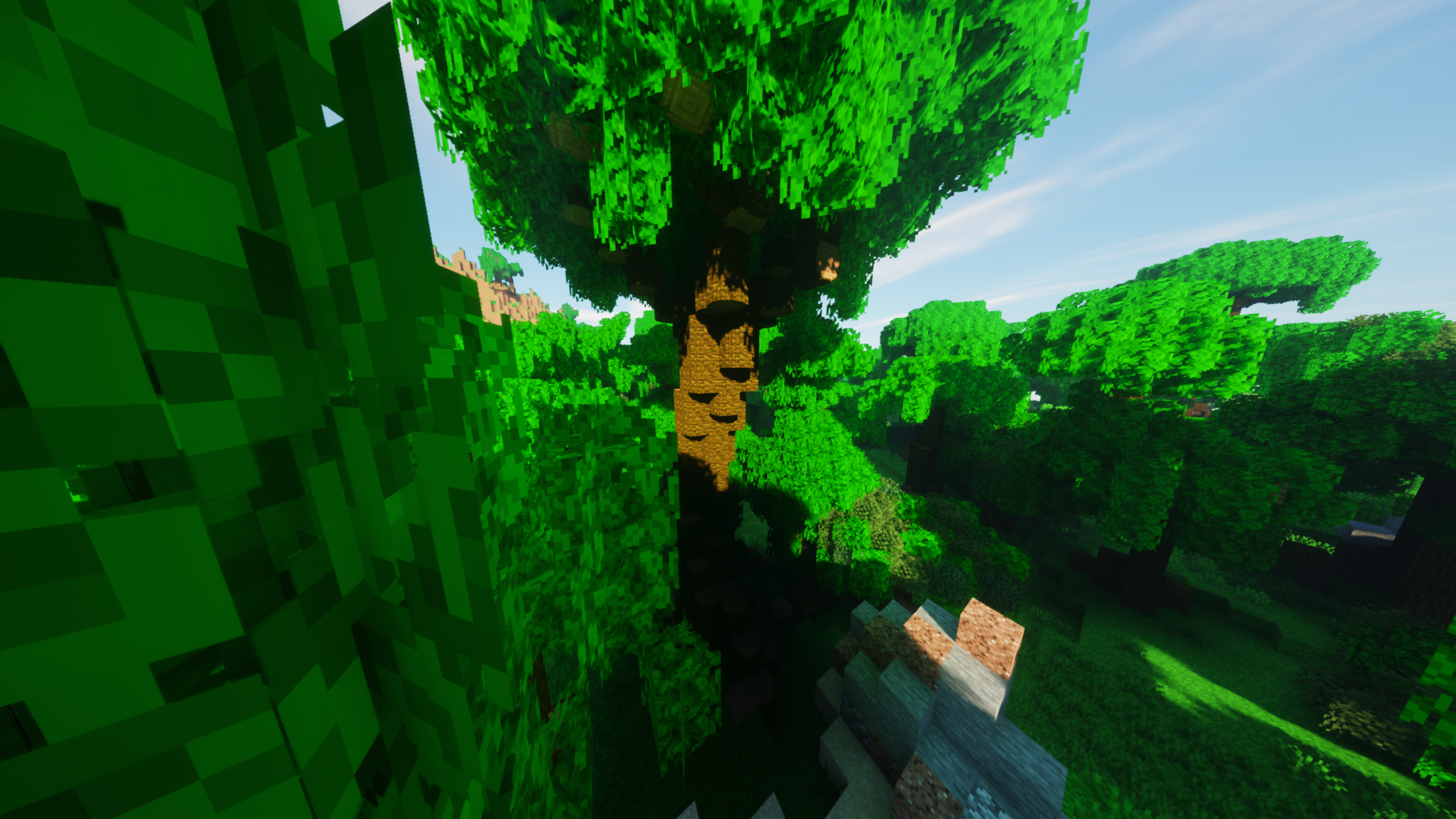
As many of you will have guessed, this is all about the appearance of the trees. They will now be round and resemble their real-life counterparts. In short, we invite you to try this improvement and discover a completely new and more realistic gaming adventure. Enjoy your walk!
How to install the texture pack:
Step one: Download the texture pack using the link below.
Step two: Extract the downloaded archive and copy the Round Trees folder to c:\Users\Пользователь\AppData\Roaming\.minecraft\resourcepacks\ (if this folder does not exist, create it yourself) (For Windows)
Step three: In the game, go to Settings, then Resource Packs. There, click on the icon for the new texture pack in the left-hand list.
Comments (0)