



Synthwave Themed for Minecraft 1.17
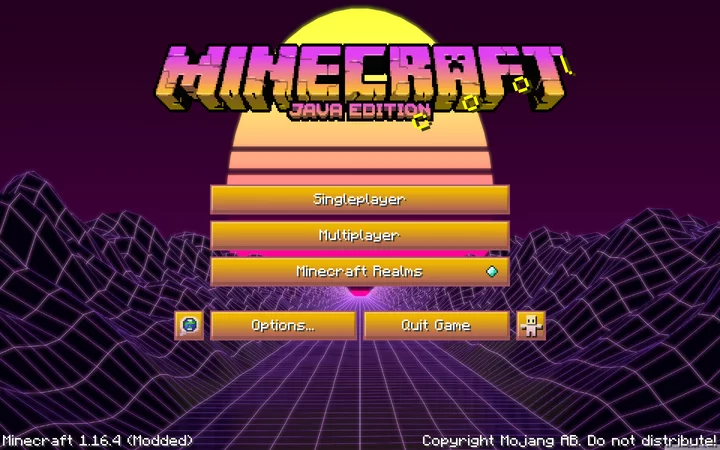 Synthwave Themed for Minecraft is a versatile add-on that includes a wide range of varied and interesting new features. The creator has tried to modify all available textures and give them an 80s-style look.
To achieve this, they have worked on virtually every available element, giving each texture a completely new look. This style will allow you to get the most enjoyment out of the game and enjoy every moment of your adventure. Don’t rush through your journey; it’s better to think everything through carefully and soak up the atmosphere of the game.
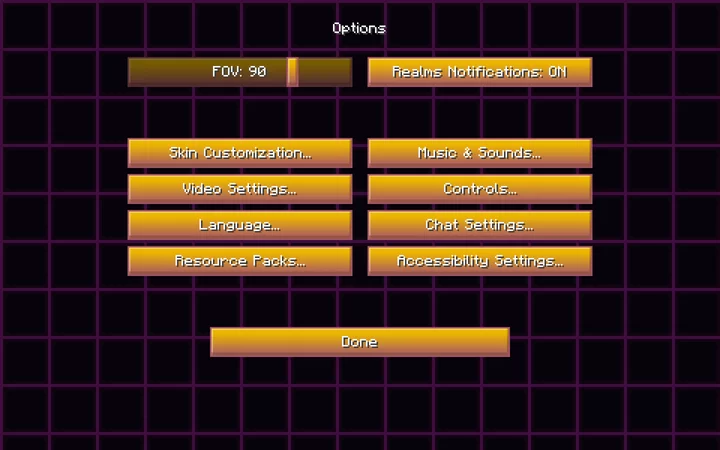
How to install the texture pack:
Step one: Download the texture pack using the link below.
Step two: Extract the downloaded archive and copy the folder Synthwave Themed to the following path: c:\Users\Пользователь\AppData\Roaming\.minecraft\resourcepacks\ (if this folder does not exist, create it yourself) (For Windows)
Step three: In the game, go to Settings, then Resource Packs. There, click the icon for the newly added texture pack in the left-hand list.
Comments (0)