



Tiny Pixels for Minecraft 1.17
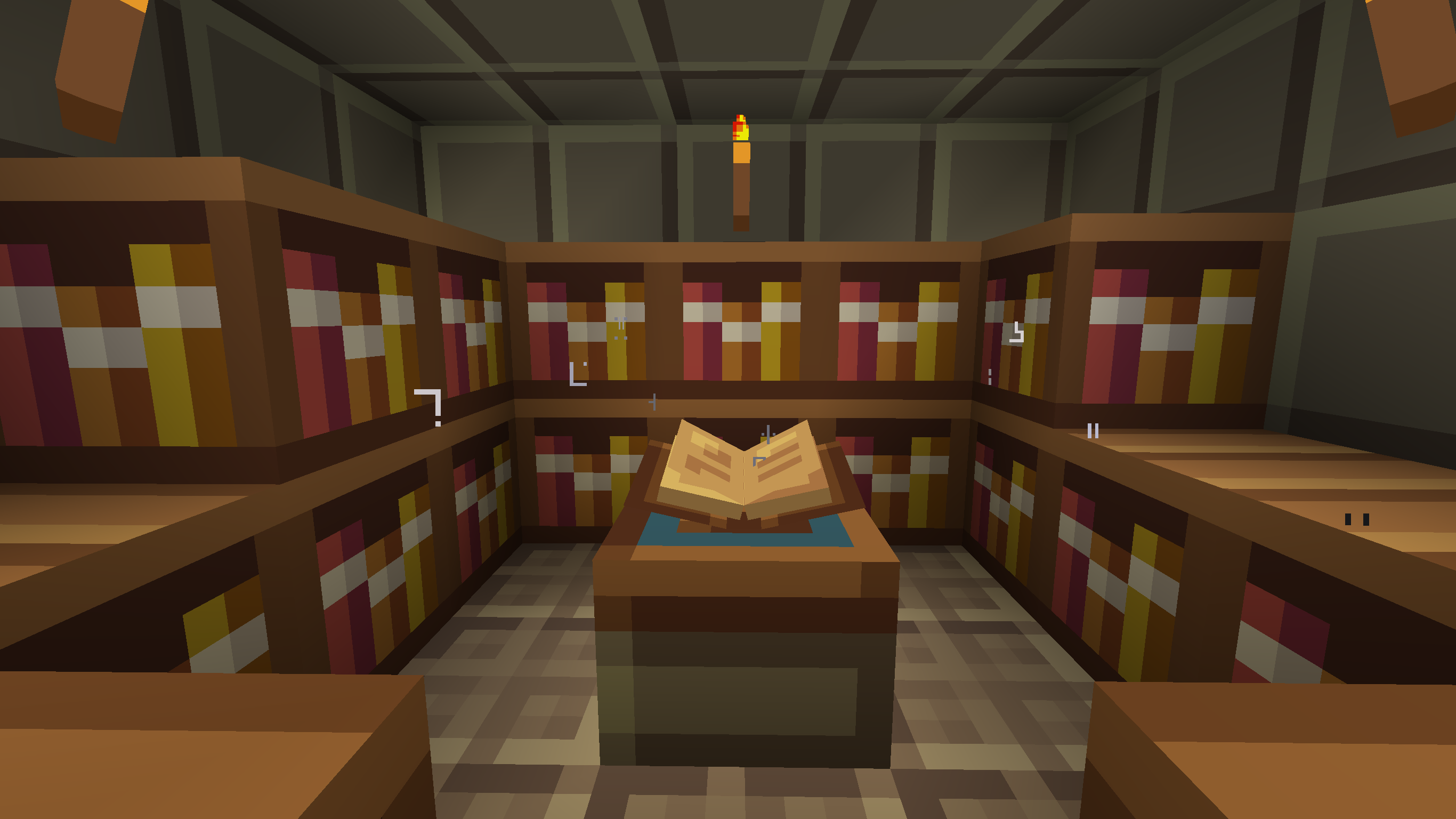 Tiny Pixels for Minecraft is a great opportunity to put all your skills to use and try out new textures while enjoying the vanilla atmosphere.
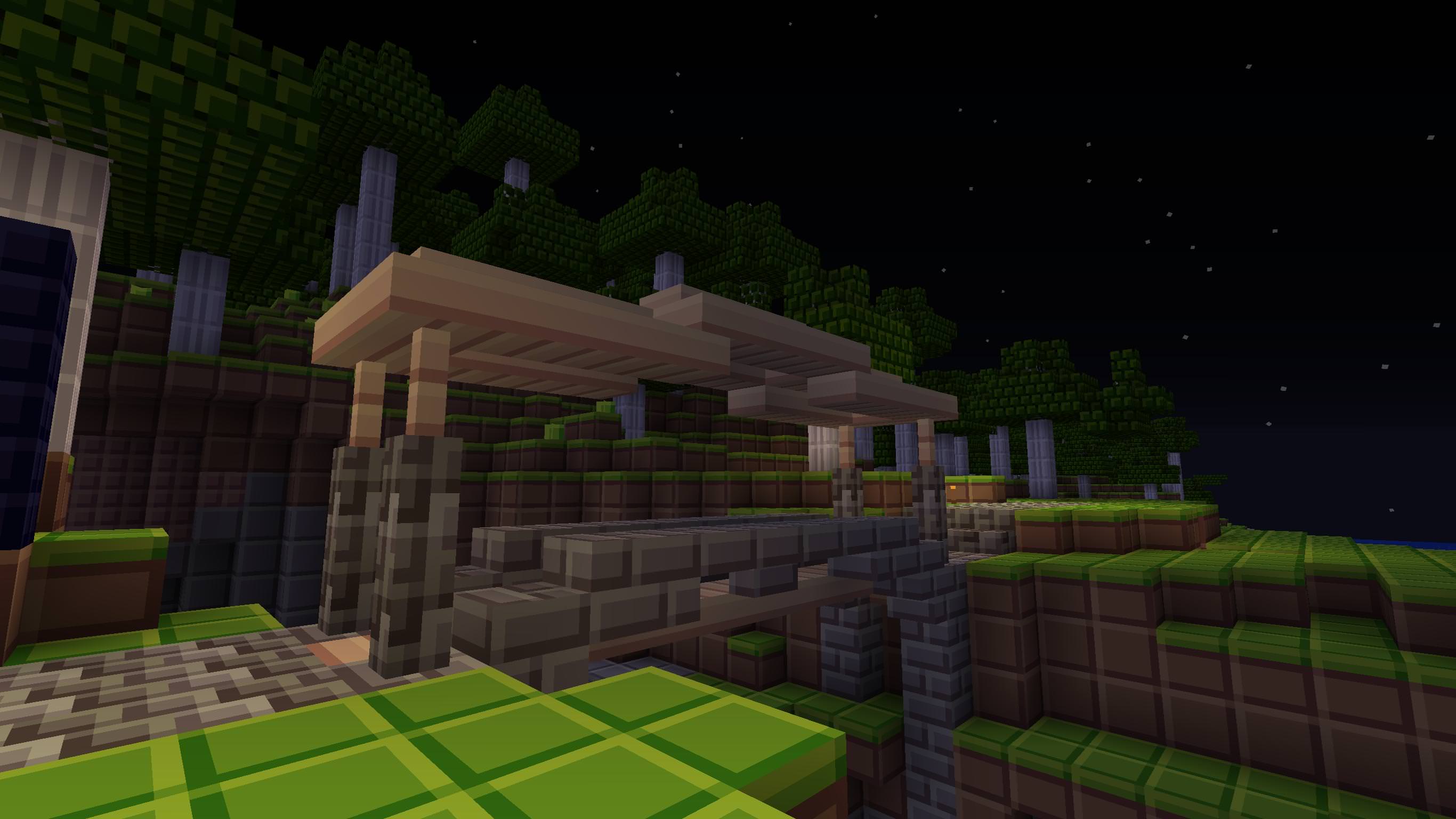 The author has managed to bring together a wide variety of improvements while preserving the vanilla atmosphere. As for the textures themselves, they are now detailed, smooth, and intriguing. In any case, you’ll enjoy the adventure to the fullest and be able to enhance the vanilla version of the game with new graphical elements. Now you have the chance to dive back into the adventure and experience new emotions.
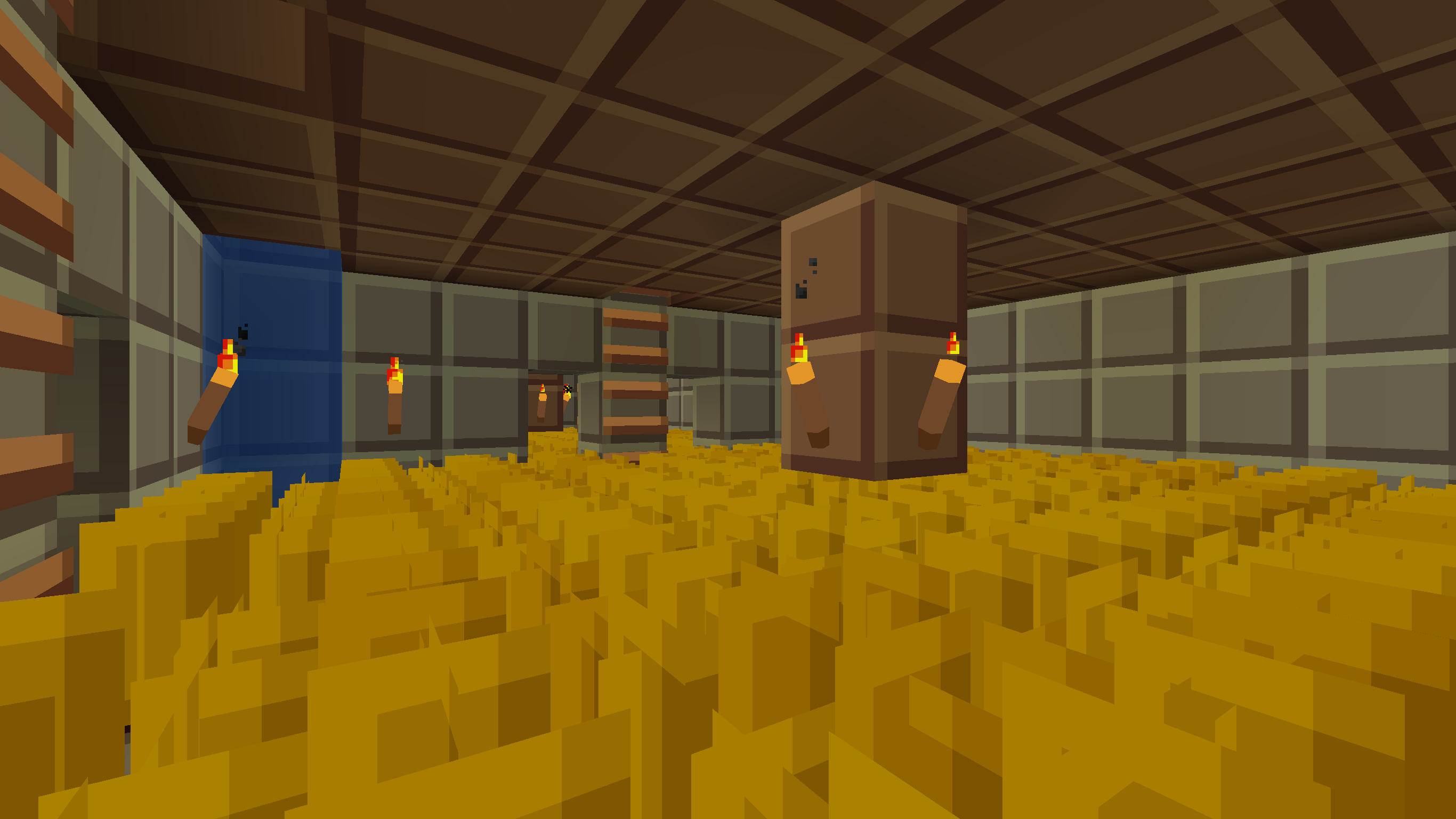
How to install the texture pack:
Step 1: Download the texture pack using the link below.
Step 2: Extract the downloaded archive and copy the Tiny Pixels folder to c:\Users\Пользователь\AppData\Roaming\.minecraft\resourcepacks\ (if this folder does not exist, create it yourself) (For Windows)
Step 3: In the game, go to Settings, then Resource Packs. In the list on the left, click on the icon for the new texture pack that has appeared.
Comments (0)