



UltimaCraft for Minecraft 1.17
 UltimaCraft for Minecraft is a comprehensive add-on that allows you to enjoy every moment of your adventure to the fullest. This time, the textures will focus exclusively on various models, effects, and a small number of shaders related to the models.
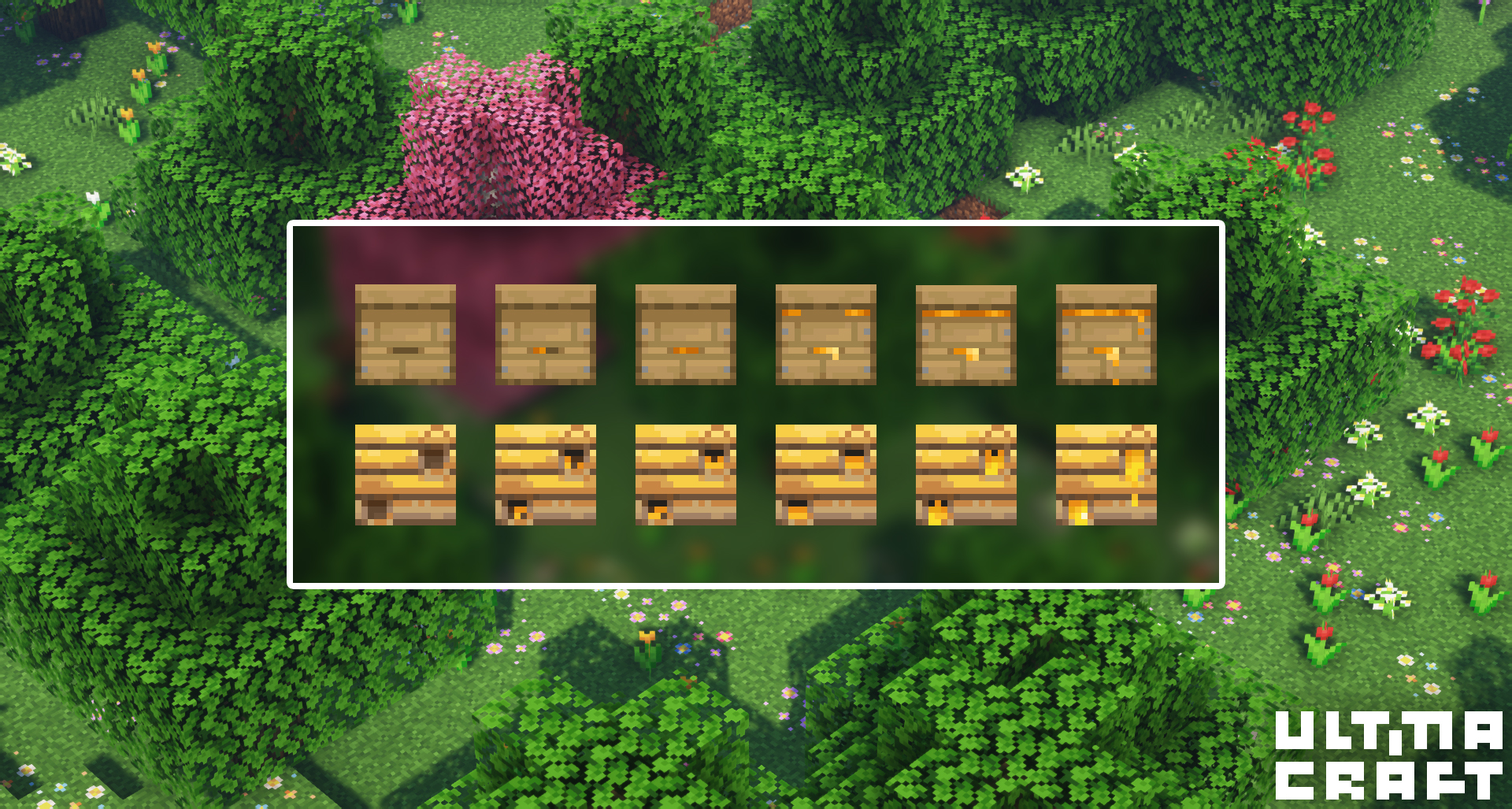
The author has made an effort to work on each model individually, so the changes may range from minor cosmetic tweaks to a complete overhaul of the model. In any case, you’ll be able to take advantage of these new improvements and simply get the most enjoyment out of the gameplay.
How to install the texture pack:
Step one: Download the texture pack using the link below.
Step two: Extract the downloaded archive and copy the UltimaCraft folder to c:\Users\Пользователь\AppData\Roaming\.minecraft\resourcepacks\ (if this folder does not exist, create it yourself) (For Windows)
Step three: In the game, go to Settings, then Resource Packs. There, click the icon for the newly added texture pack in the left-hand list.
Comments (0)