



Authentic Netherite for Minecraft 1.18
 Interestingly, many users try to apply a variety of visual enhancements, both on a global scale and to individual items. For example, you can already use the Authentic Netherite add-on for Minecraft, which promises to be of particular interest to item enthusiasts.
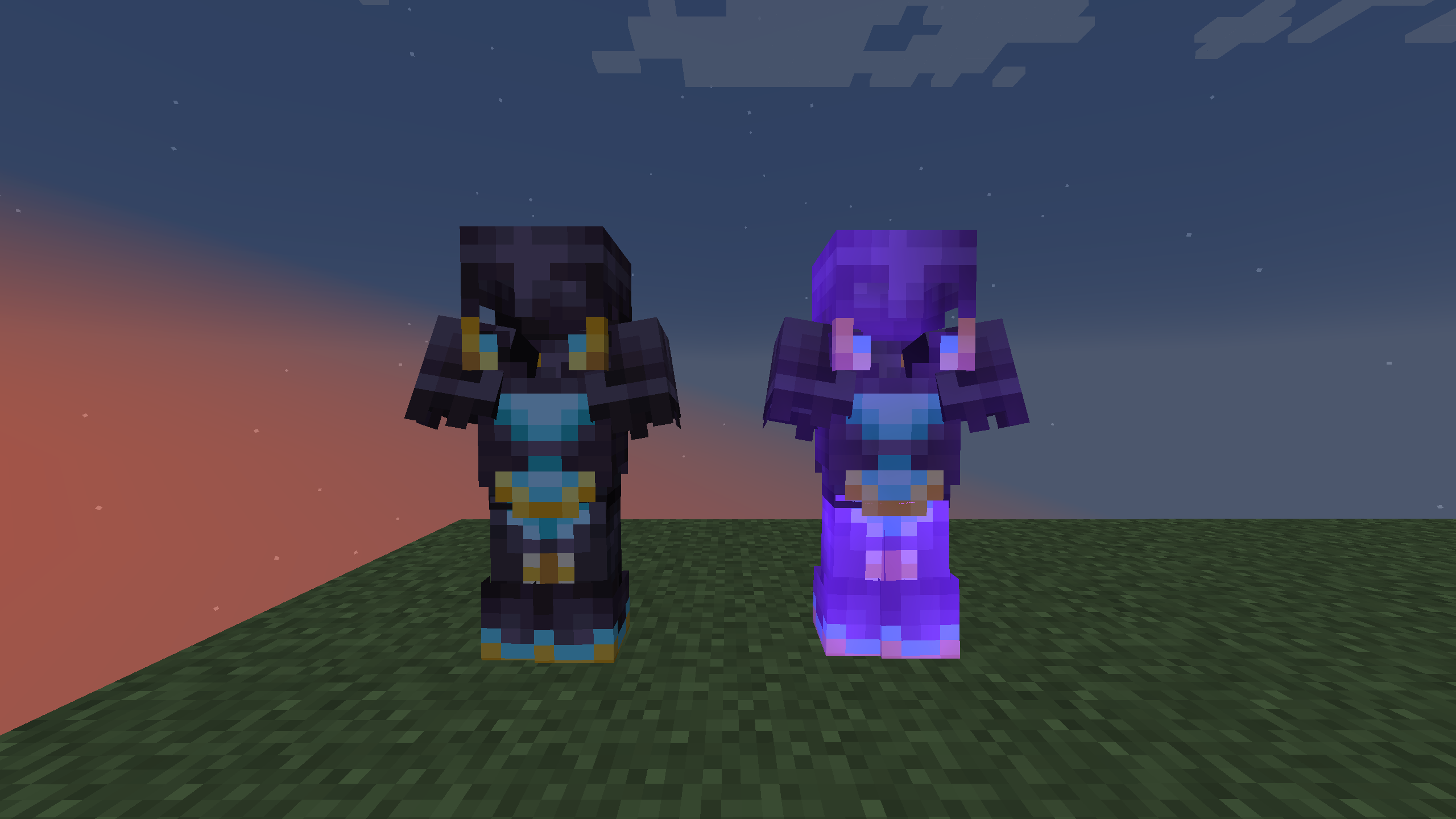
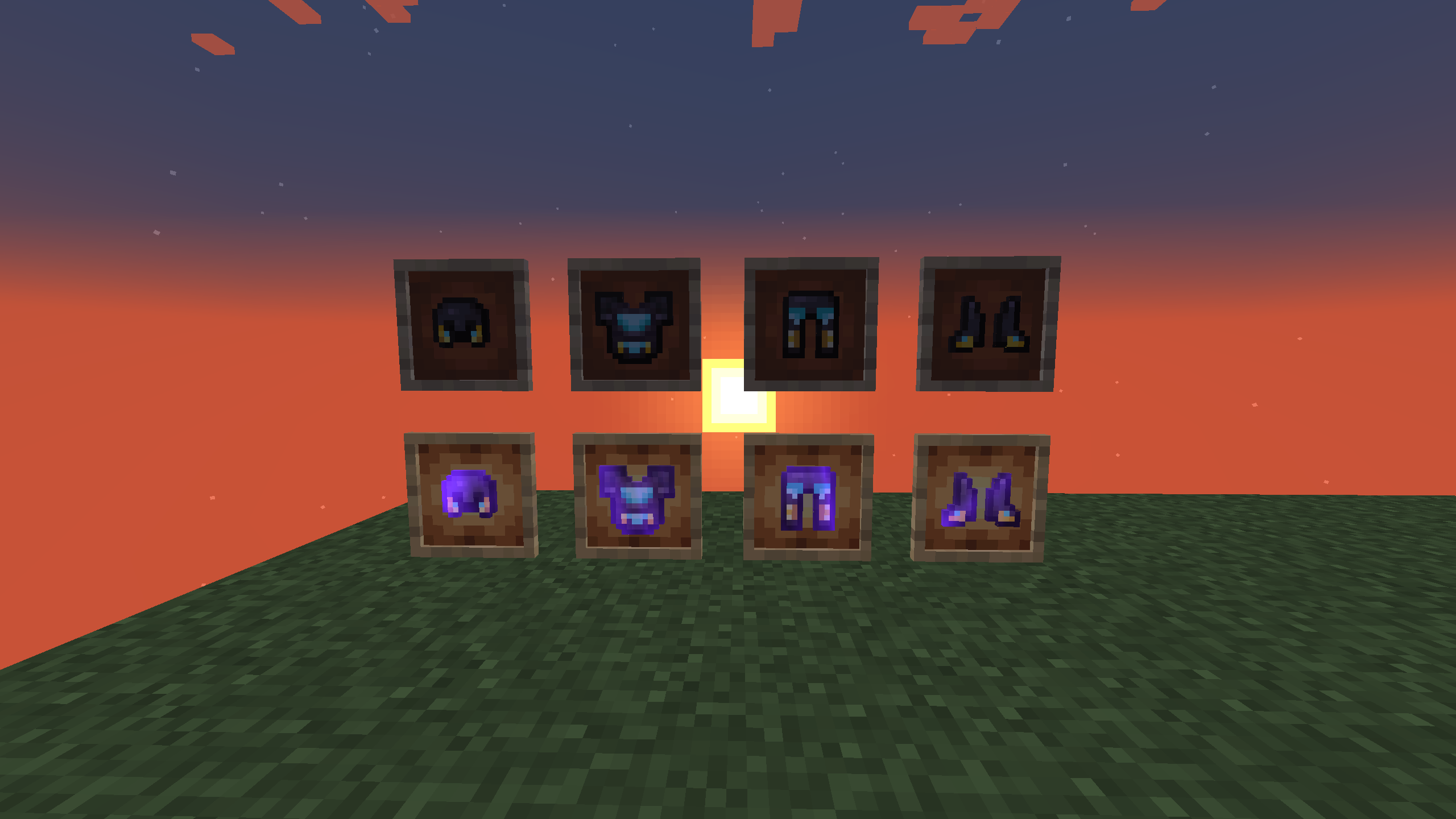
The author has changed the textures and appearance of boots, helmets, swords, and tools. Now you’ll have the chance not only to have a good time but also to enjoy a unique gameplay experience. All of this will provide a great opportunity for new discoveries and experiences, and give you another reason to immerse yourself in unique adventures once again.
How to install the texture pack:
Step one: Download the texture pack using the link below.
Step two: Extract the downloaded archive and copy the folder Authentic Netherite to the following path: c:\Users\Пользователь\AppData\Roaming\.minecraft\resourcepacks\ (if this folder does not exist, create it yourself) (For Windows)
Step three: In the game, go to Settings, then Resource Packs. There, click on the icon for the newly added texture pack in the left-hand list.
Comments (0)