



Bordered Ores Modded for Minecraft 1.18
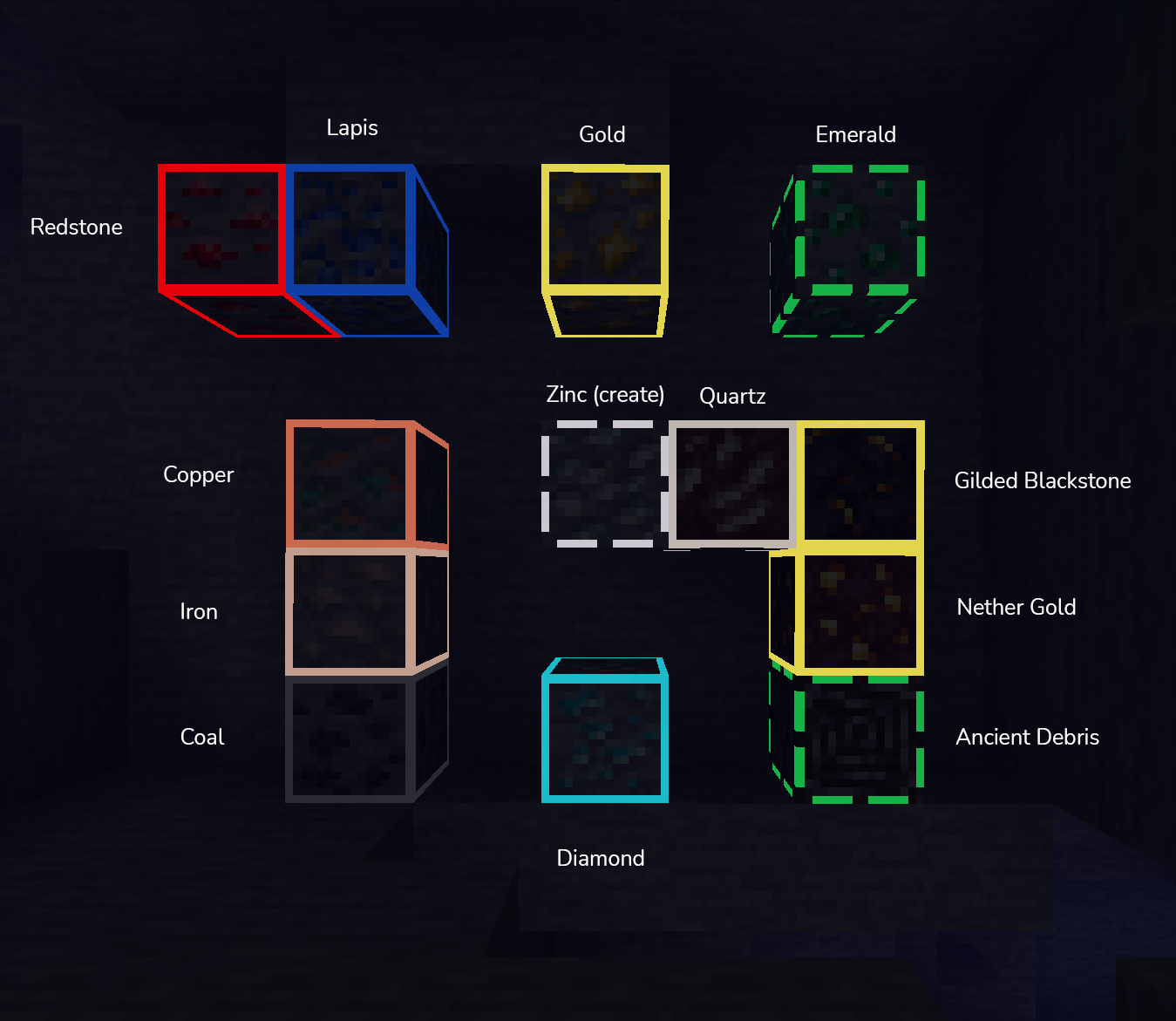
 Bordered Ores Modded for Minecraft is an add-on focused exclusively on changing the appearance of ores. The author has endeavoured to redesign virtually all available ore types and to make good use of all available options for an enjoyable gaming experience.
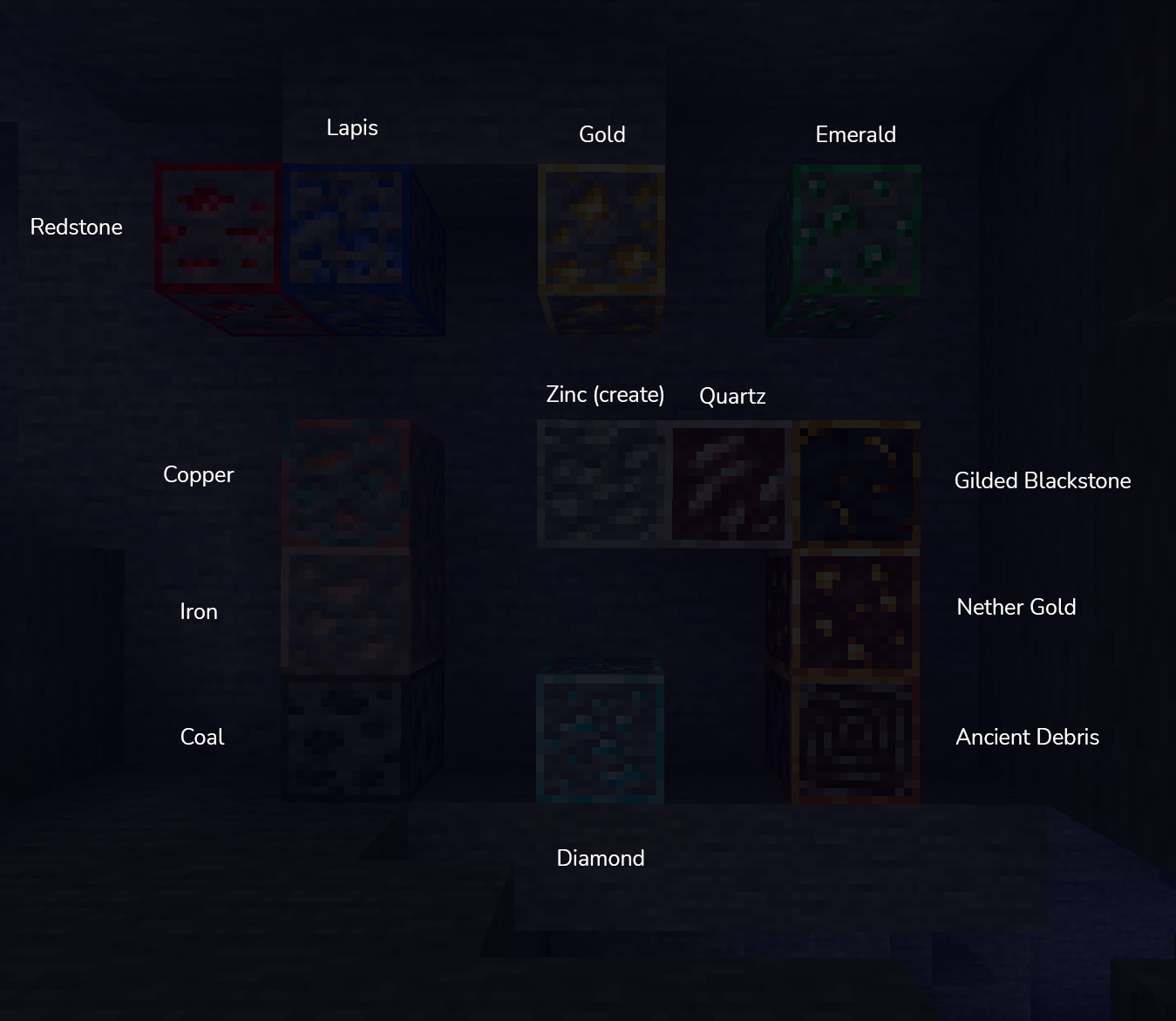
Now, each ore will feature an updated visual design, with a subtle glow around each resource, making the ore more noticeable. You’ll now find it easy to quickly gather the necessary amount of resources, which you can then use to develop and improve your buildings and surroundings as a whole. Give it a try and get the most out of the game.
How to install the texture pack:
Step 1: Download the texture pack using the link below.
Step 2: Extract the downloaded archive and copy the folder Bordered Ores Modded to the following path: c:\Users\Пользователь\AppData\Roaming\.minecraft\resourcepacks\ (if this folder does not exist, create it yourself) (For Windows)
Step 3: In the game, go to Settings, then Resource Packs. There, click on the icon for the newly added texture pack in the left-hand list.
Comments (0)