



Compliance 64x for Minecraft 1.18
 To make the game more enjoyable and interesting, all you need to do is use the Compliance 64x add-on for Minecraft.
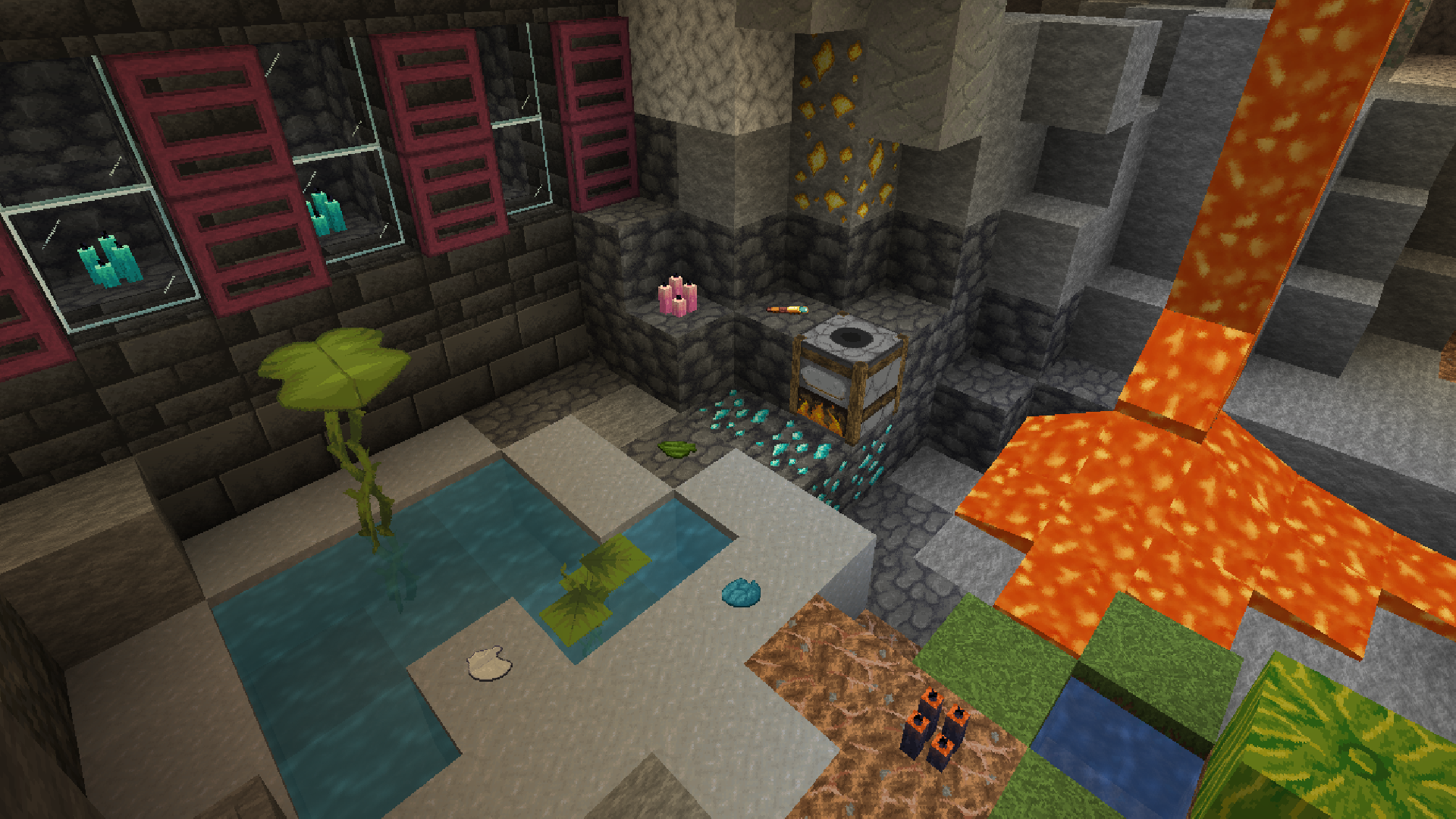
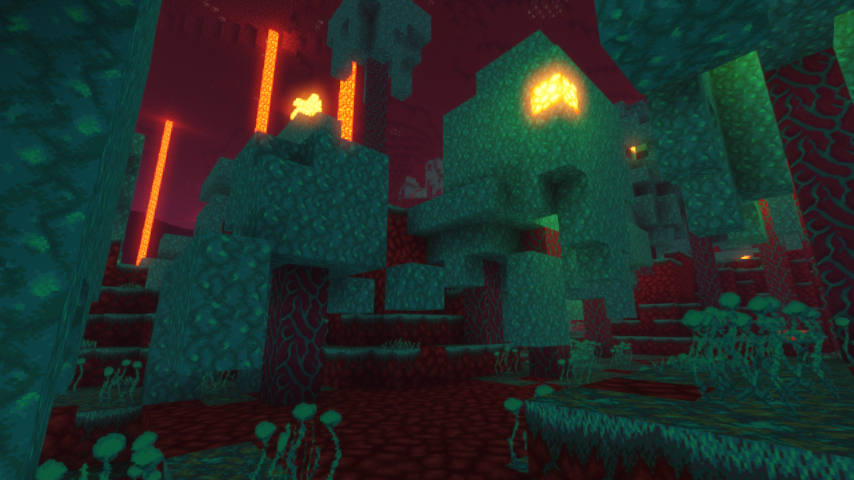
This unique add-on offers several enhancements at once: first, improved textures at 64x resolution, and second, a wealth of detail in each of these textures. In any case, only you can truly appreciate the improvements and evaluate all the work the author has put in. So don’t waste any time—just get started and gradually achieve good results. The new texture format is guaranteed to delight you and allow you to immerse yourself in all your adventures all over again.
How to install the texture pack:
Step 1: Download the texture pack using the link below.
Step 2: Extract the downloaded archive and copy the folder Compliance 64x to the following path: c:\Users\Пользователь\AppData\Roaming\.minecraft\resourcepacks\ (if this folder does not exist, create it yourself) (For Windows)
Step 3: In the game, go to Settings, then Resource Packs. There, click the icon for the newly added texture pack in the left-hand list.
Comments (0)