



CotCotPack for Minecraft 1.18.2
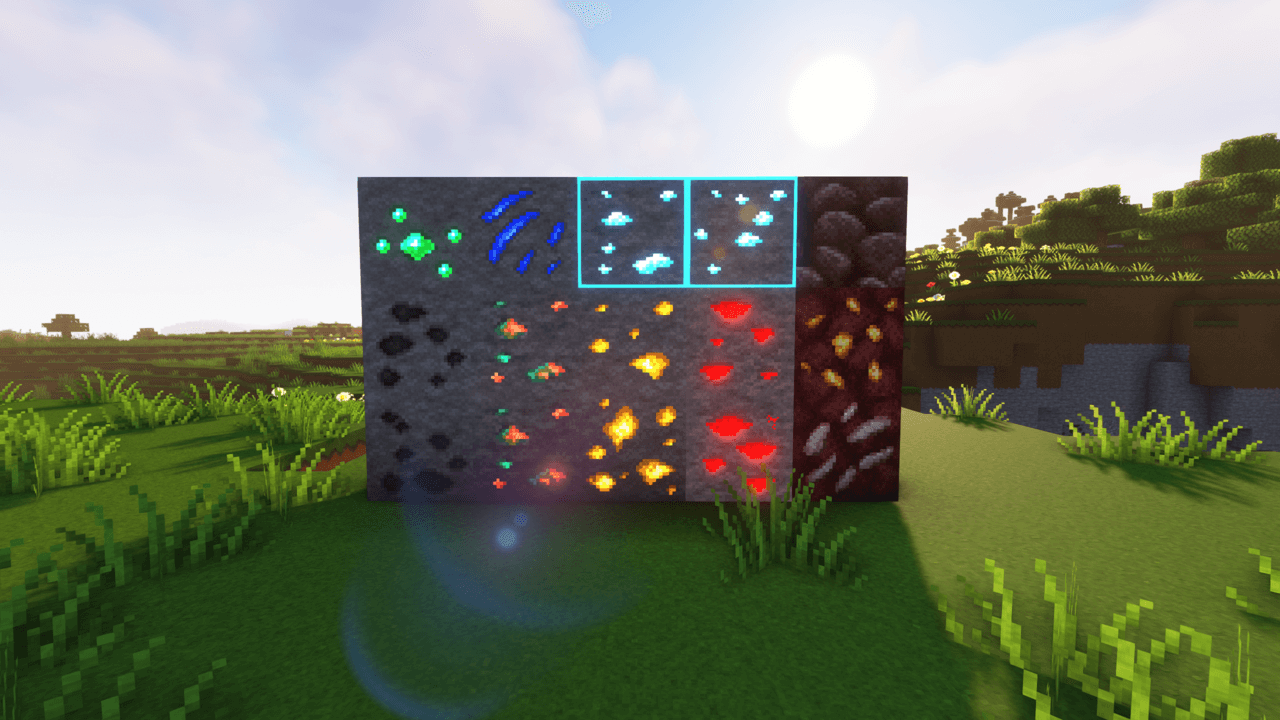
 Among comprehensive enhancements, we often recommend individual packs. For example, why not try the CotCotPack add-on for Minecraft? It’s a comprehensive pack that changes a wide range of elements.
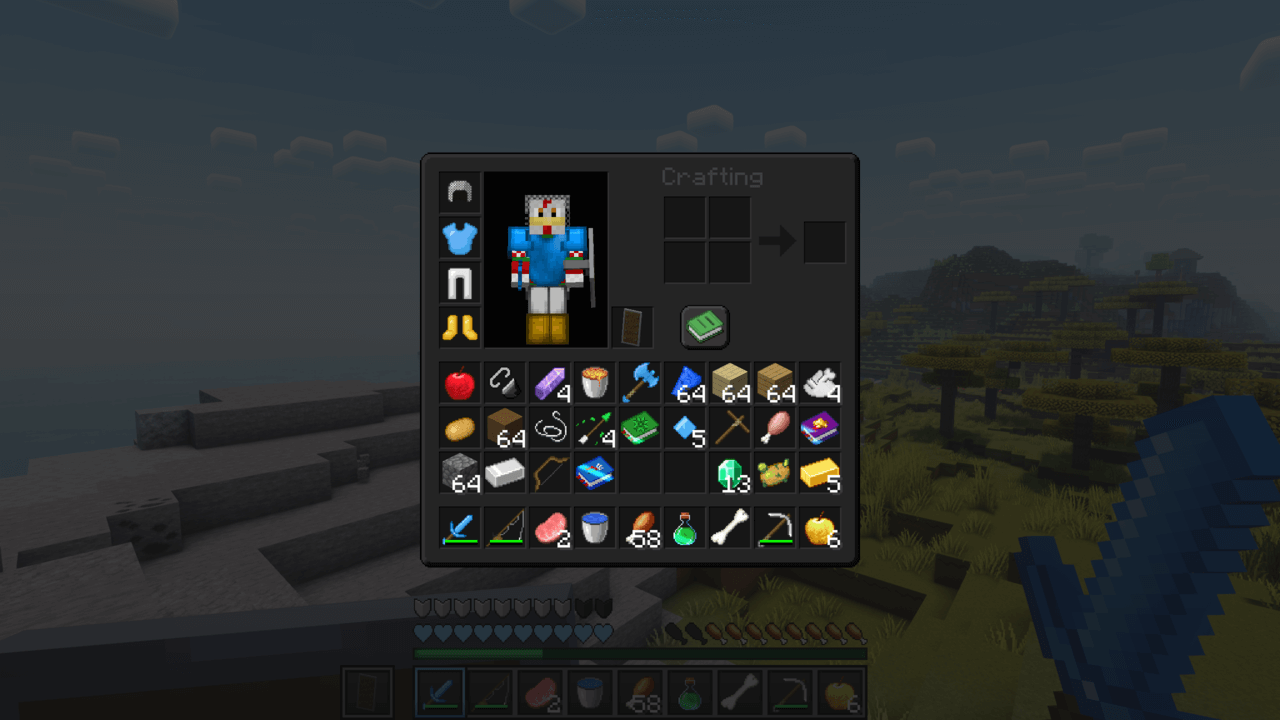
In particular, note that the author has added a large number of new 3D models, improved the level of detail, and worked on the animations of many elements. To get a closer look at all the improvements, simply set off on an adventure yourself and try to look at all these elements. The main thing is not to rush your decisions and to take note of the most interesting and unique discoveries. We wish you good luck and a fantastic adventure!
How to install the texture pack:
Step 1: Download the texture pack using the link below.
Step 2: Extract the downloaded archive and copy the CotCotPack folder to c:\Users\Пользователь\AppData\Roaming\.minecraft\resourcepacks\ (if this folder does not exist, create it yourself) (For Windows)
Step 3: In the game, go to Settings, then Resource Packs. Click the icon for the new texture pack in the list on the left.
Comments (0)