



Crafted From Vanilla for Minecraft 1.18
 Crafted From Vanilla for Minecraft – yet another enhancement for adventure enthusiasts, designed to improve the visual aspects of the adventure.
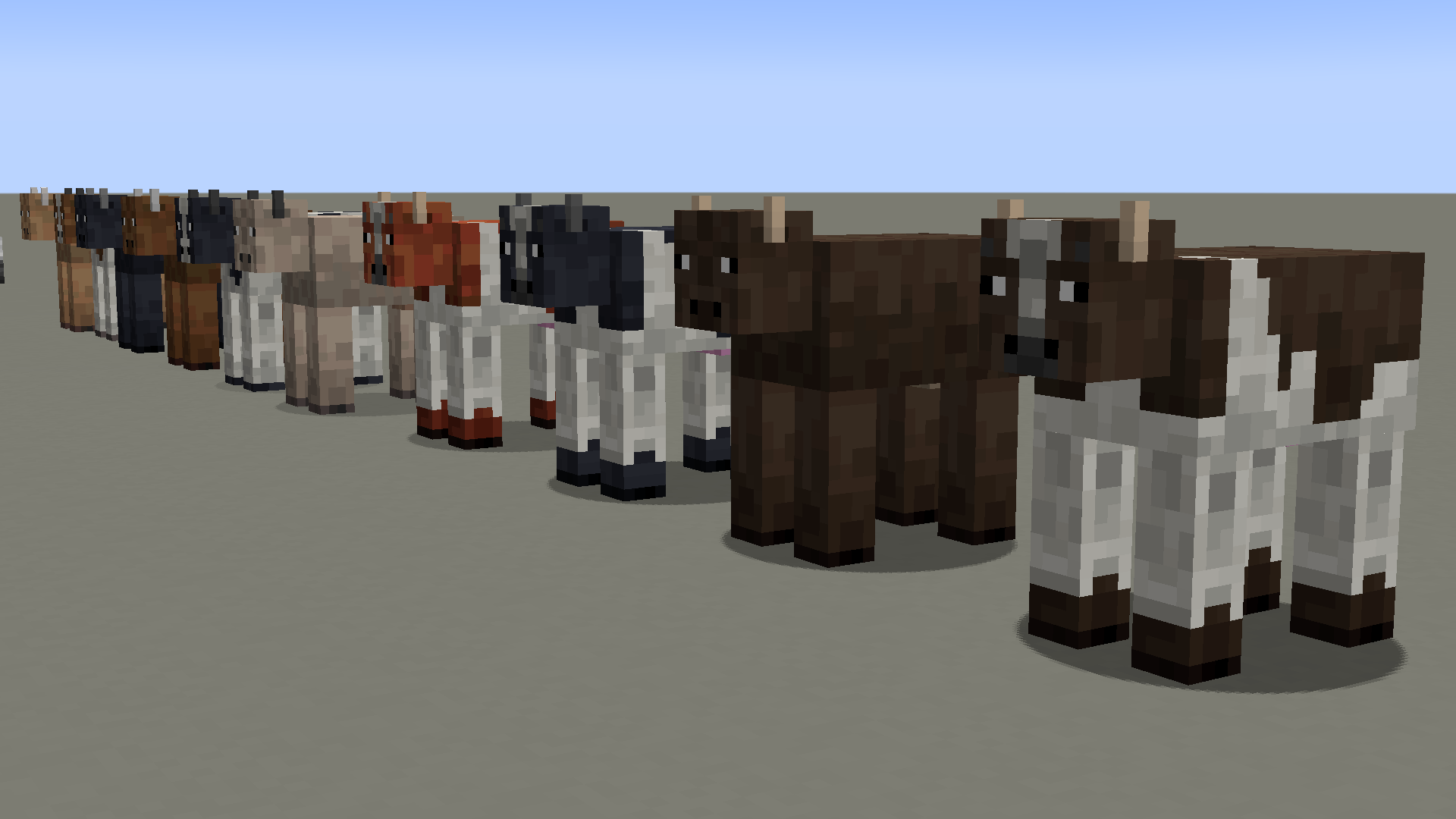
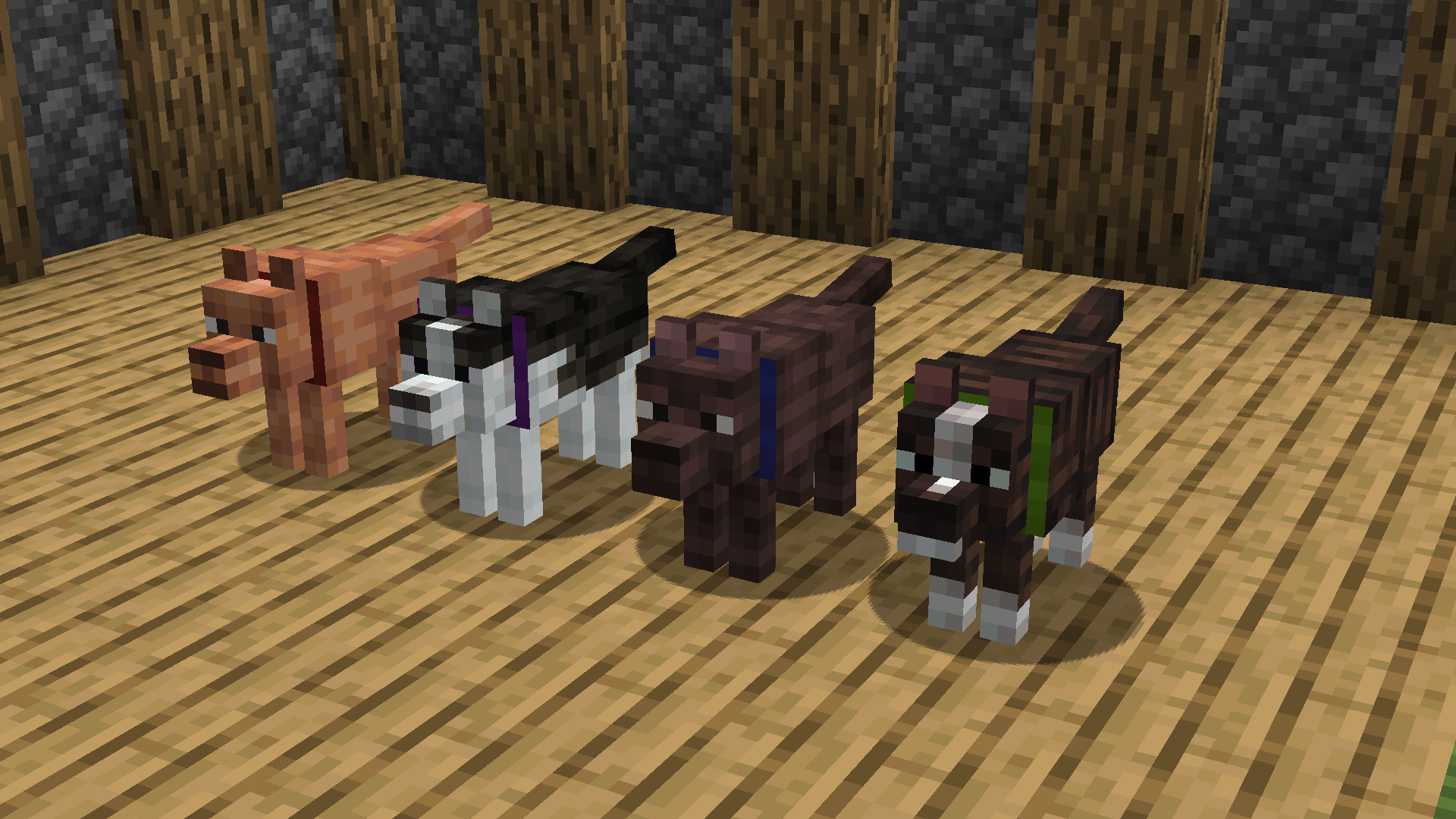
This time, you’ll be able to make use of a whole range of new textures, which aren’t limited to an improved appearance for the purple Ender Pearl, as the author has also worked on the appearance of a large number of blocks and mobs. You can now travel and enjoy a wide variety of interesting new sights. Although the adventures themselves will remain virtually unchanged in terms of variety, the visual aspect of your journey will be greatly improved. We hope you have a great time!
How to install the texture pack:
Step 1: Download the texture pack using the link below.
Step 2: Extract the downloaded archive and copy the folder Crafted From Vanilla to the path c:\Users\Пользователь\AppData\Roaming\.minecraft\resourcepacks\ (if this folder does not exist, create it yourself) (For Windows)
Step 3: In the game, go to Settings, then Resource Packs. There, click on the icon for the new texture pack in the left-hand list.
Comments (0)