



ELECTRISMC for Minecraft 1.18
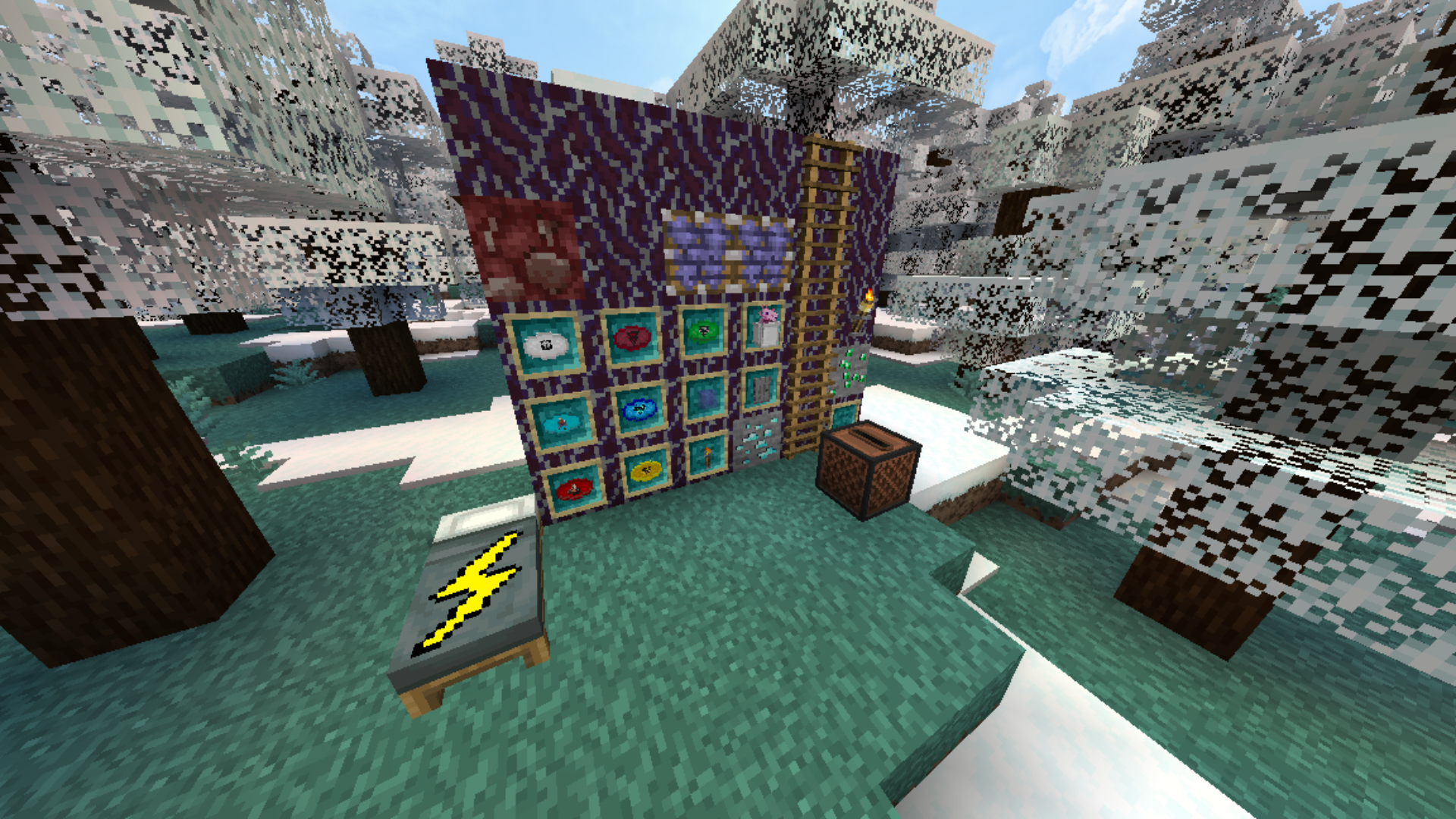
 If you’re looking to add completely new content to the game in the form of improved visuals for items and resources, you should definitely check out the ELECTRISMC add-on for Minecraft.
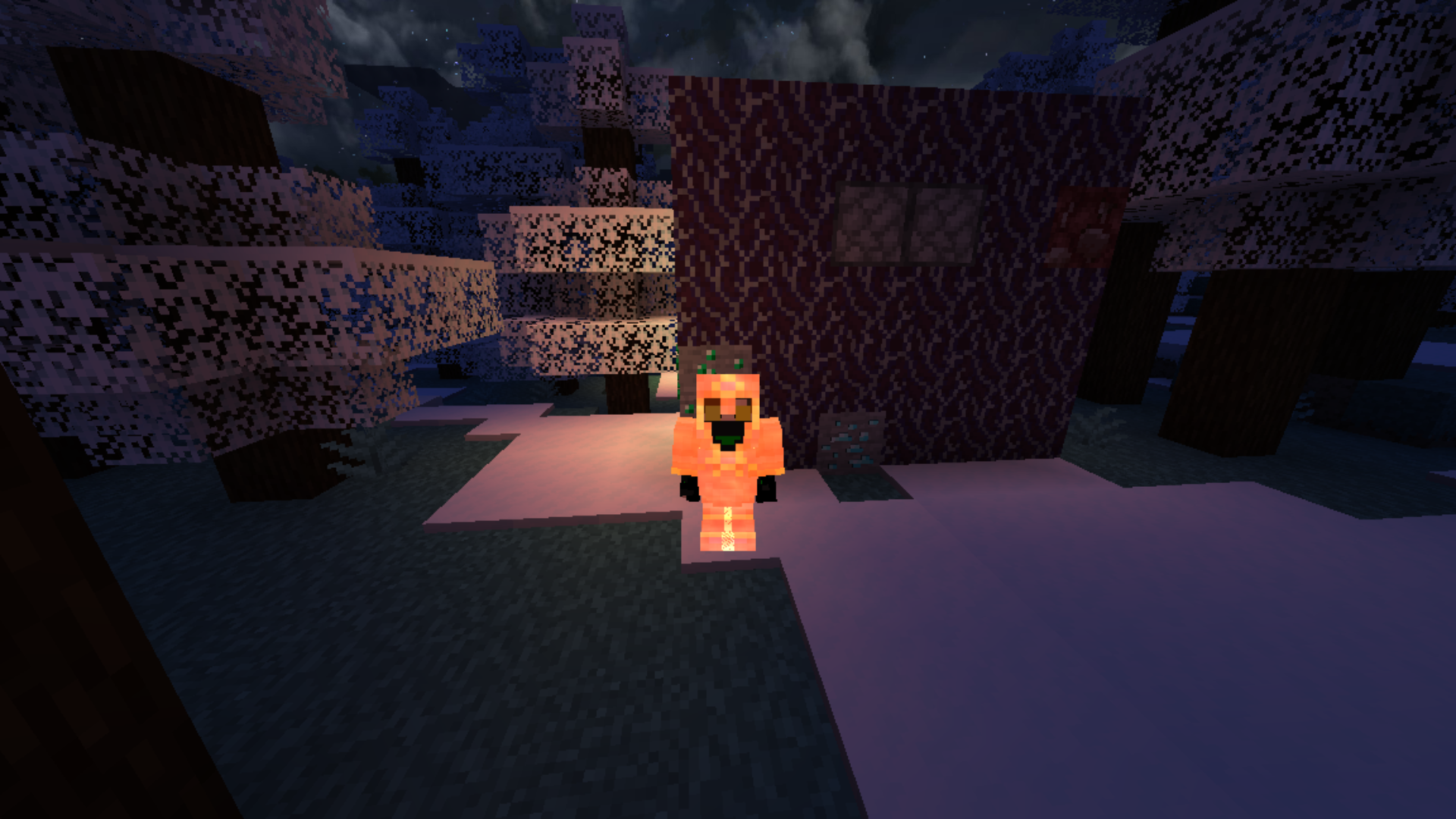
The creator of this add-on lets you easily add completely new types of item animations to the game, as well as 3D visuals, allowing you to achieve great results with ease. This time, the author will bring you maximum enjoyment from the gameplay, lay the foundation for new achievements and simply expand your core capabilities. All that remains is to wish you good spirits and new adventures.
How to install the texture pack:
Step 1: Download the texture pack using the link below.
Step 2: Extract the downloaded archive and copy the folder ELECTRISMC to the following path: c:\Users\Пользователь\AppData\Roaming\.minecraft\resourcepacks\ (if this folder does not exist, create it yourself) (For Windows)
Step 3: In the game, go to Settings, then Resource Packs. There, click on the icon for the newly added texture pack in the left-hand list.
Comments (0)