



FreeRealism for Minecraft 1.18
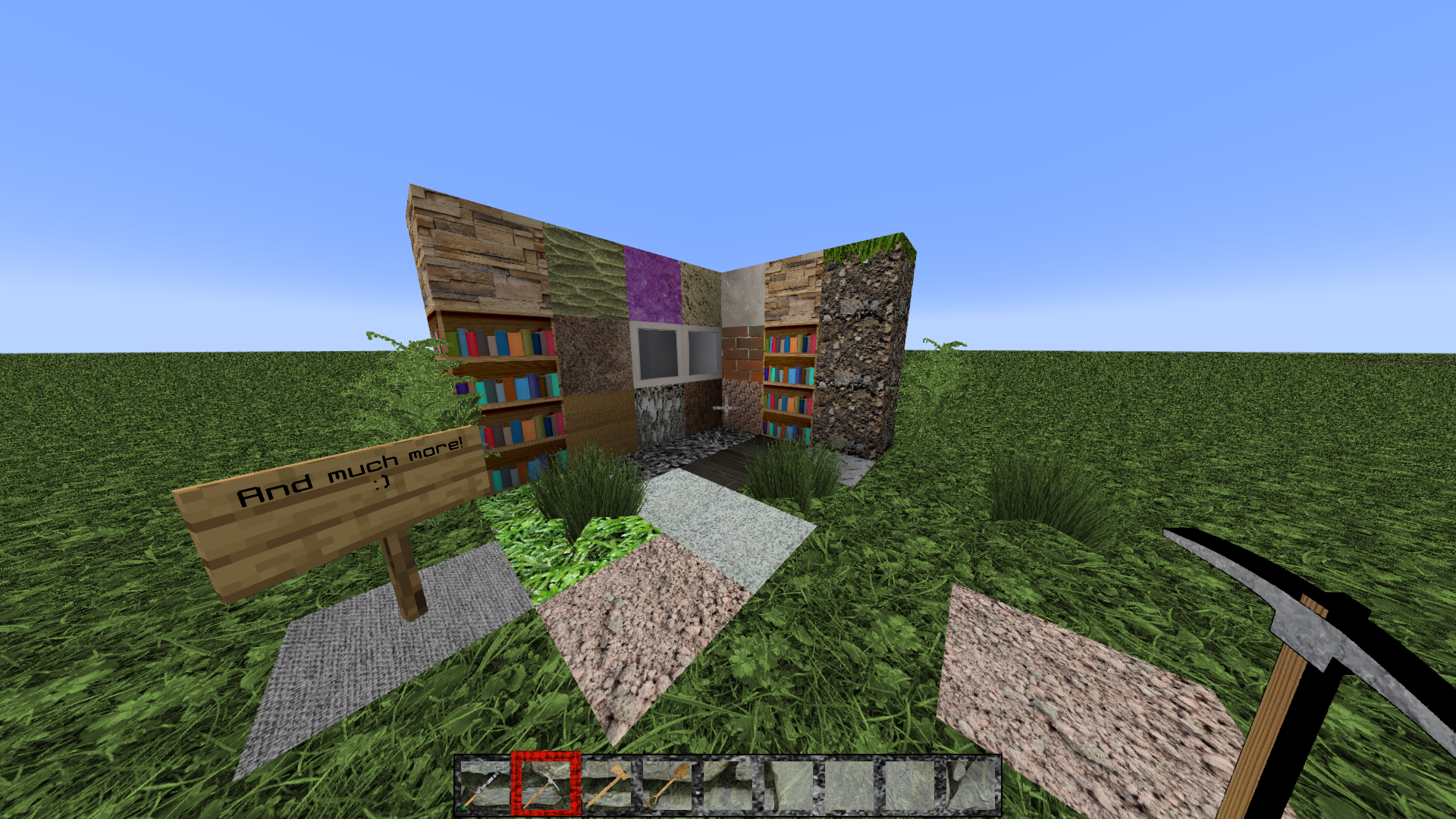
 If you’ve long dreamt of using a new set of textures that are realistic and as interesting as possible, simply use the FreeRealism add-on for Minecraft, which will impress you with its level of realism.
The creator has worked on a large number of textures, which now have a resolution of 1024x and feature a wealth of additional details. All you need to do is take a close look at all these features, and then you can confidently set off on an exciting adventure that is guaranteed to delight you not only with its features but also with its other interesting aspects. We wish you the best of luck!
How to install the texture pack:
Step 1: Download the texture pack using the link below.
Step 2: Extract the downloaded archive and copy the folder FreeRealism to c:\Users\Пользователь\AppData\Roaming\.minecraft\resourcepacks\ (if this folder does not exist, create it yourself) (For Windows)
Step 3: In the game, go to Settings, then Resource Packs. In the list on the left, click on the icon for the new texture pack that has appeared.
Comments (0)