



Fresh Animations Extensions for Minecraft 1.18.2
 The game’s visuals aren’t limited to just textures and shaders. For example, you’ll now be able to use the Fresh Animations Extensions add-on for Minecraft.
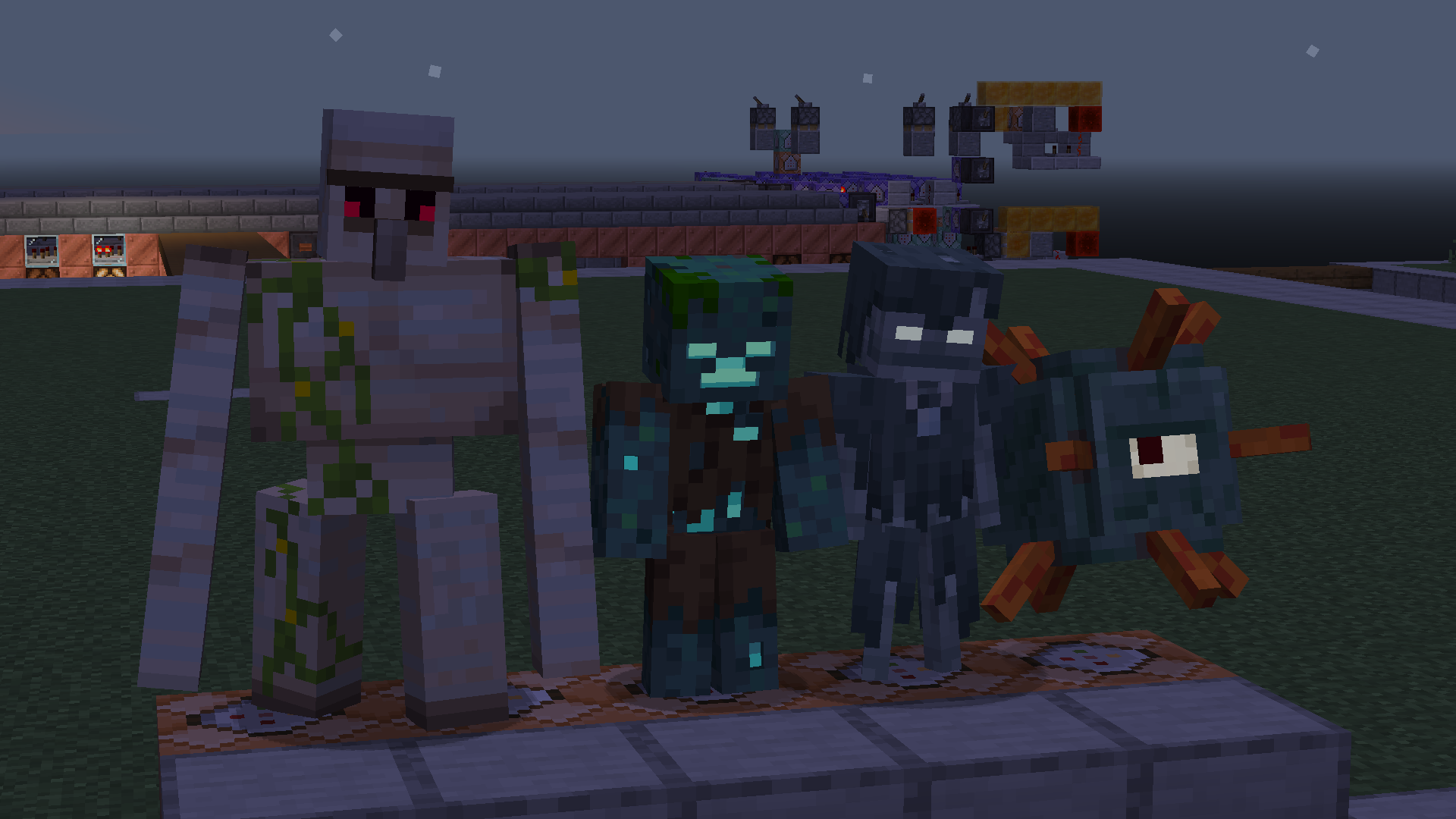
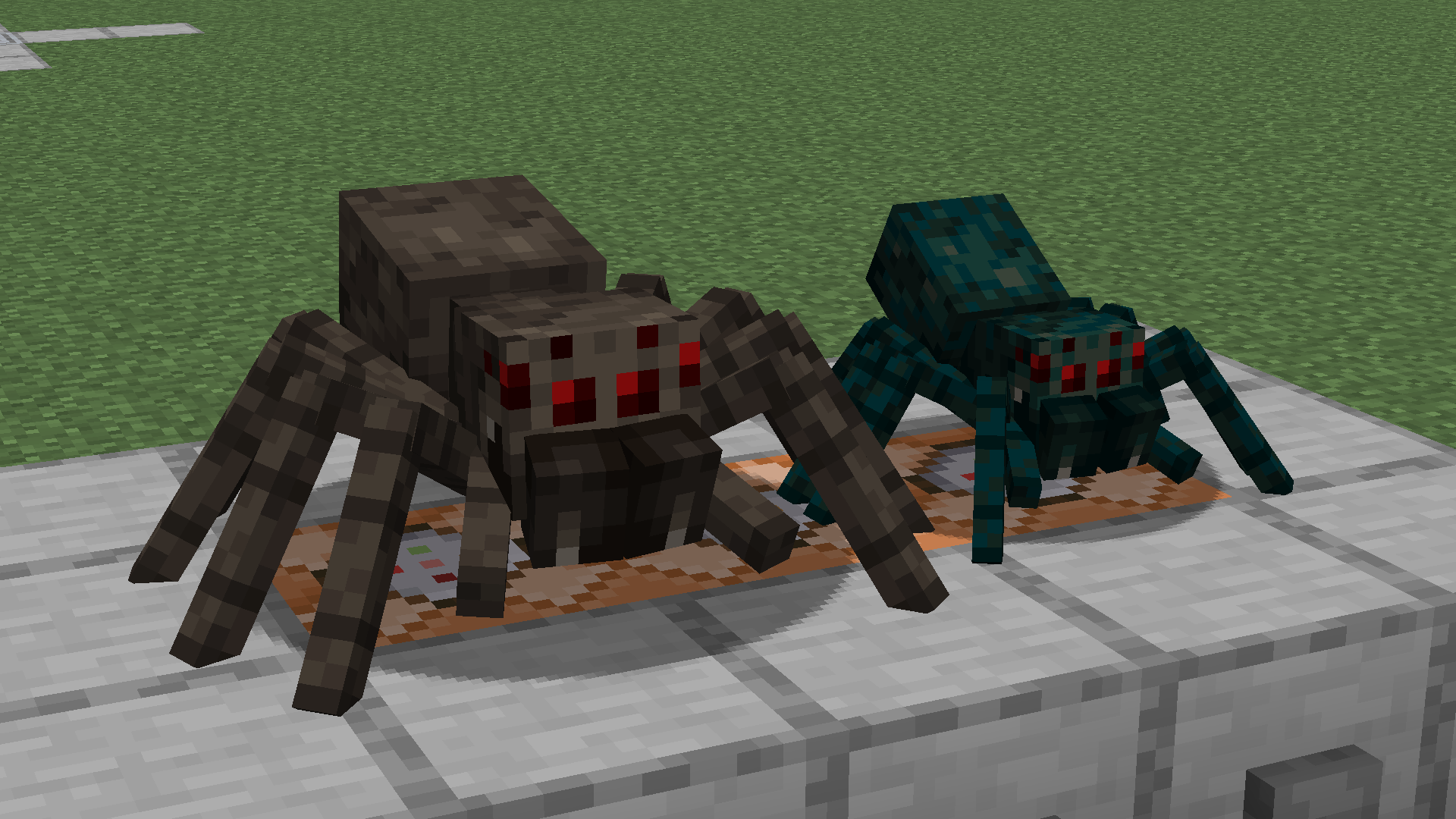
What makes this add-on unique is that it offers a large collection of completely new expressions, which aren’t limited to mobs and certain actions. The creator has really gone to great lengths to refresh a wide variety of animations, each of which is unique in its own way. We therefore invite you to embark on an exciting adventure and enjoy the new animation options. You’ll be delighted with this update. Good luck!
How to install the texture pack:
Step one: Download the texture pack using the link below.
Step two: Extract the downloaded archive and copy the Fresh Animations Extensions folder to c:\Users\Пользователь\AppData\Roaming\.minecraft\resourcepacks\ (if this folder does not exist, create it yourself) (For Windows)
Step three: In the game, go to Settings, then Resource Packs. There, click the new texture pack’s icon in the list on the left.
Comments (0)