



GeForceLegend's 3D Default for Minecraft 1.18
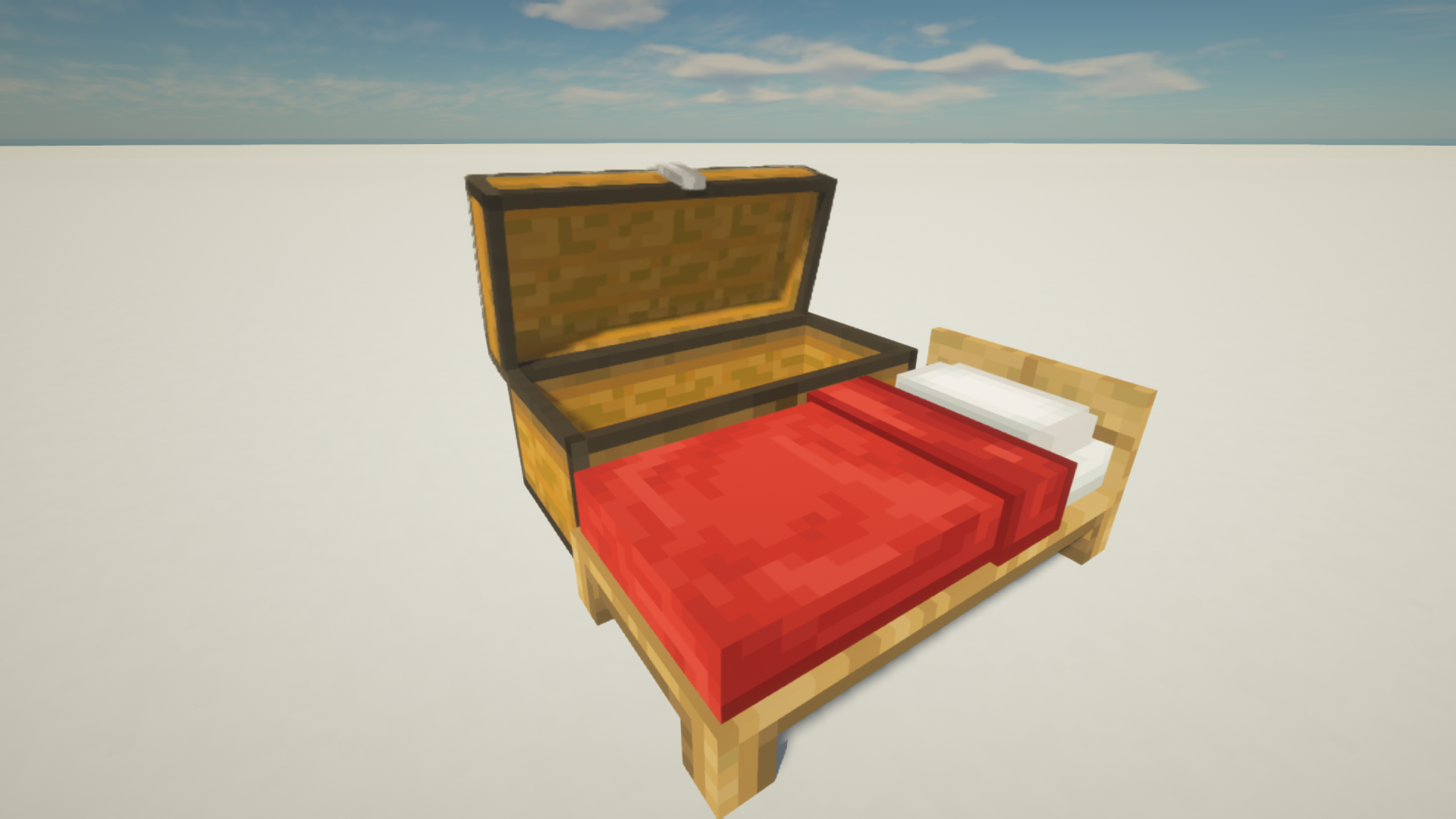
 GeForceLegend's 3D Default for Minecraft – a great way to access a whole range of 3D styles for a wide variety of items without putting too much strain on your system or significantly affecting performance.
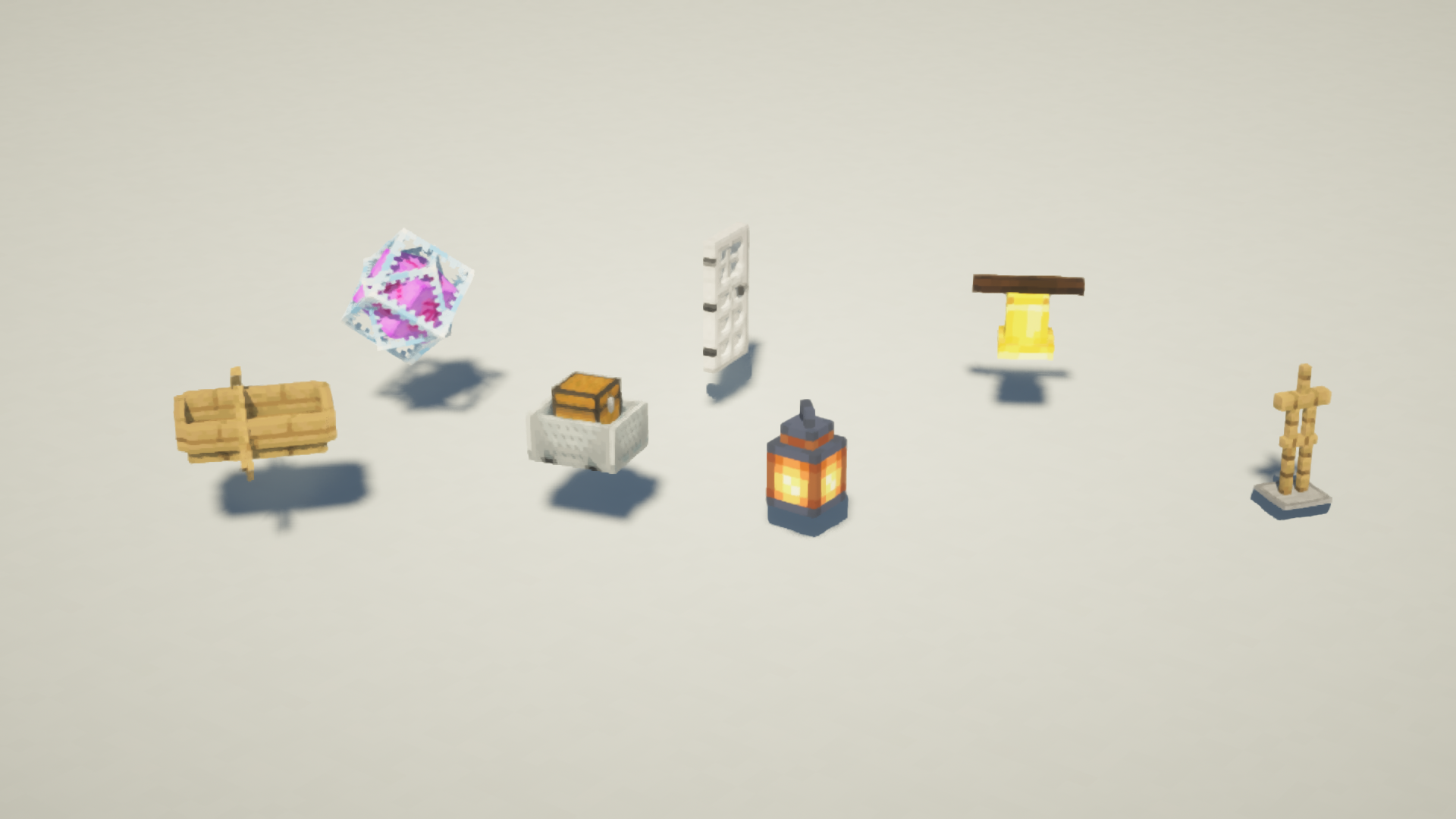
All that remains is for you to make the most of these new features and gradually work towards achieving good results. The author has tried to balance all the improvements so that you can enjoy the new possibilities and experiences they offer. Although some 3D models will look rather comical, they will still be a pleasant addition to your game. We wish you success and hope you have a great time.
How to install the texture pack:
Step 1: Download the texture pack using the link below.
Step 2: Extract the downloaded archive and copy the folder GeForceLegend's 3D Default to the following path: c:\Users\Пользователь\AppData\Roaming\.minecraft\resourcepacks\ (if this folder does not exist, create it yourself) (For Windows)
Step 3: In the game, go to Settings, then Resource Packs. There, click the icon for the newly added texture pack in the left-hand list.
Comments (5)