



Geopack for Minecraft 1.18
 Geopack for Minecraft is an unusual visual mod that will allow you to get the most enjoyment out of the gameplay with ease. You will now find that many of the game’s textures have a geometric design, making it easy to align resource patterns and shapes correctly.
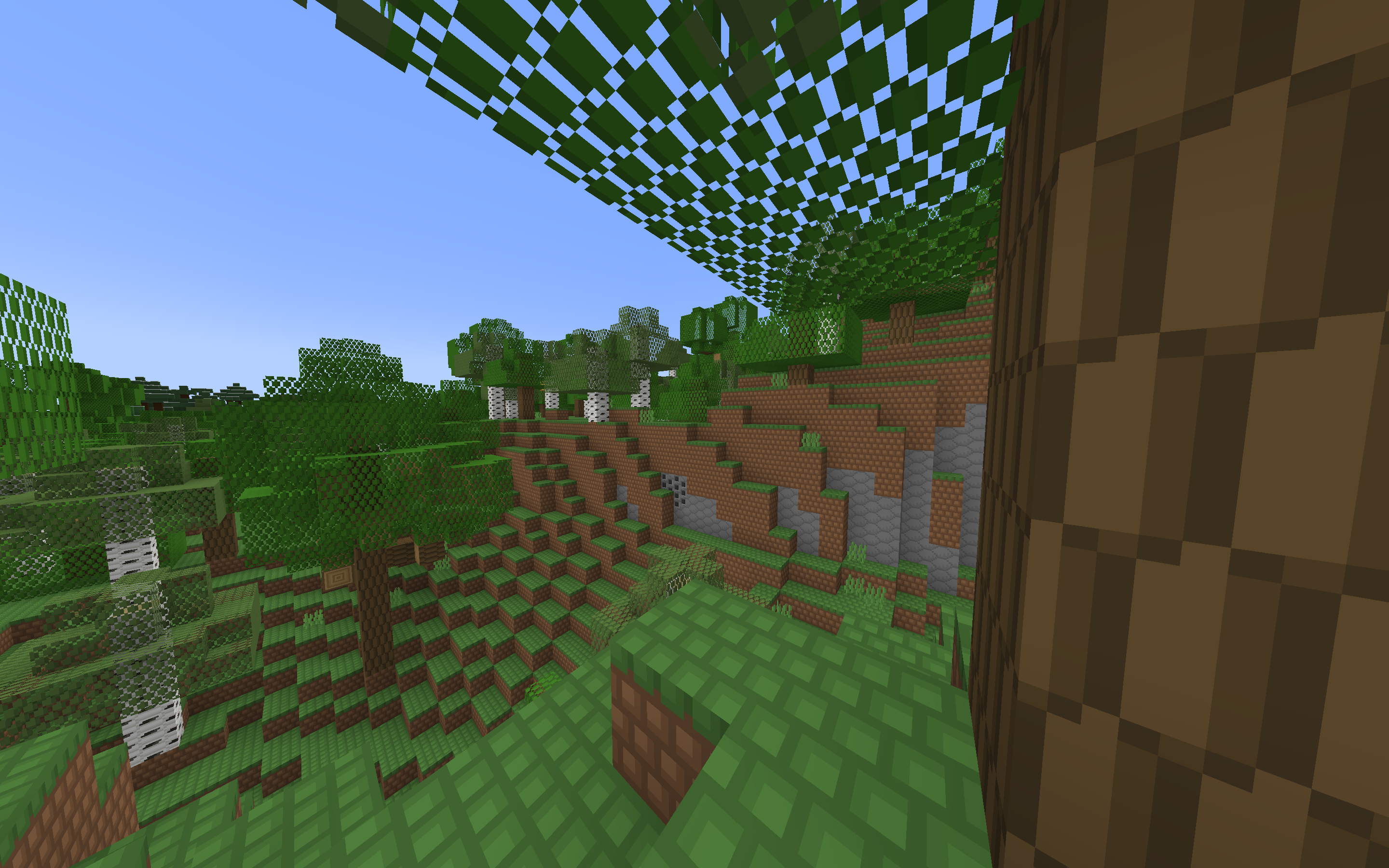
This mod will allow you to make effective use of any patterns without spending too much time aligning different objects with one another. Take your time, study all the patterns carefully, and simply enjoy your gaming adventure. We hope you have a great time and wish you all the best.
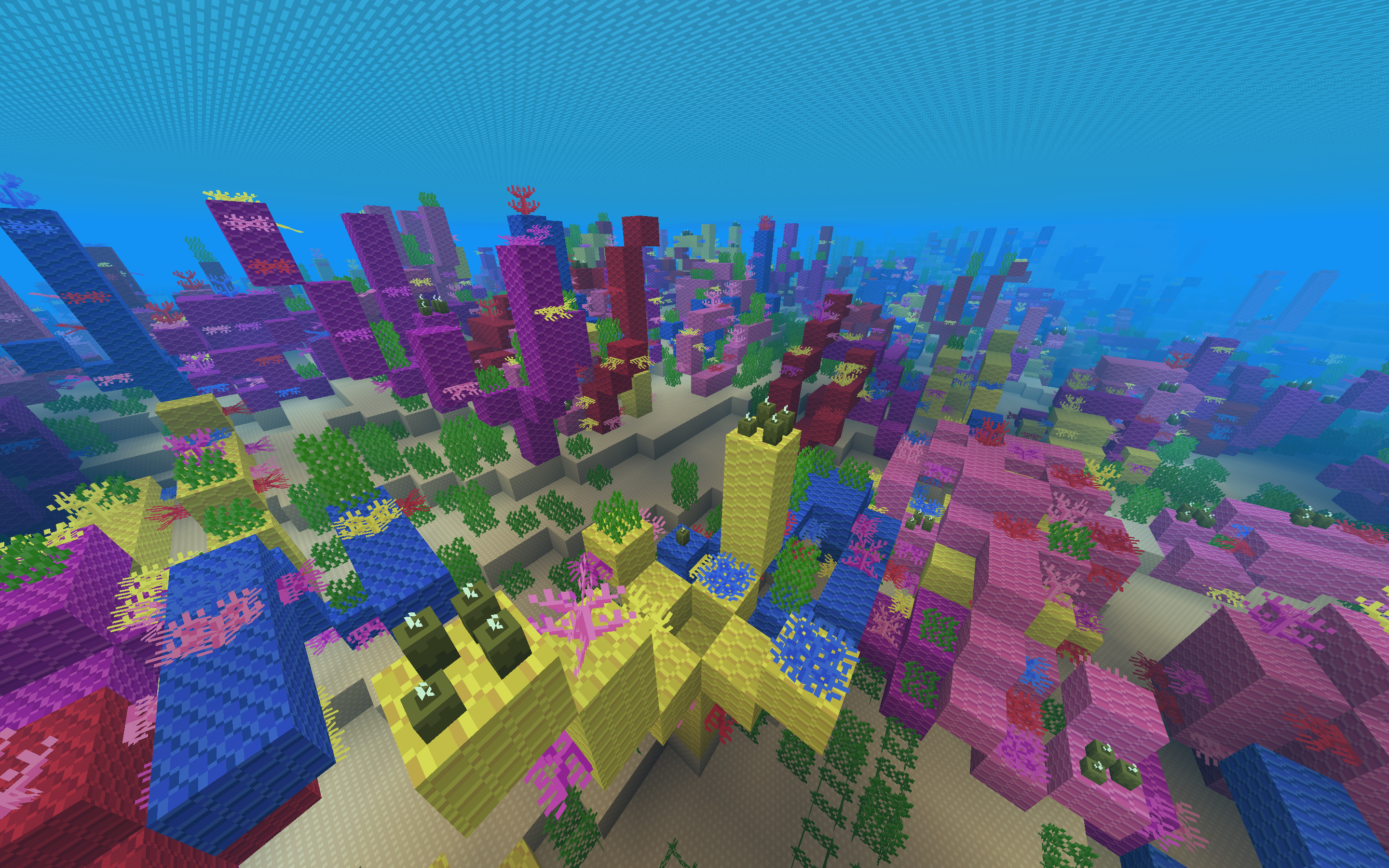
How to install the texture pack:
Step 1: Download the texture pack using the link below.
Step 2: Extract the downloaded archive and copy the Geopack folder to c:\Users\Пользователь\AppData\Roaming\.minecraft\resourcepacks\ (if this folder does not exist, create it yourself) (For Windows)
Step 3: In the game, go to Settings, then Resource Packs. In the list on the left, click the icon for the newly added texture pack.
Comments (0)