



Kobold Origin for Minecraft 1.18
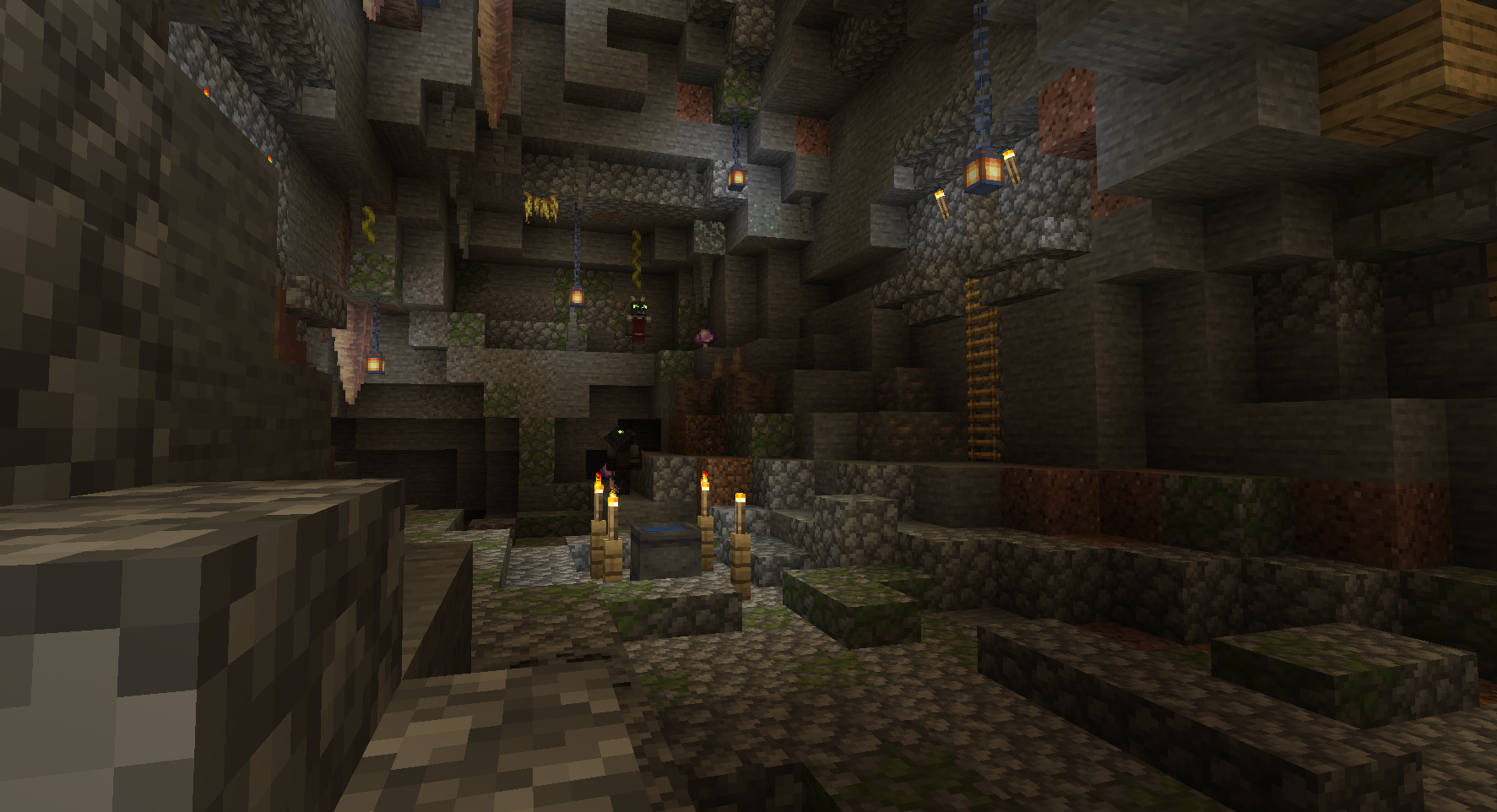
 Kobold Origin for Minecraft is a great opportunity not only to have a good time, but also to try out a new visualisation mod. All you need to do is make use of your new features and appreciate the work of the creator, who has tried to change literally every resource in the game.
Now fans of the game will have the chance to appreciate all the resources anew and spot them immediately, even in the darkest hours of the night – not to mention the other benefits that won’t be long in coming. All that remains is to wish you a good time and good luck on your new adventure.
How to install a texture pack:
Step one: Download the texture pack using the link below.
Step two: Extract the downloaded archive and copy the folder Kobold Origin to the following path: c:\Users\Пользователь\AppData\Roaming\.minecraft\resourcepacks\ (if this folder does not exist, create it yourself) (For Windows)
Step three: In the game, go to Settings, then Resource Packs. There, click on the icon for the new texture pack in the left-hand list.
Comments (0)