



NickyB1106s Christmas for Minecraft 1.18
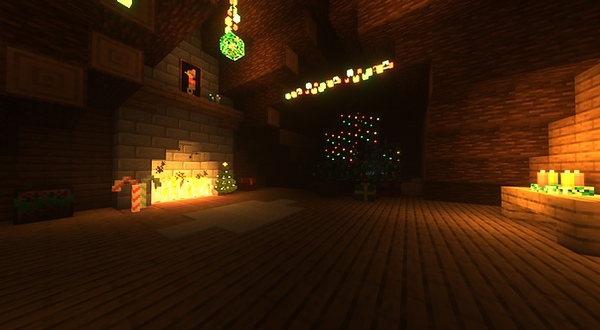
 To have a great time, simply use a themed design throughout your adventure. To start with, we’d like to recommend the NickyB1106s Christmas add-on for Minecraft, which is sure to delight you with its unique look. Then you can set off on a thrilling adventure that certainly won’t disappoint you.
All that remains is to make the most of all your abilities and do whatever it takes to achieve a good result. The main thing is simply to follow your usual path, and you certainly won’t lose your way in your new adventures. All that remains is to take those first steps, and the results won’t be long in coming. We hope you have a great time!
How to install the texture pack:
Step 1: Download the texture pack using the link below.
Step 2: Extract the downloaded archive and copy the folder NickyB1106s Christmas to the following path: c:\Users\Пользователь\AppData\Roaming\.minecraft\resourcepacks\ (if this folder does not exist, create it yourself) (For Windows)
Step 3: In the game, go to Settings, then Resource Packs. There, click on the icon for the new texture pack in the left-hand list.
Comments (0)