



Nik's New Cartoon for Minecraft 1.18
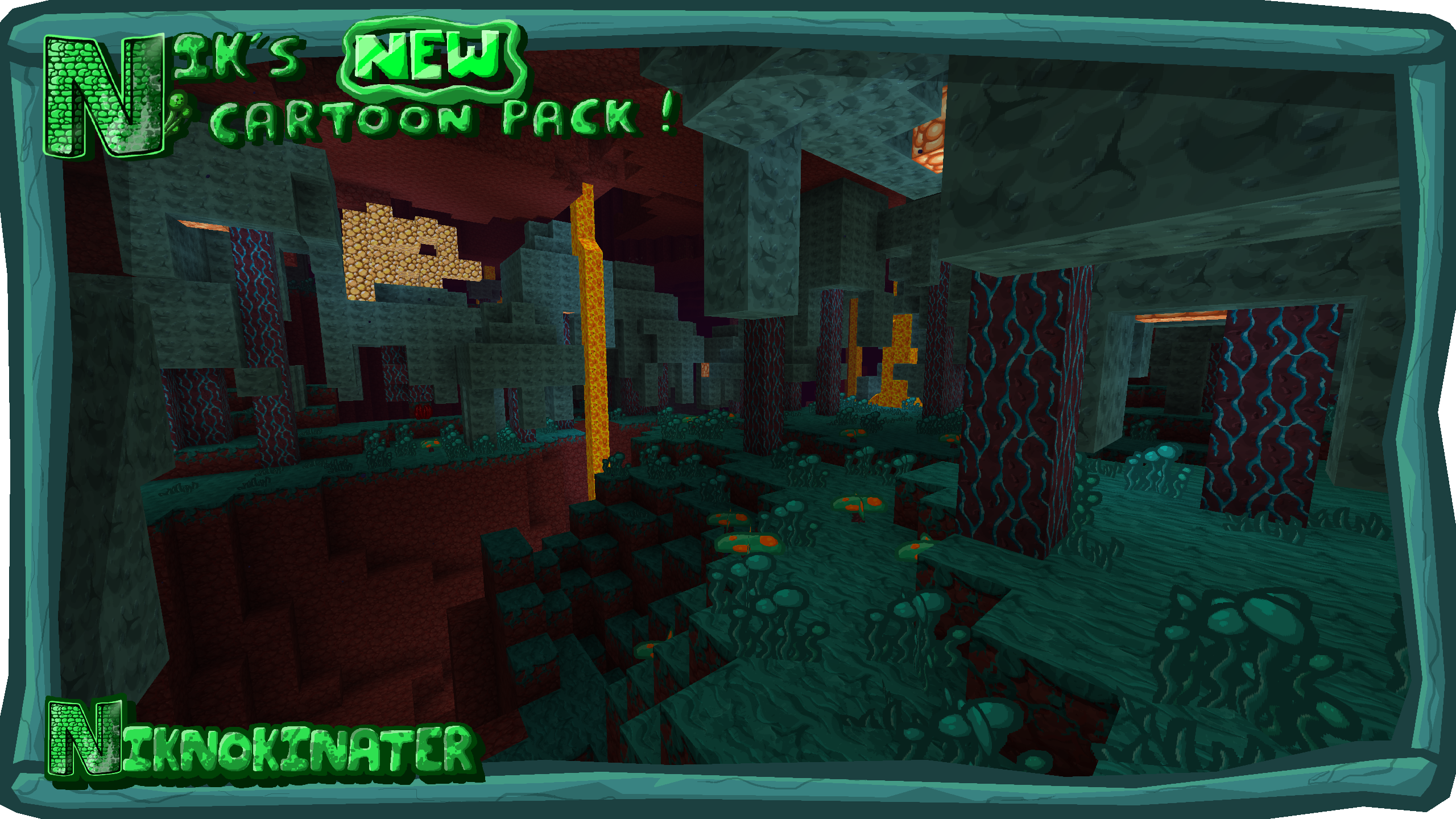
 A cartoon style for a gaming adventure isn’t something you come across very often, so we’re delighted to let you know about a new add-on for Minecraft called Nik's New Cartoon.
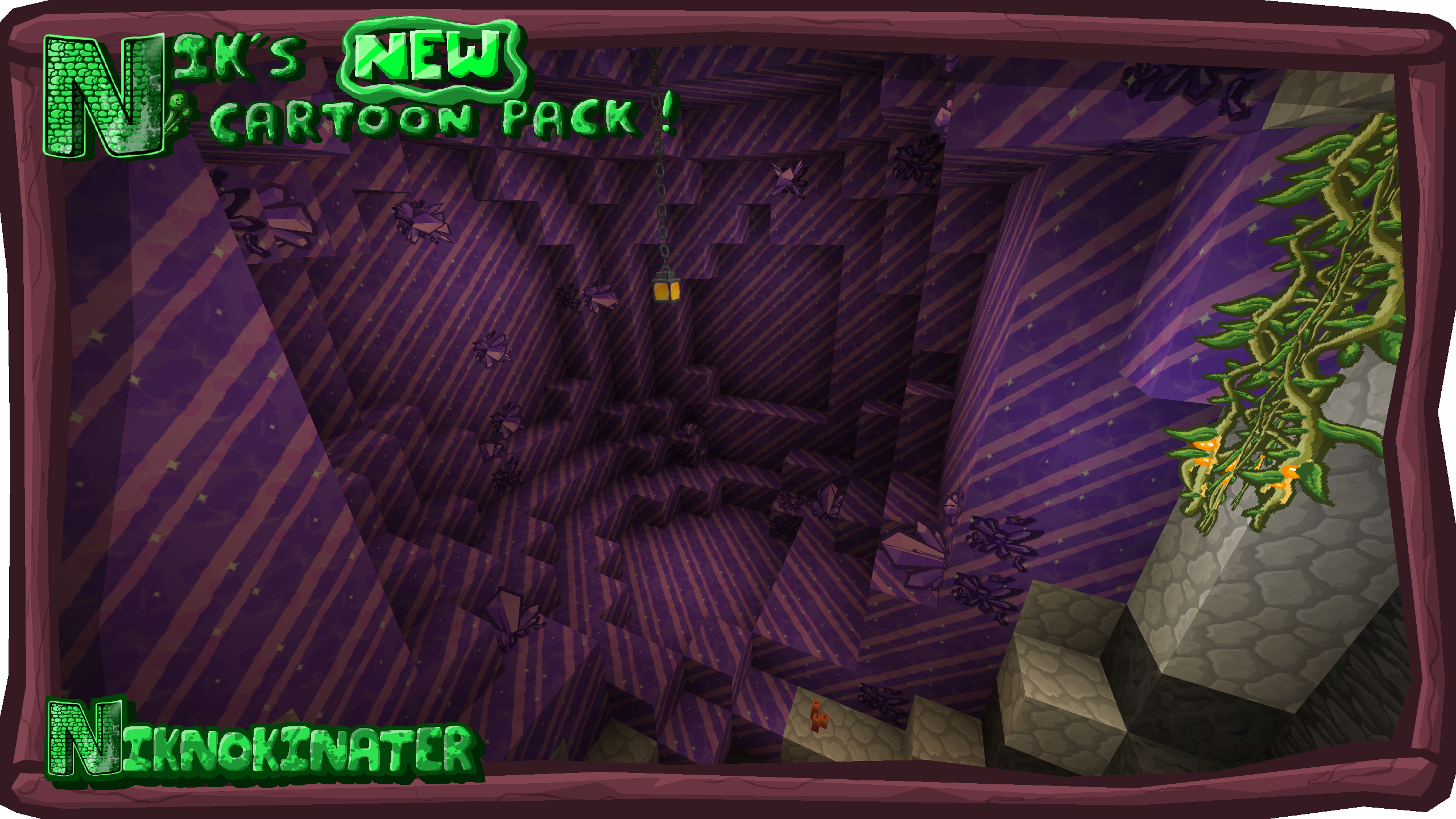
This will allow you to easily enjoy entirely new ways to appreciate the visuals throughout your adventure. The creator has worked to make the cartoon-style textures vibrant and detailed while retaining their charm. Thanks to these changes, you’ll experience a completely new atmosphere in the game and be able to see all sorts of things in a fresh light. All that remains is to get started and try to make the most of every opportunity to achieve a good result.
How to install the texture pack:
Step 1: Download the texture pack using the link below.
Step 2: Extract the downloaded archive and copy the folder Nik's New Cartoon to c:\Users\Пользователь\AppData\Roaming\.minecraft\resourcepacks\ (if this folder does not exist, create it yourself) (For Windows)
Step 3: In the game, go to Settings, then Resource Packs. There, click on the icon for the new texture pack in the left-hand list.
Comments (0)