



Roundista BedrockRTX for Minecraft Pocket Edition 1.18
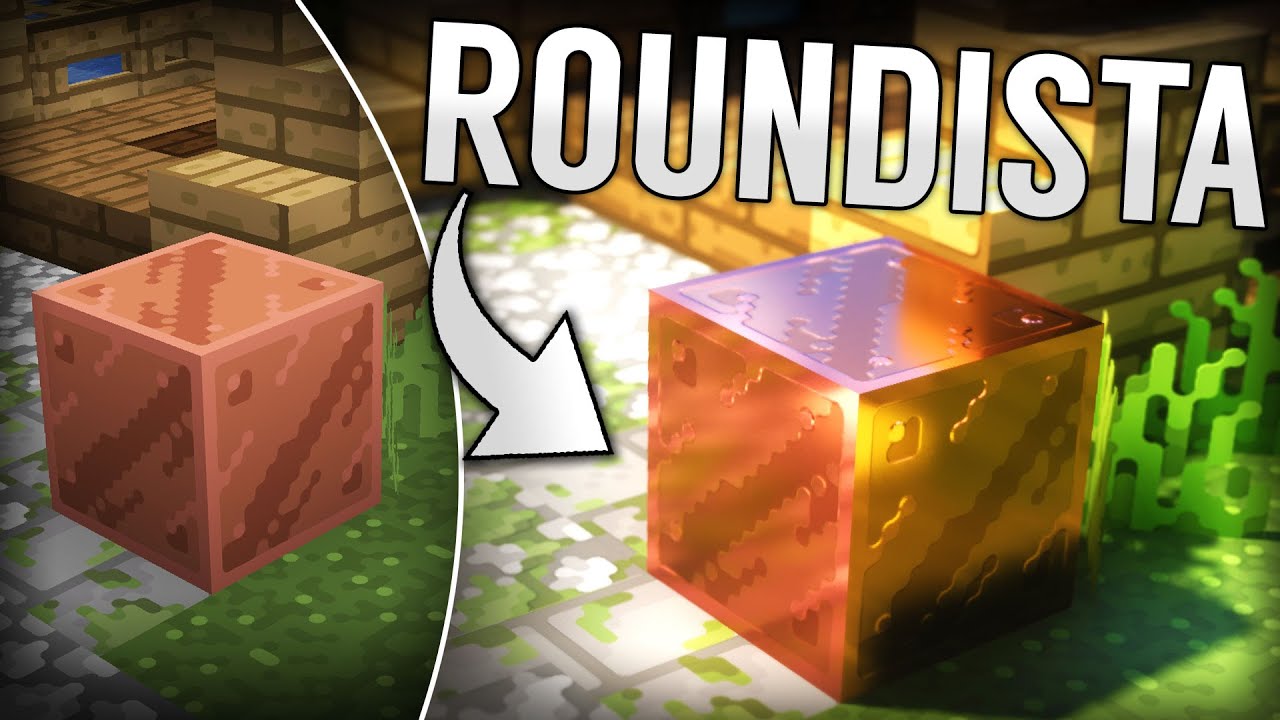 It’s been a while since you’ve seen any unusual and well-crafted mods, hasn’t it? Today, we’d like to suggest trying the Roundista BedrockRTX add-on for Minecraft. This add-on will not only delight you with brand-new features but also give you plenty of enjoyable experiences.
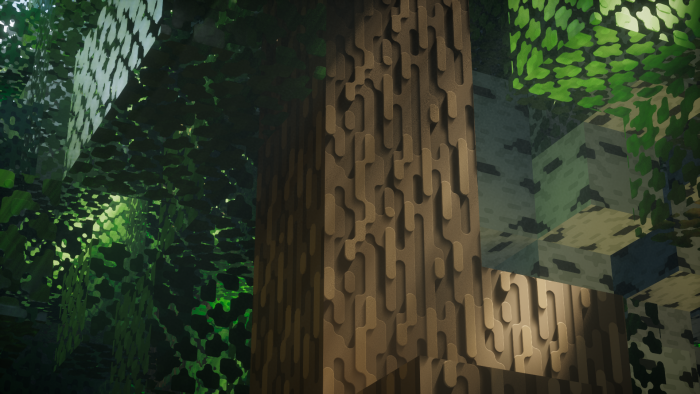
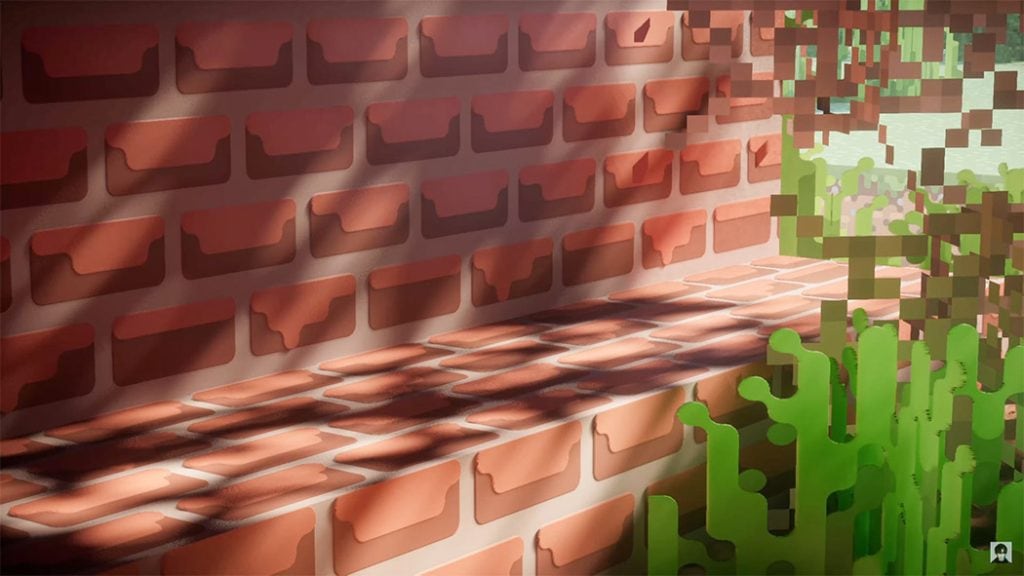
The main thing is not to waste any time and to work confidently towards a good result. The key feature of this add-on is that all pixels will now have a rounded shape, which is sure to delight you and give you the chance to experience new emotions on your journey. Don’t waste any time – set off on an adventure that’s sure to delight you.
How to install the texture pack:
Step 1: Download the texture pack using the link below.
Step 2: Extract the downloaded archive and copy the Roundista BedrockRTX folder to games\com.mojang\resource_packs (if this folder does not exist, create it yourself)
Step 3: In the game, go to Settings; next to ‘Texture Packs’, you’ll see a ‘Manage’ button – click on it. The copied texture pack will appear in the list on the left; click on it so that it moves to the top of the list on the right.
Comments (3)